Translate


The Problem
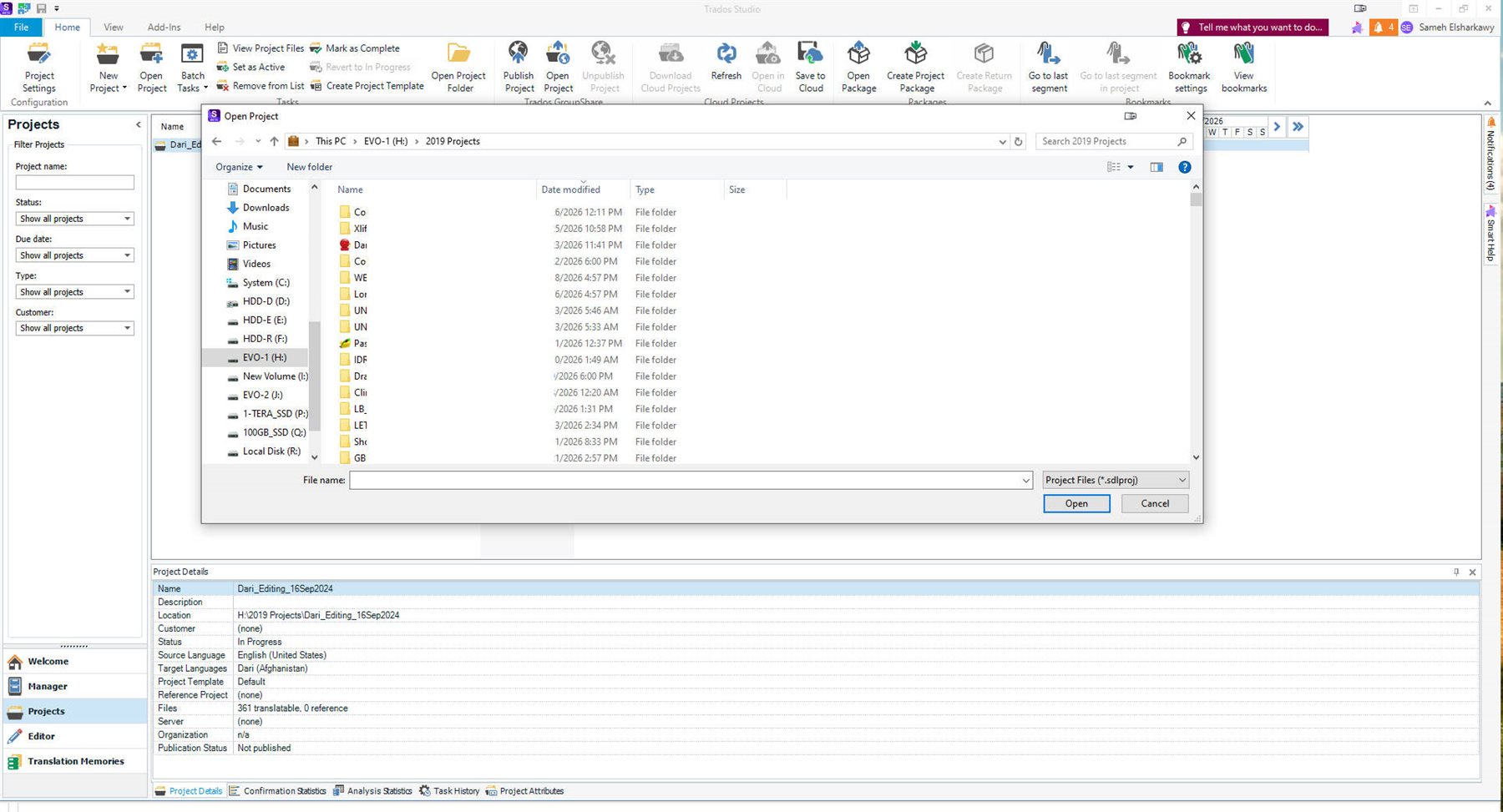
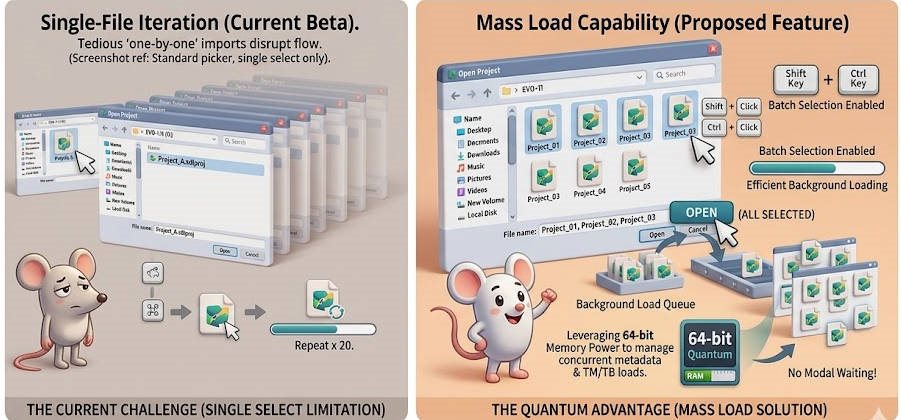
The current "Open Project" interface (as shown in my screenshot) utilizes a standard Windows file picker that restricts the user to selecting a single .sdlproj file. For users managing dozens of small projects or daily drops, this requires repeating the "Open -> Browse -> Select -> OK" cycle 10 or 20 times, which is inefficient and repetitive.
The Proposed Solution: "Mass Load" Capability
Update the Open Project internal logic to allow Standard Windows Multi-Select (using Shift + Click or Ctrl + Click) within the file browser.
Functional Requirements
-
Batch Selection: Enable the selection of multiple
.sdlprojfiles from the same directory. -
Background Loading: Once "Open" is clicked, Studio should queue the projects and load them into the Projects View in the background, rather than opening them one-by-one with a modal progress bar for each.
-
Quantum 64-bit Advantage: Since this is the first 64-bit release, the system can handle the concurrent memory overhead of parsing multiple project XMLs and their associated TM/TB connections without the "Out of Memory" risks present in the 32-bit architecture.
User Experience Impact
"Translators and PMs often receive 'kits' containing multiple project files. Forcing a one-by-one import is a legacy 32-bit limitation. The Quantum 64-bit release should empower users to 'Drag and Drop' or 'Multi-Select' an entire folder’s worth of projects into the dashboard instantly."