Translate



Im trying to create an icloud project. I have trados studio 2021, but i have never used the online version, I mean Icloud. I want to use I cloud because I want to be able to translate from my laptop or any other device without having to have the software everywhere. So i opened a project in icloud and landed in this step:
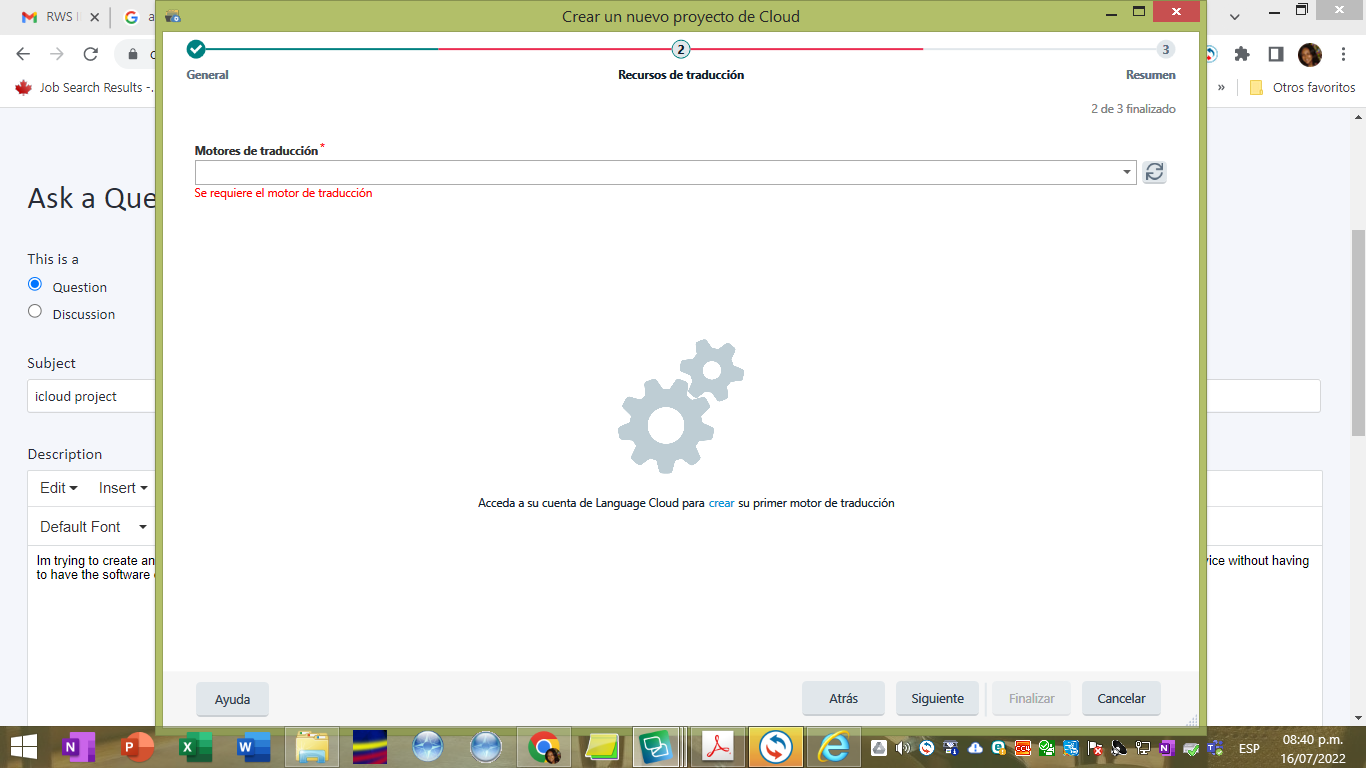
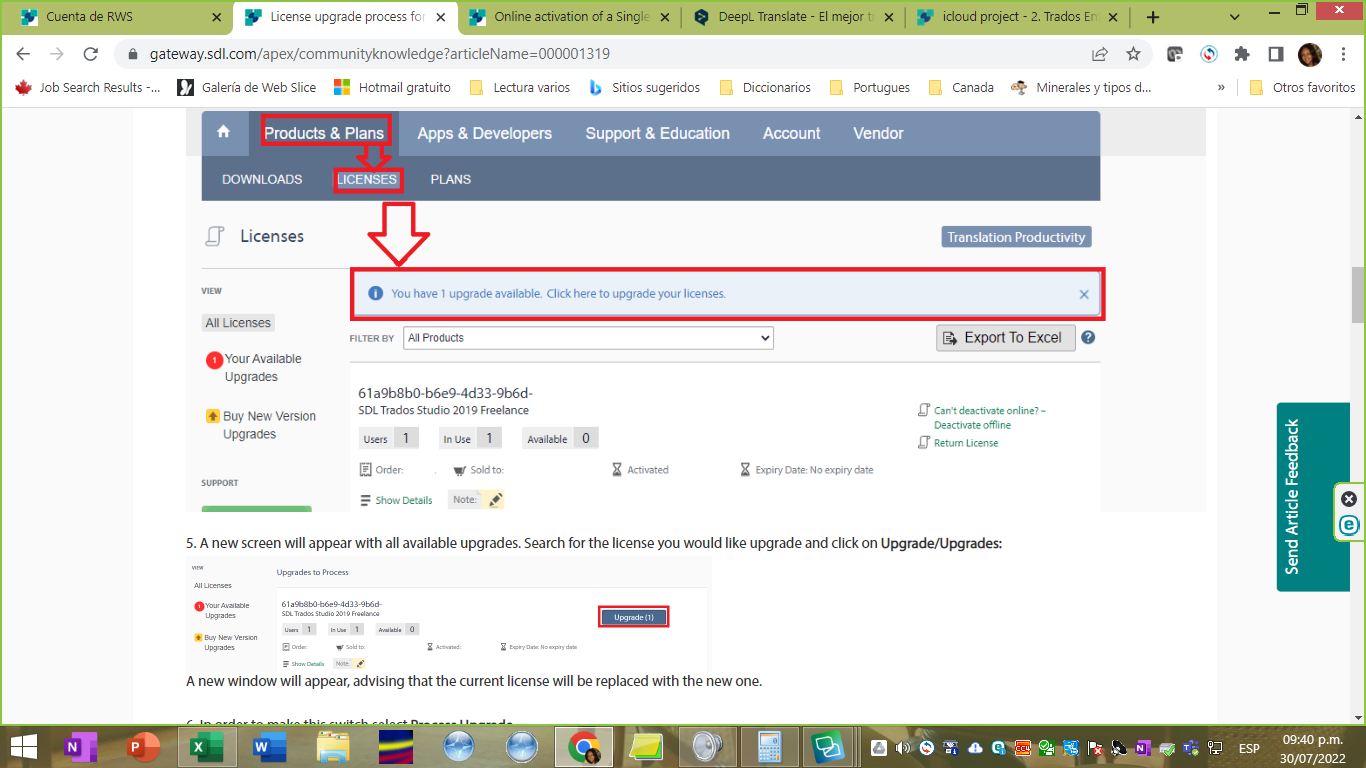
When i click anove it sends me to this website:
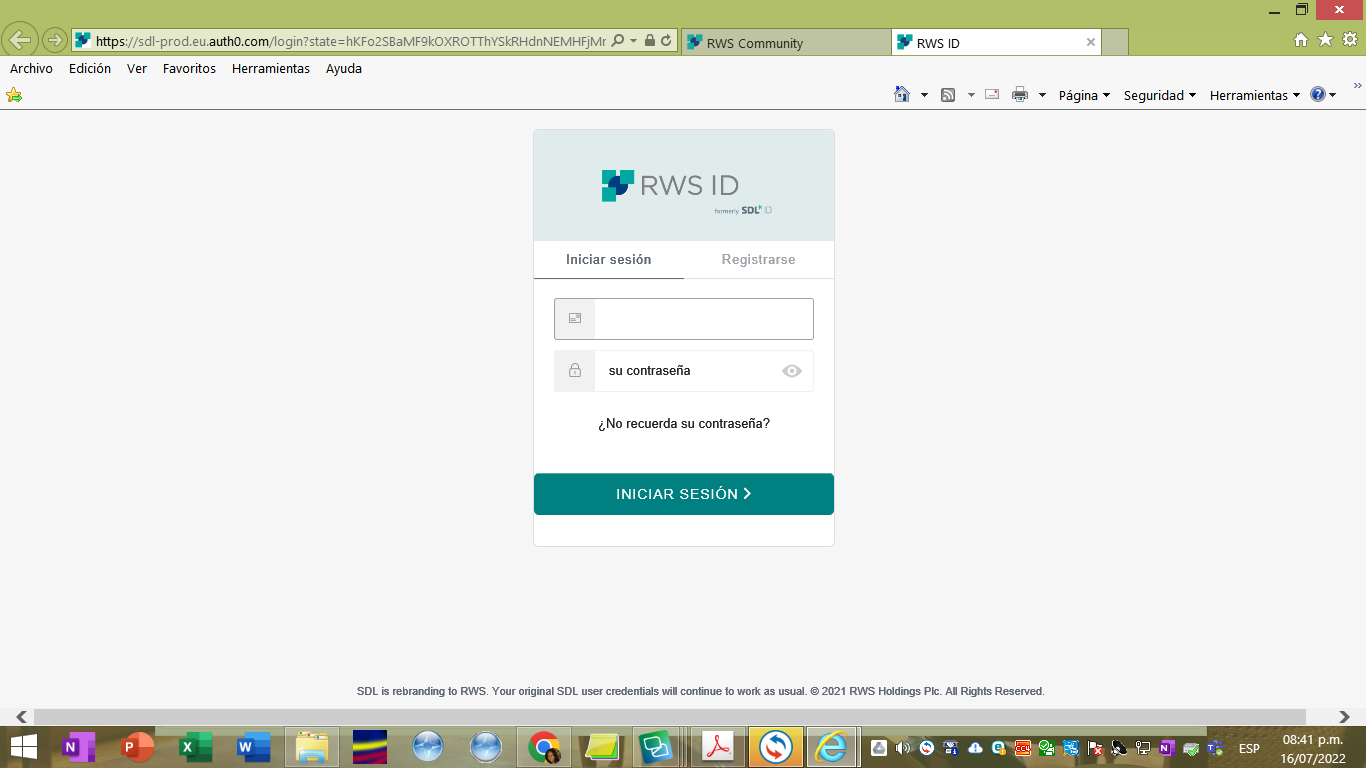
I put my password and i see this:
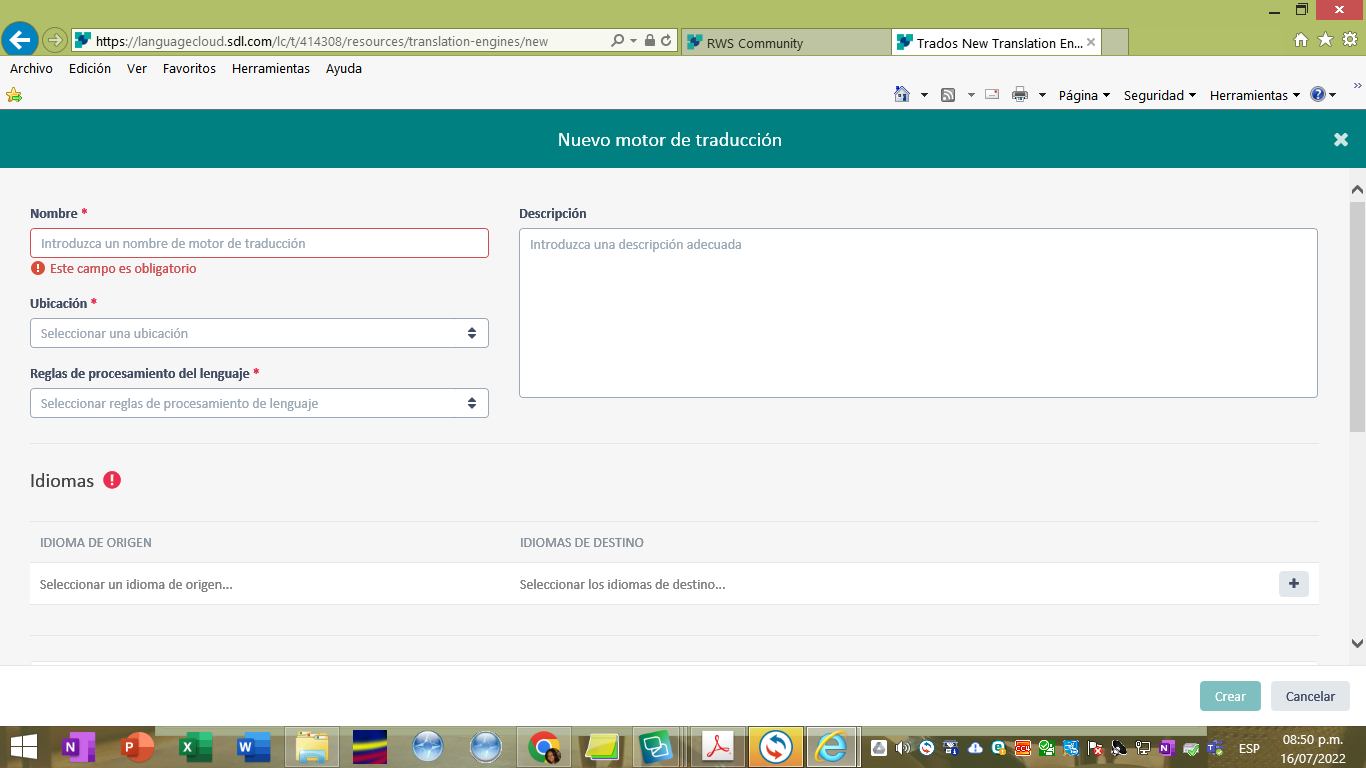
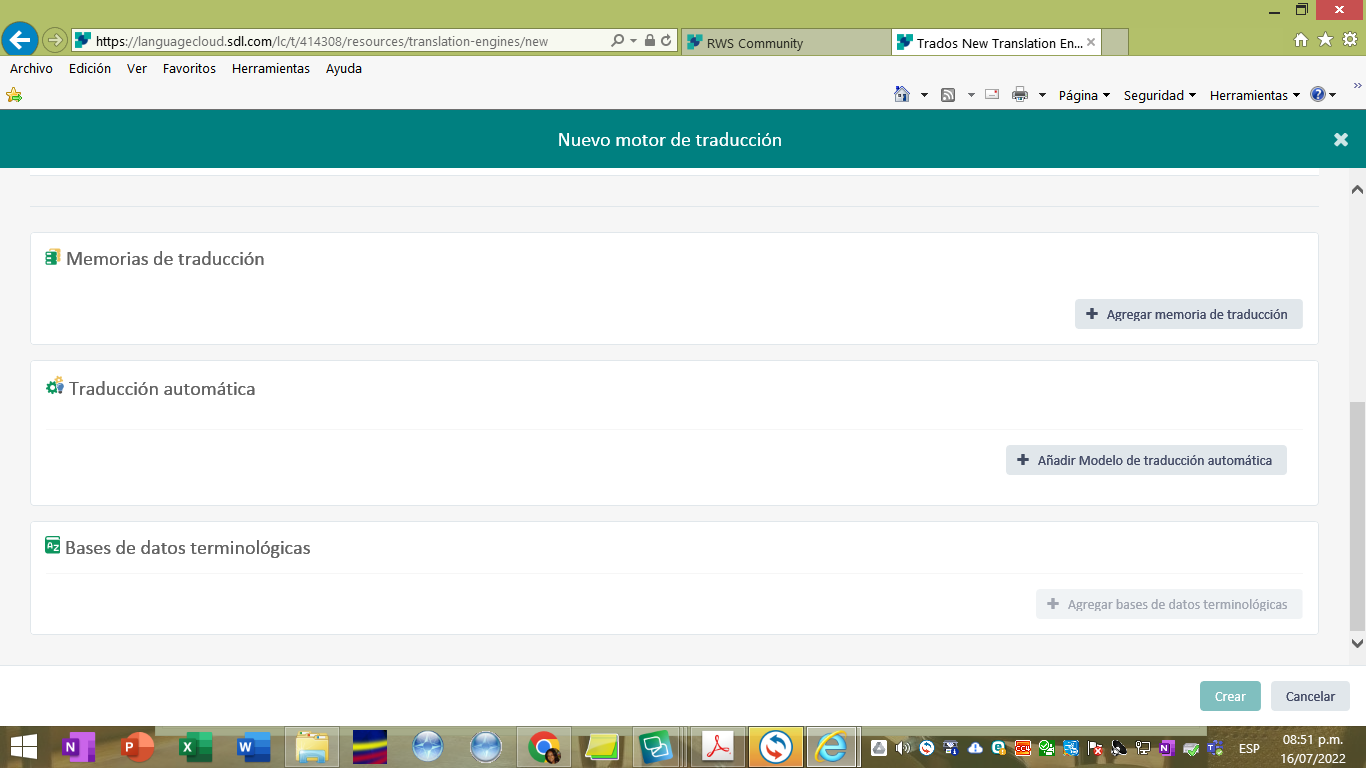
I want to use the memory and the glossaries i have in my desk trados, how do I do that? What am I supposed to put in Name, location..etc. and below where it says translation memory, how do i bring my desk trados memory here?
Thanks!
Generated Image Alt-Text
[edited by: Trados AI at 7:23 AM (GMT 0) on 5 Mar 2024]





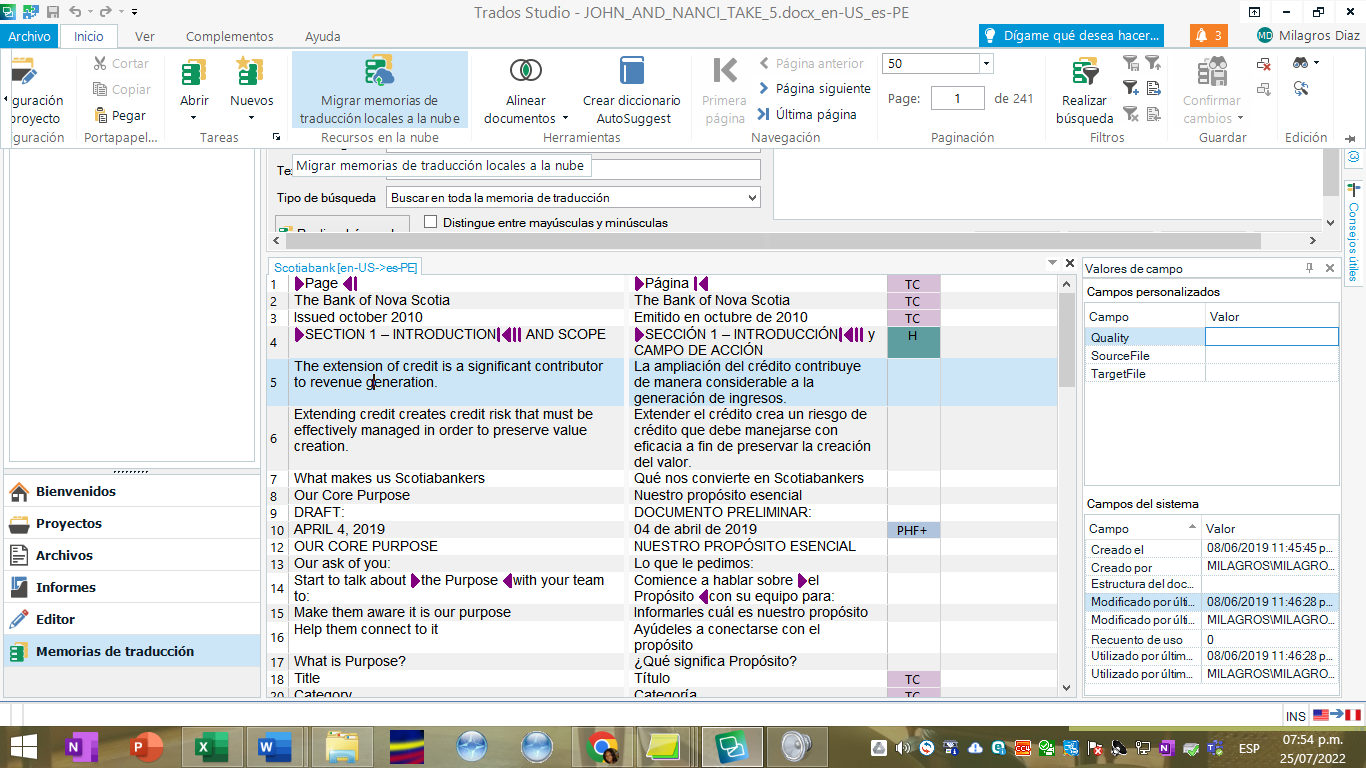
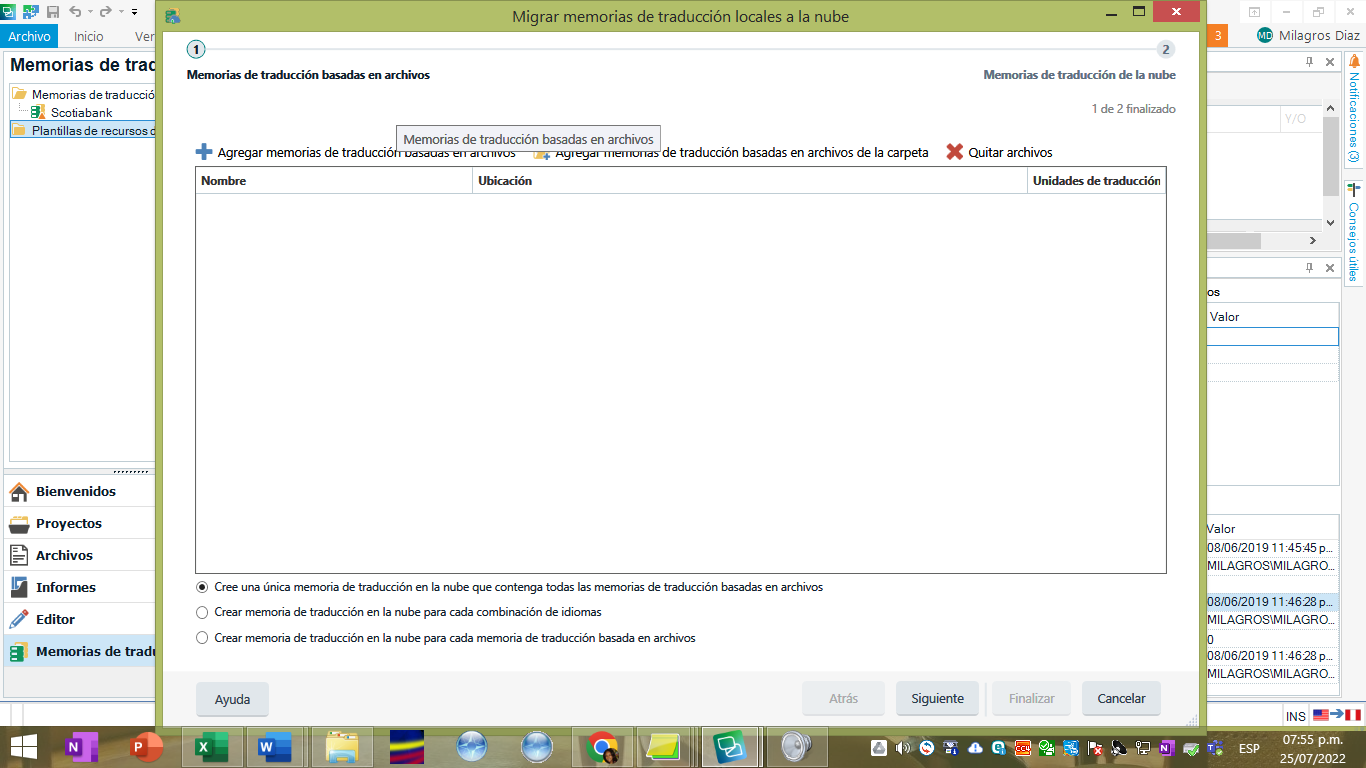 I dont see the option to migrate termbases. What can I do?