
 Translate



Trados Studio 2024 SR1 - 18.1.3.6657
Good morning. Since I installed the latest update this morning (Trados 25.11.2 Release) I have had a problem which has left me with a major problem and unable to work with my major client
I did a cloud job this morning and then clicked on the Completed button. Shortly afterwards I got a message from my client that for some reason it wasn’t all there and wondering whether I had become disconnected somehow. I looked and found that I needed to sign in. I clicked on sign in, taking me to this screen
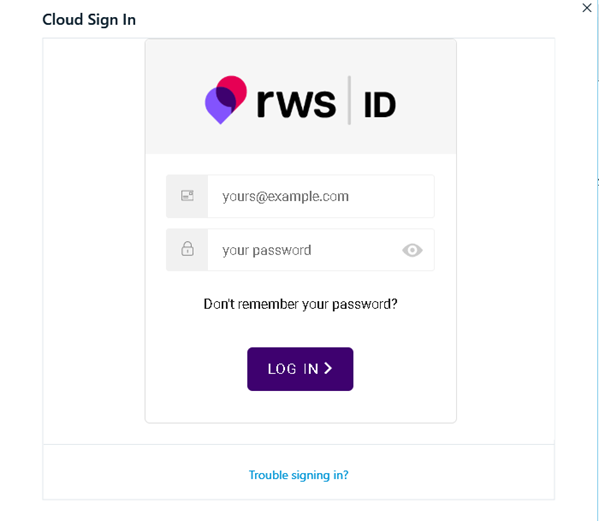
I filled in the relative details, which then took me to this screen
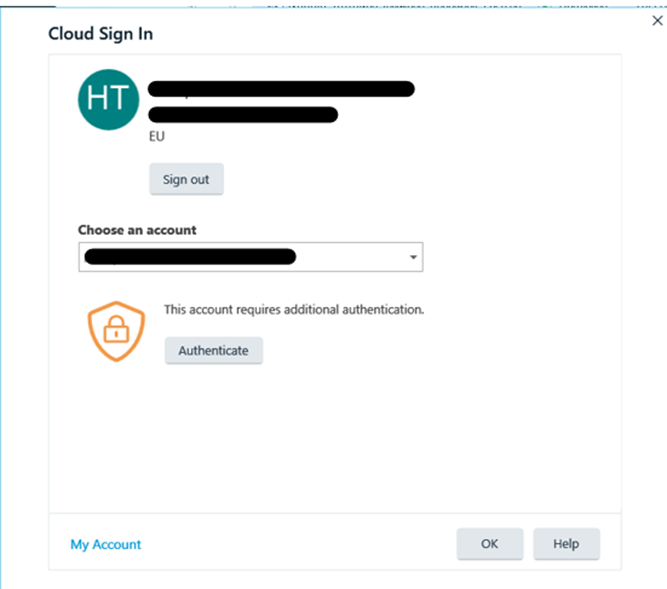
I clicked on “Authenticate” and it took me to the following screen.
But this screen does absolutely nothing. When I click on any of the options there it does absolutely nothing and the only way to get out of this is to End Task via the Task Manager.
I have tried logging in when I am also logged in via a browser, when I am not logged in via the browser, I have changed password and I have even tried a clean reinstall, although that wasn’t an option as I was unable to deactivate my licence, and Repair Installation hasn’t helped either. Mind you, I doubt if a clean install would have made any difference either. All in all I am fed up and have wasted an entire morning trying to do something which should be the most basic of actions.
I would heartily appreciate it if anyone has any suggestions on how to get out of this circle of doom.
Removed AI Suggestion
[edited by: Anthony Hatton at 12:17 PM (GMT 0) on 28 Nov 2025]


