Translate



We have a Trados Team tenant in the EU region (URL: https://eu.cloud.trados.com).
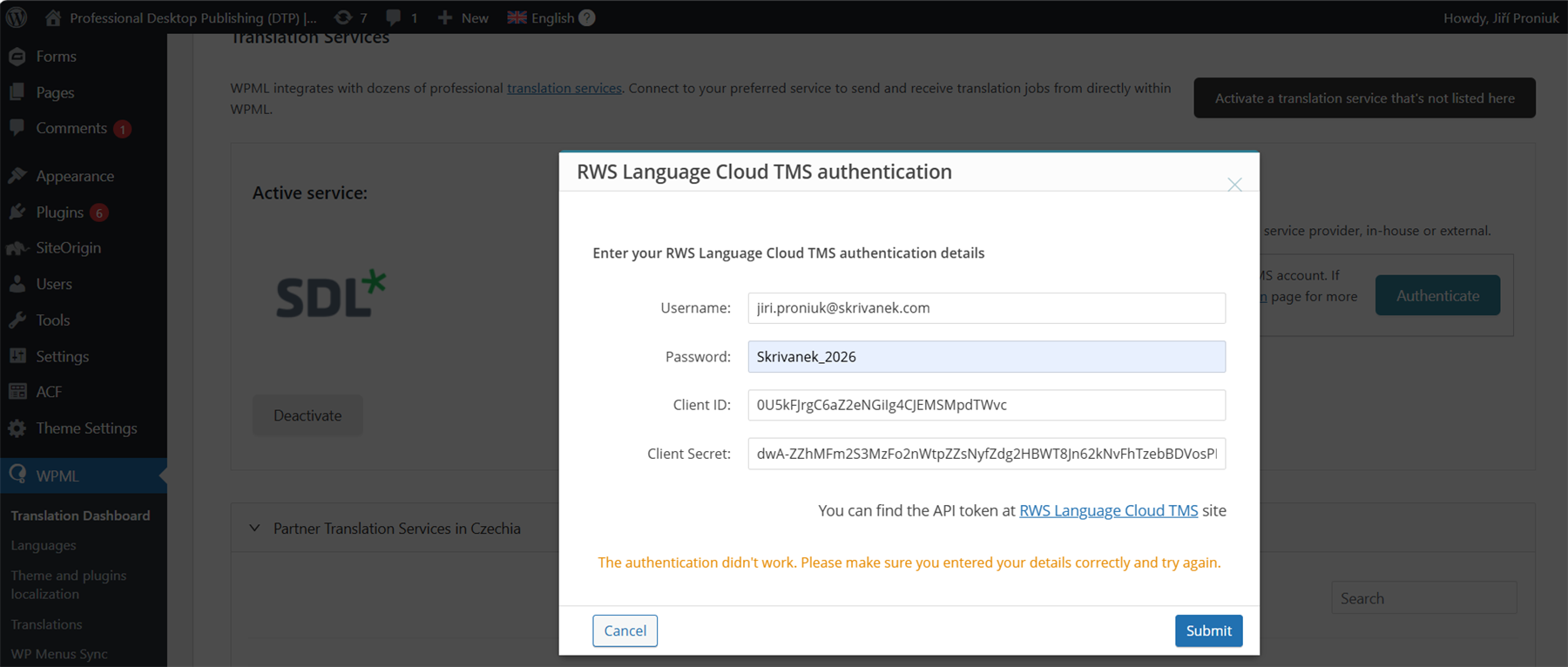
We’re trying to connect WordPress WPML via the “RWS Language Cloud TMS” translation service.
In Trados Team we created a dedicated user and application and we’re entering the following into WPML:
– Username: <our Trados Team user>
– Password: <user password>
– Client ID / Client Secret: <from the Application in Trados Team>
However, WPML always returns “Authentication failed” and we cannot log in to https://cloud.trados.com/cp (or https://eu.cloud.trados.com/cp) with the same account either.
Could you please:
-
Confirm that our tenant has Language Cloud TMS / Customer Portal and the WPML connector enabled?
-
Either enable the necessary API scopes for WPML, or provide us with official credentials (username/password + client_id/client_secret) that are known to work with the WPML connector.
Removed AI Suggestion
[edited by: Jiri Proniuk at 1:57 PM (GMT 0) on 16 Dec 2025]