Translate



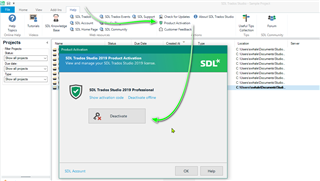
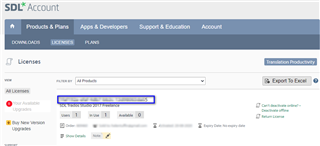
How exactly do I deactivate a licence on one computer so I can use Studio 2017 on another? And then reactivate it on the first computer later on? Do I use the Help - Product Activation - Deactivate menu in Studio? Or the "Return license" link in my online SDL account? I can see lots on this subject, but not on HOW. Thanks very much.

RWS Community