Translate



Hi,
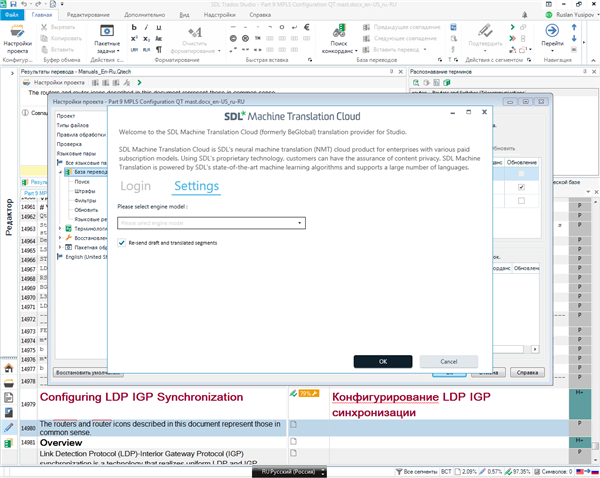
Today I statrted my working day as usual by opening Trados Studio 2017. But then I noticed that NMT translation dissapeared from translation results. I opened SDL Machine Translation Cloud plugin settings and haven't found Generic engine model there (the dropdown menu just appears empty).
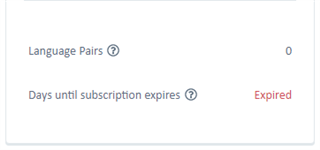
Then I went to my SDL Machine Translation Cloud account and found that my account is expired:
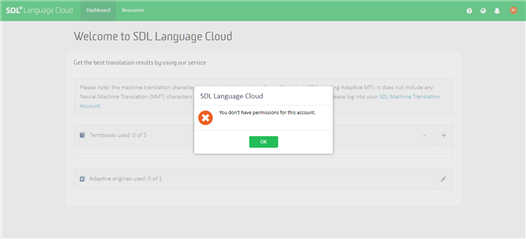
However I can't access SDL Language Cloud account due to this error:
It appears that nothing will help to solve this issue on my own so I ask for help here and want you to open a ticket for it.
Please, help me to solve my issue as I need to continue my work asap!
Best Regards,
Ruslan Yusipov
Generated Image Alt-Text
[edited by: Trados AI at 11:42 AM (GMT 0) on 4 Mar 2024]