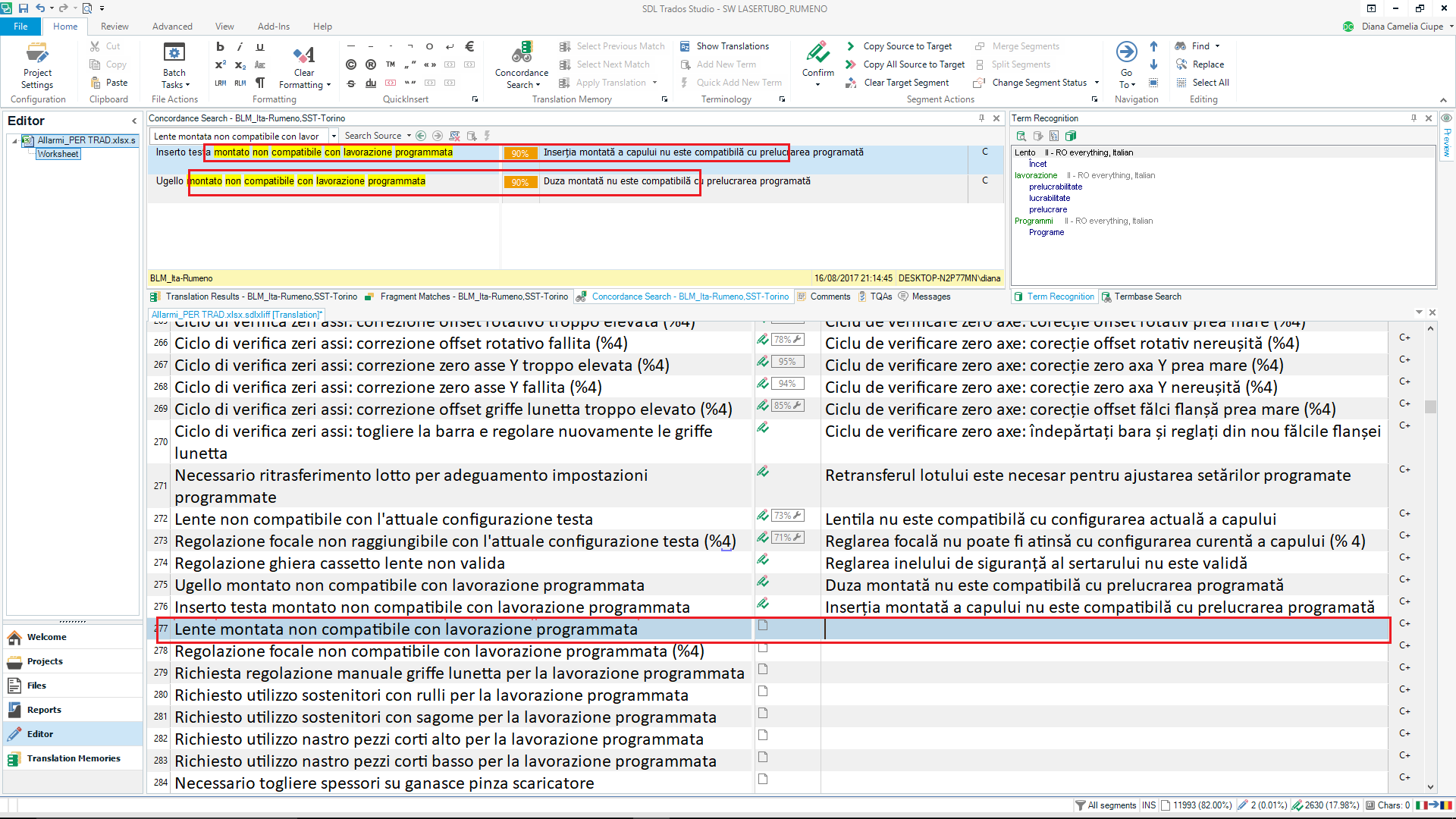
After installing Trados Studio 2021 I have a massive annoying problem. The TM results in the top window. I can see them, but if there is more then 1 result, I cannot scroll down or up. Also, I cannot place the cursor there and copy more then 1 word.

Hello Carmen Grabs ,
Perhaps you could provide a couple of screenshots or record what you are seeing (the free tool - Screen to Gif is great for this- https://www.screentogif.com/
We can they see better what might be the issue.
Oana Nagy | QA Engineer | RWS Group
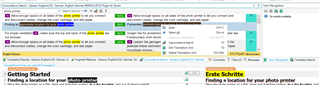
Something like this. You see the top window with the TM results (left yellow highlighted source text, right normal font target text). Here in the target, I cannot scroll and I cannot copy more then one word using my mouse.

Hello Carmen Grabs,
I have tried to replicate the same issue - (also in concordance search- not TM results window)

But can scroll between results and copy as required.
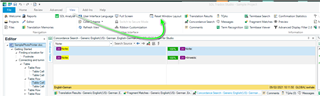
Perhaps try 'Reset Windows Layout'- this resolves many unexplained issues.

Oana Nagy | QA Engineer | RWS Group
Thank you for this, Steven,
I have done the reset, and then I was able to copy/paste, but still not able to scroll. So I did another reset, and the scrolling function would not work. Instead, the target TM results would kind of "flash" and "blink", but not scroll. Then I did another reset, and they would scroll ok ... - then I went to the next segment and it started all over again :/ So it seems this is not a solution after all. Hope you or someone else has another idea. It seems to be a software bug or something.
Hello Carmen Grabs ,
This isn't a general Studio bug, as others would be reporting the same issue I think.
Can you record what you are seeing please (use the Screen to Gif tool) then we can see better what is happening?
Oana Nagy | QA Engineer | RWS Group
I can't record anything, I would have to make a video, as an image wouldn't work here.
Hello Carmen Grabs ,
This is why I suggested using Screen to Gif https://www.screentogif.com/
This is a free tool and perfect for making short videos, which you can then attach to the thread.
Oana Nagy | QA Engineer | RWS Group
I have never used this tool - and frankly, I don't have the time this week to learn more about it. I know you mean well, so thanks for your support. But this is not an option at the moment.