
 Translate



Hi,
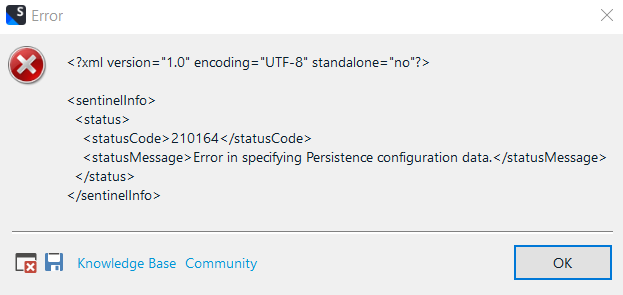
I receive the following error message when opening Trados Studio 2022 in the taskbar in Windows 10.
:
I didn't have this issue with the 2021 version - Any suggestions on how to solve this?
BR,
Ronny
Generated Image Alt-Text
[edited by: Trados AI at 1:32 PM (GMT 0) on 4 Mar 2024]





