
 Translate



Yesterday morning my computer crashed thus it has been re-installed including the SDL Trados Studio 2021.
After re-installation, SDL Trados Studio 2021 cannot be activated since the Licence was still occupied by the old one.
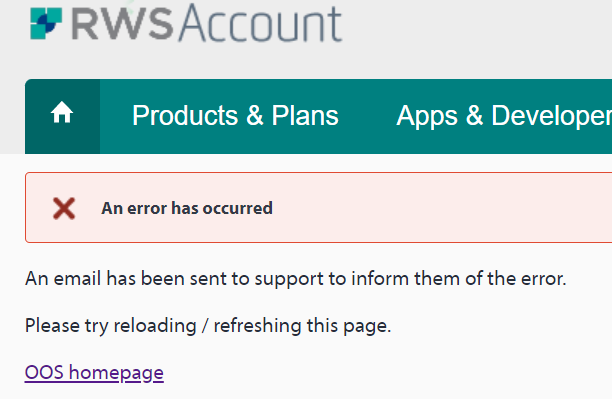
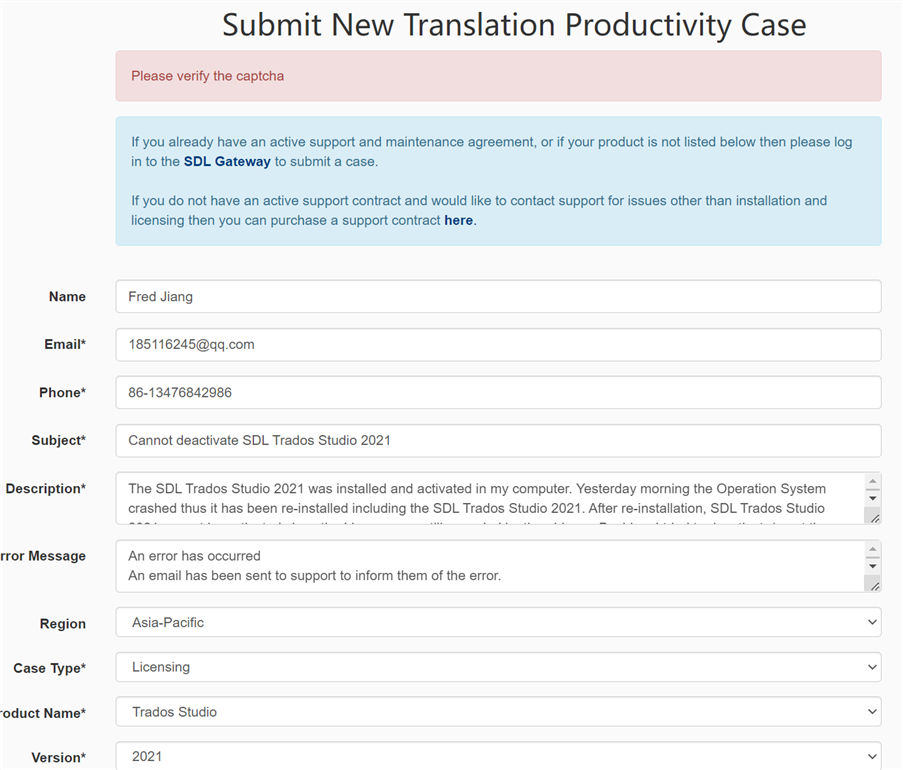
I tried to deactivate/reset the Licence online under my Account, but error occured and website suggest submitting a case. But when submitting a case, it said needs to verify the captcha while there is no captcha at all.
Anyway, I cannot find anyway to solve this problem. All snapshots will be listed below.
Please kindly help fix this problem and reset my licence.
Thanks.

Generated Image Alt-Text
[edited by: Trados AI at 1:23 PM (GMT 0) on 4 Mar 2024]


