 Translate



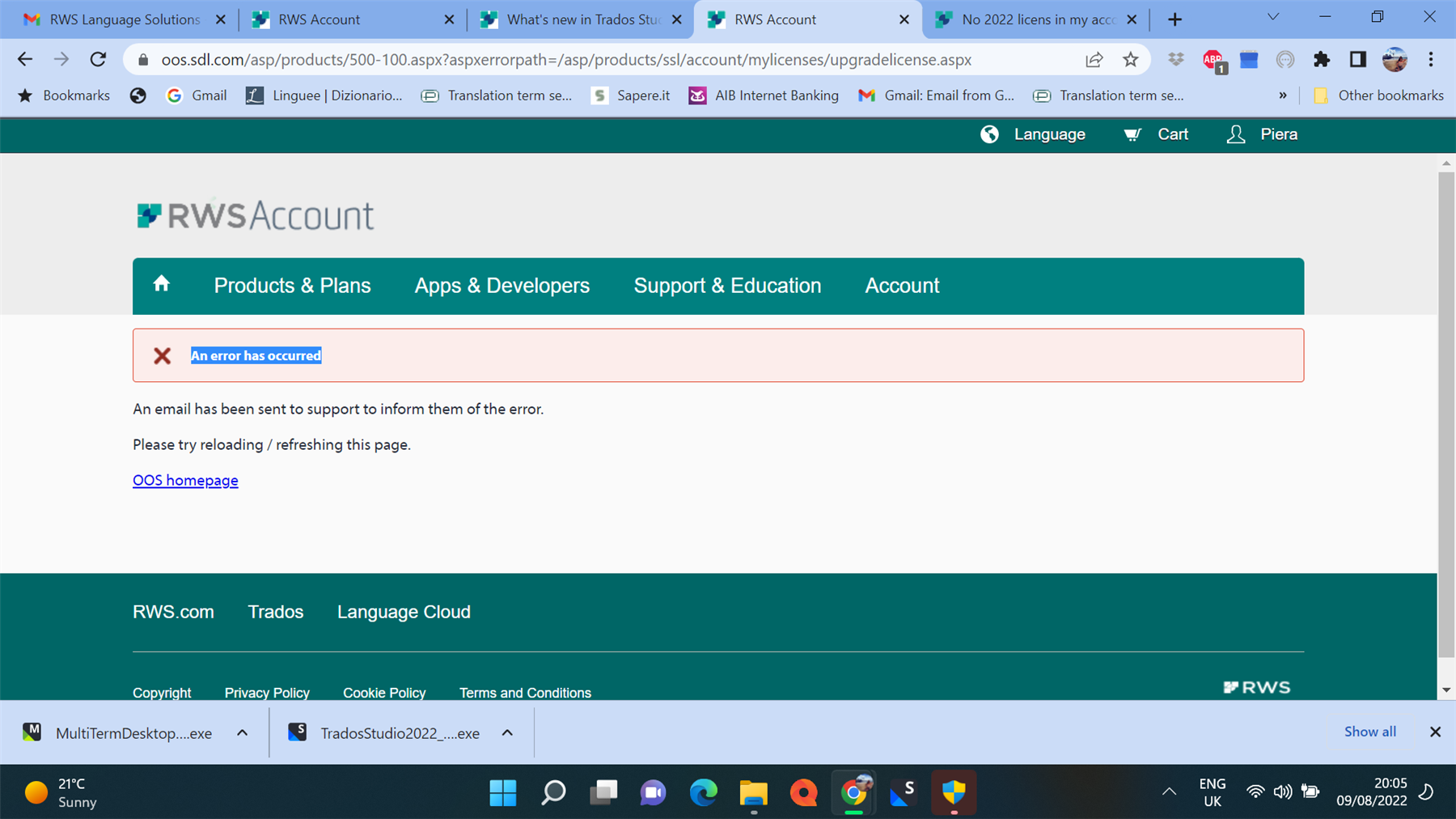
I can't activate my 2022 upgrade (from 2021) - I get this message - I need to use the software urgently
Generated Image Alt-Text
[edited by: Trados AI at 1:28 PM (GMT 0) on 4 Mar 2024]


I can't activate my 2022 upgrade (from 2021) - I get this message - I need to use the software urgently
Piera Sarasini We will be pleased to help you with this problem so have logged a support case on your behalf. We do prioritise customers who have a support contract so please keep in mind it could take up to 48 hours, especially over a weekend, but rest assured we will contact you as soon as we can. You will be contacted at the email address used for this Community. Support Case Id : 00700286 .

