 Translate



I am not able to Install Language Weaver on my Computer
It's Windows 11. I am a New SDL User


I am not able to Install Language Weaver on my Computer
It's Windows 11. I am a New SDL User
It would be helpful if you would give us some information on what you tried and why it did not work. Are you talking about the standard engine under 'Cloud-bases resources' or the 'Language Weaver plugin'?
What did you try? What error messages did you get?
If your AppStore is properly configured, you should see the plugin in your integrated AppStore and be able to download it (if you are logged in).
Walter


Hi Walter,
I am talking about the Language weaver plugin.
I work with the English-Kannada language. I am not able to access machine translation. I am an active user, and I have purchased a license. I have done all the proper settings.
I am in Doubt, Does SDL machine translation Support the "Kannada" Language? If not, can I use some other Machine Translations which support the "Kannada" Language in my SDL studio software??
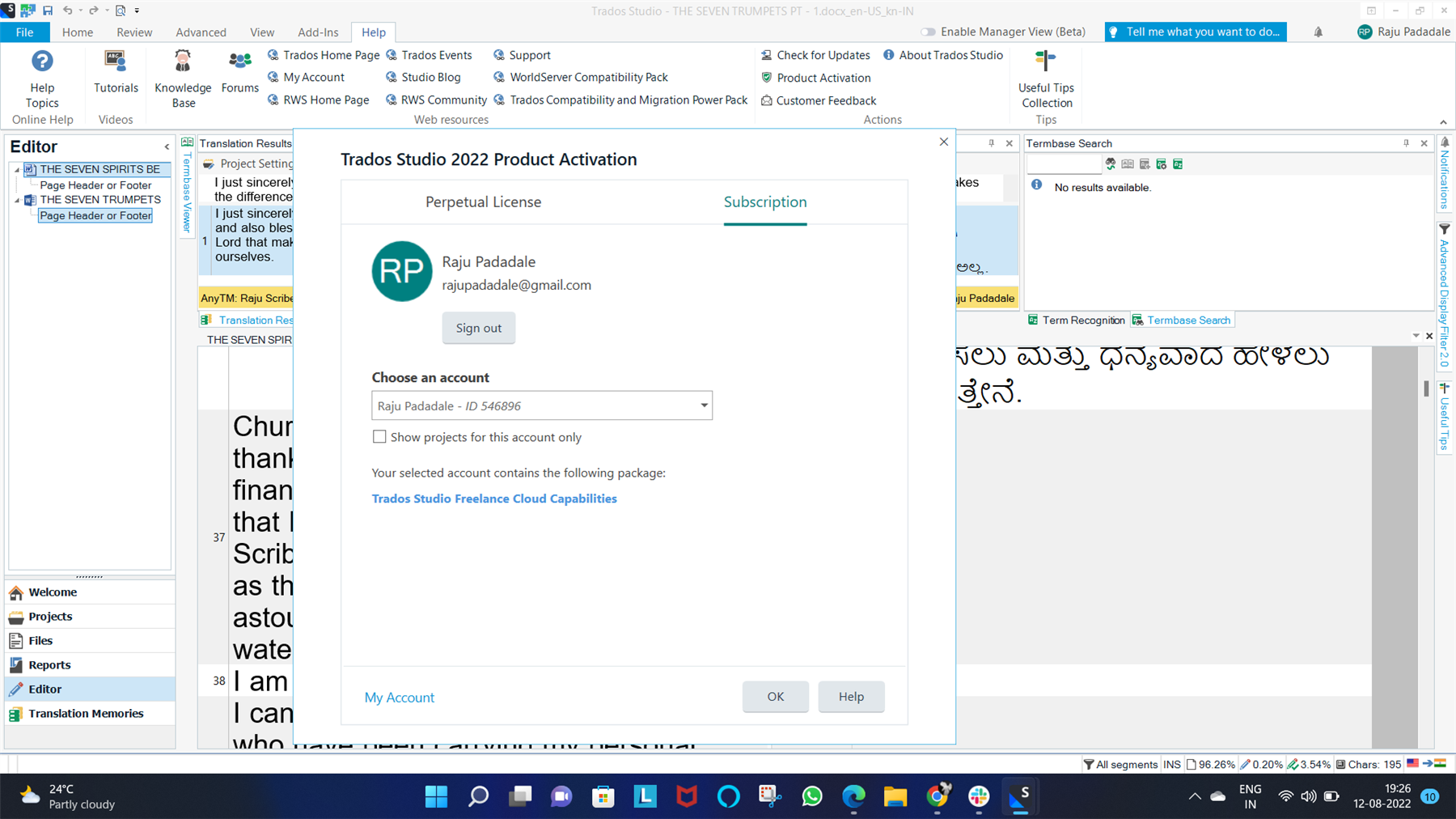
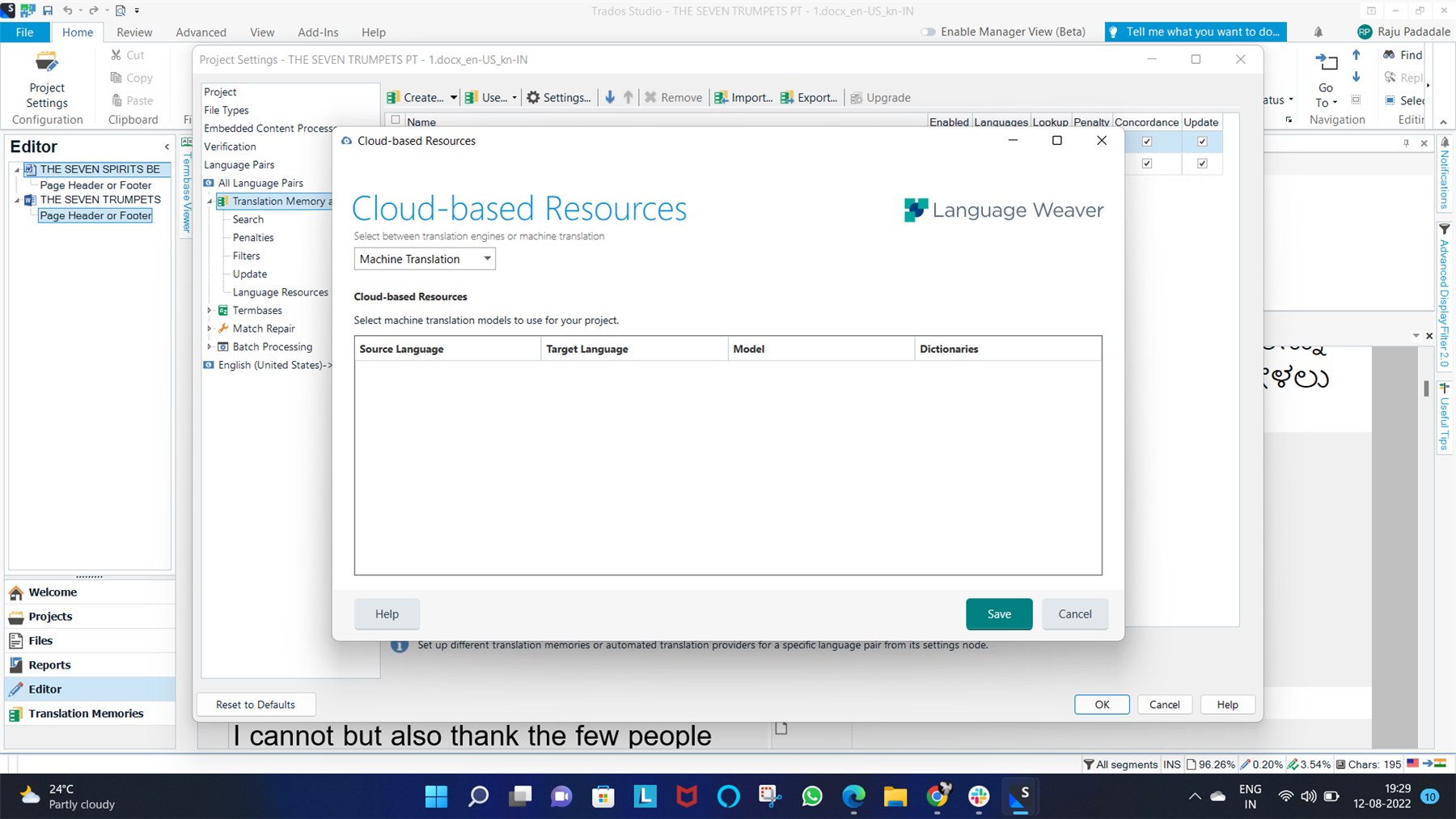

I am in Doubt, Does SDL machine translation Support the "Kannada" Language?
No it doesn't.
If not, can I use some other Machine Translations which support the "Kannada" Language in my SDL studio software?
Yes you can. Google Translate supports Kannada. So you could install MT Enhanced from the Private AppStore and then use that. It's not free as Google require you to create an API key for use and provide payment details. But you can use it. I don't know how good it is, but I guess you could test in their web tools to see if it's worth paying for first:
Paul Filkin | RWS
Design your own training!
You've done the courses and still need to go a little further, or still not clear?
Tell us what you need in our Community Solutions Hub
