Can't use the Trados Translation Memory Management utility

Hello,


After a few adventurous attempts, I have managed to install the Trados Translation Memory Management utility. The problem is that, after restarting Trados 2021, the plugin doesn't show anywhere and I'm still not able to process tmx files. Could you please help? I literally can't do my job.


Thank you,

emoji
Parents Reply
  • Did you install the proper version of the Power Pack? 

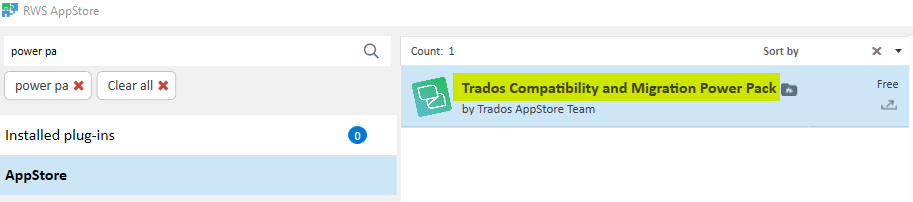
    Please note that, contrary to other AppStore plugins, selecting the Power Pack in the integrated AppStore will not directly install it, it only downloads the ZIP file to the AppStore download folder on your PC. You then need to navigate to this folder (it happens automatically when you click on the green link in the integrated AppStore after the download), unzip the file and install the Power Pack. After having relaunched Studio, you should see the mentioned icon in the Welcome view. 

    It has always worked for me, I have already done it at least 4 times on different PCs.

    emoji
Children