Translate



I have Trados 2021 Freelance Plus on two machines, one at the office and one at home.
Thinking of upgrading to 2022, I noticed that the upgrade offer was for one licence only. So I said “OK, I’ll get 2022 on the office machine and continue using 2021 on the home machine”.
I was even more assured because RWS says “Yes, if your original license was for Studio 2021 Freelance/Professional, you will be able to run Studio 2021 and Studio 2022 on the same machine.”. So whatever happened, I would still have the 2021 version.
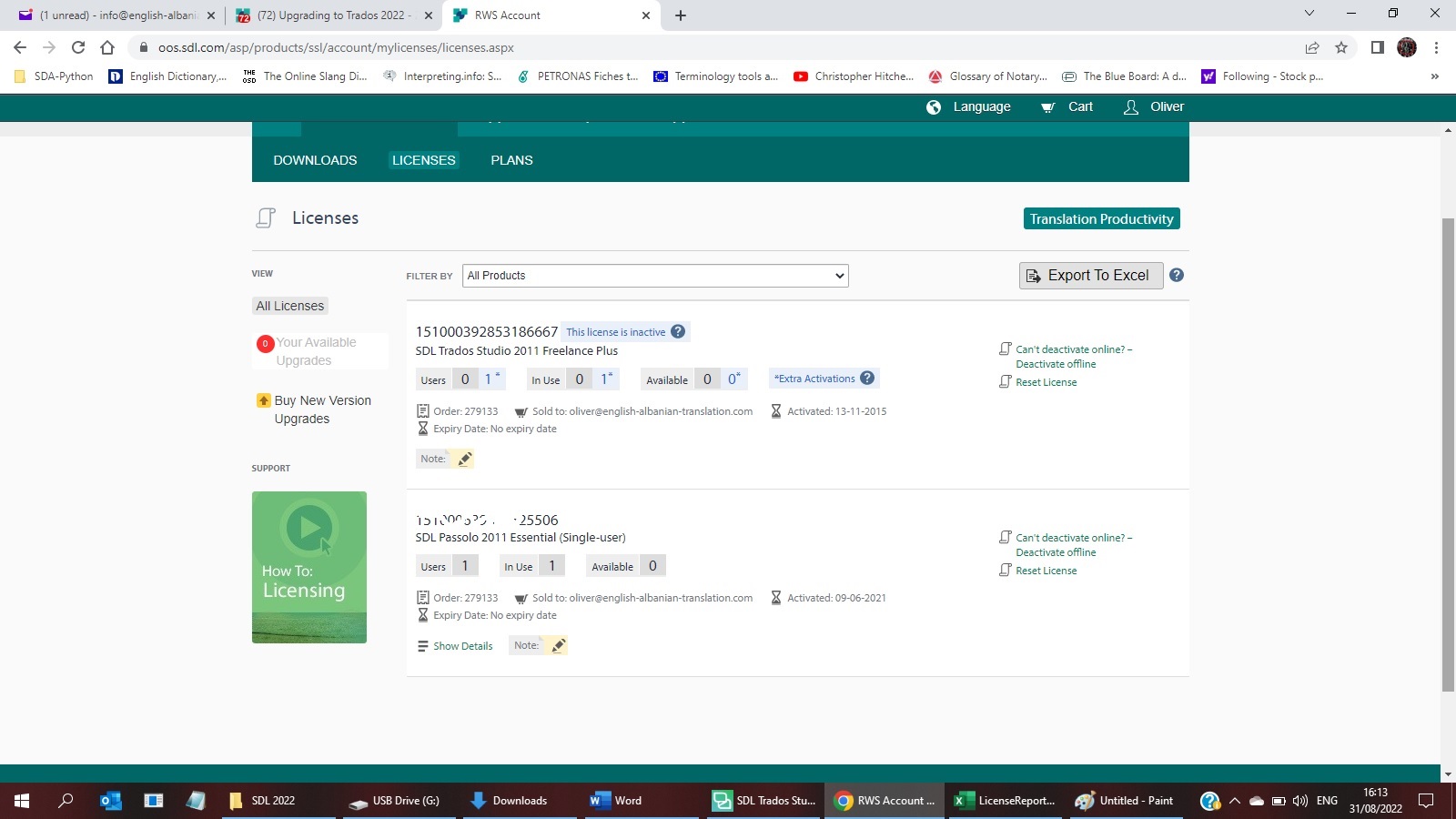
I purchased the upgrade, downloaded it in the office machine, but when trying to process it on the “Licences” page, I get the message “Upgrading means the license(s), indicated below on the left, will be removed and will be replaced with the license(s) shown on the right. This process cannot be reversed.”, notwithstanding the reassurance mentioned above.
The problem I see here is that it is not clear whether the message “license(s), indicated below on the left, will be removed” means that 2021 will be removed only from the machine on which I am installing 2022, or altogether from my Licenses, meaning that the product on the home machine will be deactivated too?
Any help/ideas/suggestions/experiences?
Thank you
Oliver