


The Trados cloud platform will be undergoing maintenance on Saturday, 9th May 2026 between 05:00 to 17:00 UTC. During this time, you will not be able to log in to the Trados platform.

I NEED TO DEACTIVATE THE LICENSE URGENTLY!

Please, unfortunately my notebook needed to be formatted and I was not able to deactivate the license earlier.

In the link RWS Website  an error occurred.

Could you deactivate the license so I can activate it on another notebook?

Thanks.
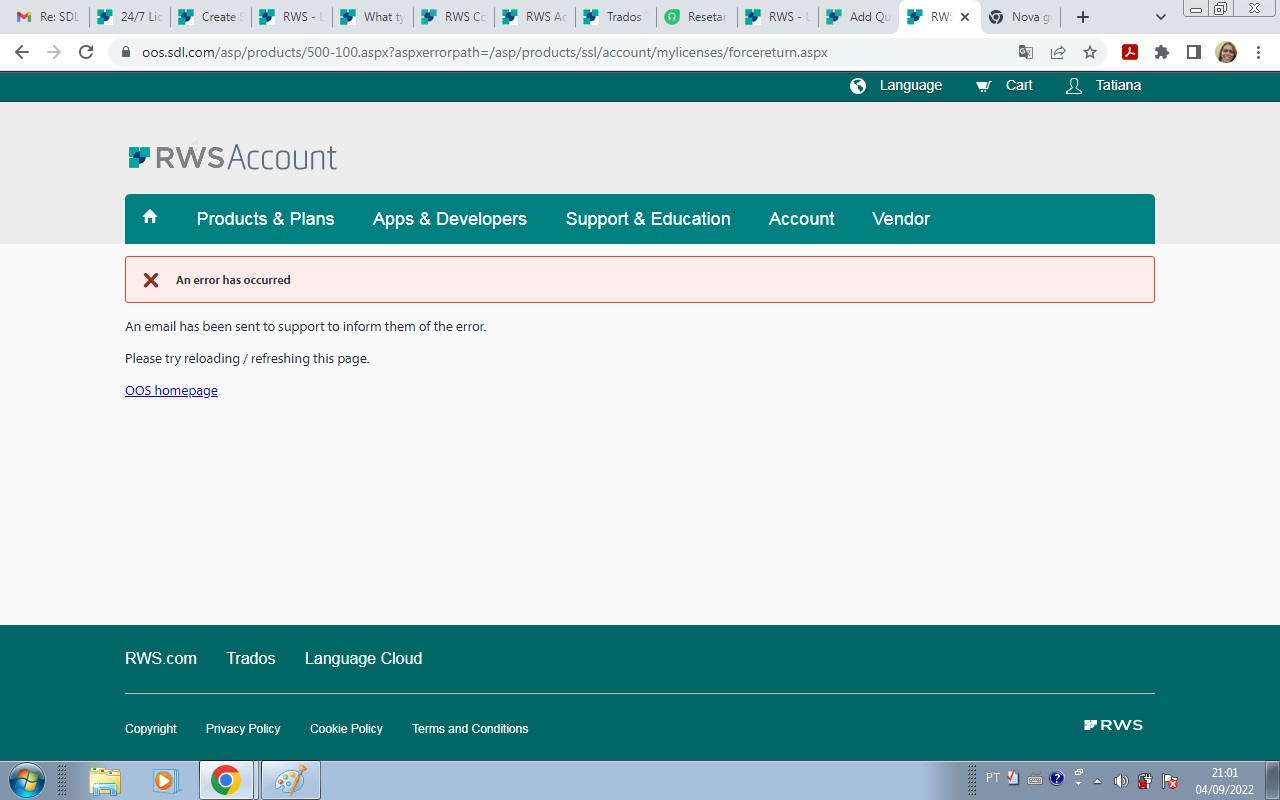
Screenshot of RWS Account webpage with an error message stating 'An error has occurred' and instructions to reload the page or contact support.


Generated Image Alt-Text
[edited by: Trados AI at 1:32 PM (GMT 0) on 4 Mar 2024]

emoji
Parents Reply Children

