
 Translate



I had to replace my HD and consequently lost my Trados Studio 2015 installation. I was able to reset my License, downloaded both Trados Studio &Trados Multiterm 2015, but when I try to reinstall it, the following messages pops-up:
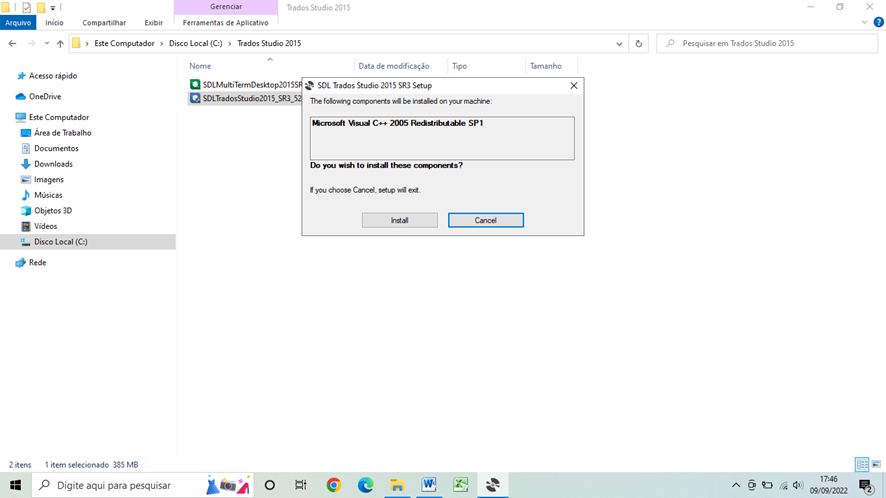
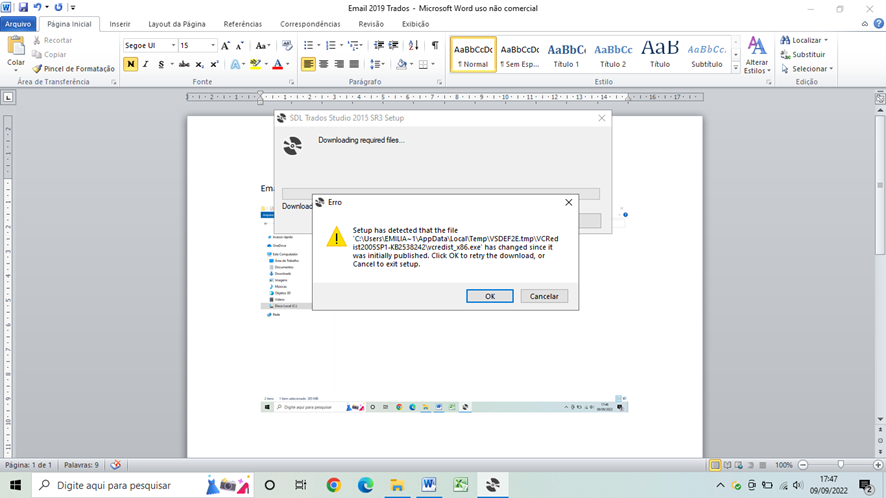
Therefore, I´m not able to reinstall it. What do I have to do in order to reinstall it?
Thanks in advance!
Emília Flávia Ortiz Ramos
Generated Image Alt-Text
[edited by: Trados AI at 1:33 PM (GMT 0) on 4 Mar 2024]




