
 Translate



Another error message while trying to open Trados 2022... Registry file is OK. The software simply won't start.

I tried to delete the XML file in the Project folder as recommended in the Community . Then I get this message!
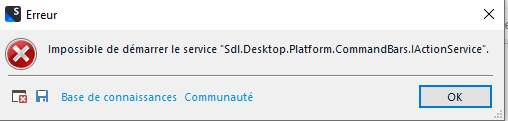
Then I renamed the plugin as stated in the site, then I got back the Registry error (but my registry setup is ok).
Then I renamed the "17" folder
I changed my server name in the Registry file (I connect either from a VPN or directly on the same network as my license server). That didn'T work.
Tried to changed it back to the "right" setting
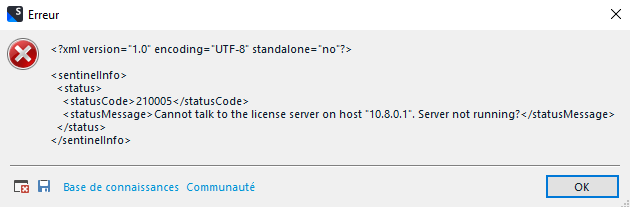
Restarted Trados 2022, and then, back to the Registry error:
Argh! So frustrating the upgrade to 2022... Never had problems with 2021.
Sorin, hopefully you can help again!
Generated Image Alt-Text
[edited by: Trados AI at 1:34 PM (GMT 0) on 4 Mar 2024]

