
 Translate



This is the issue:
Yesterday I started a project in Trados with a PDF file. Just after opening the project for the first time, I received two error messages from Trados that prevented me from working on the project. The translation in English is something like this:
“Dictionary file format unexpected. First line must contain words. Dictionary file: C:\ Users….”; and the other:
“Dictionary file format unexpected. First line must contain a recount of words. Dictionary file: C:\ Users….”
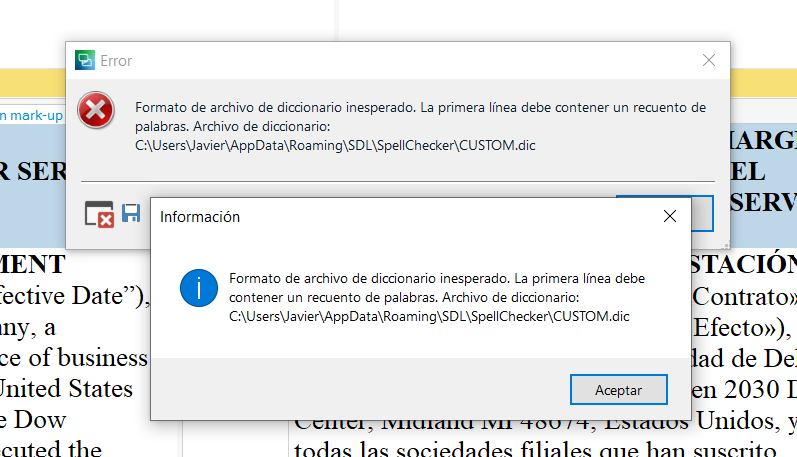
After deleting the project, closing and opening a couple of times the software and the PC, I could not work with no other project on Trados, even they never had any problem before. I cannot confirm, save, save as target document… nothing. . I received the above said messages all the time.
I have tried this morning repairing the software and then uninstalling it, installing it again, and downloading updates… with no result.
After reinstalling Trados again, I am unable to use the CAT. And I have to deliver the translation tomorrow!!
Can you help me, please?
Thank you
Carmen Bañuls
Generated Image Alt-Text
[edited by: Trados AI at 1:35 PM (GMT 0) on 4 Mar 2024]


