
 Translate



Hello,
I am having an issue with the installation of SDL Trados 2022.
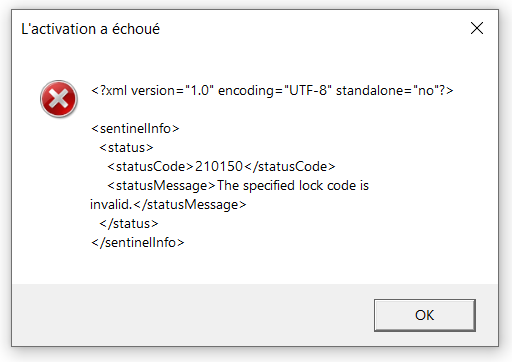
I have 3 licenses, one of which is working properly but when I try to activate the other 2 licenses on other computers, I get an error message saying ‘activation failed’.
I did nothing differently, and the licenses I tried to activate were listed as 'available'.
I have even reset the problematic licenses, but I still cannot activate them.
The full error message is below. What is odd is that when I try to activate the unused licenses, even though it fails, the licenses still appear to be ‘in use’.
Thank you very much in advance for your assistance.
Best regards
Generated Image Alt-Text
[edited by: Trados AI at 1:36 PM (GMT 0) on 4 Mar 2024]


