
 Translate



I had to clone my hard drive to a new hard drive (i guess that's equivalent to reformatting it). I didn't deactivative my license before doing this.
When i tried to open SDL Trados 2019, I get the message "Evaluation expired [37]".
I click "Activate"
I enter the activation code from my RWS account and click "Activate"
I get the message "Activation failed. No licenses are currently available for the specified activation code."
On my licenses page, it says the license is in use.
Users1 In Use1 Available
No deactivation option appears.
I tried the reset license, but i get an error message:
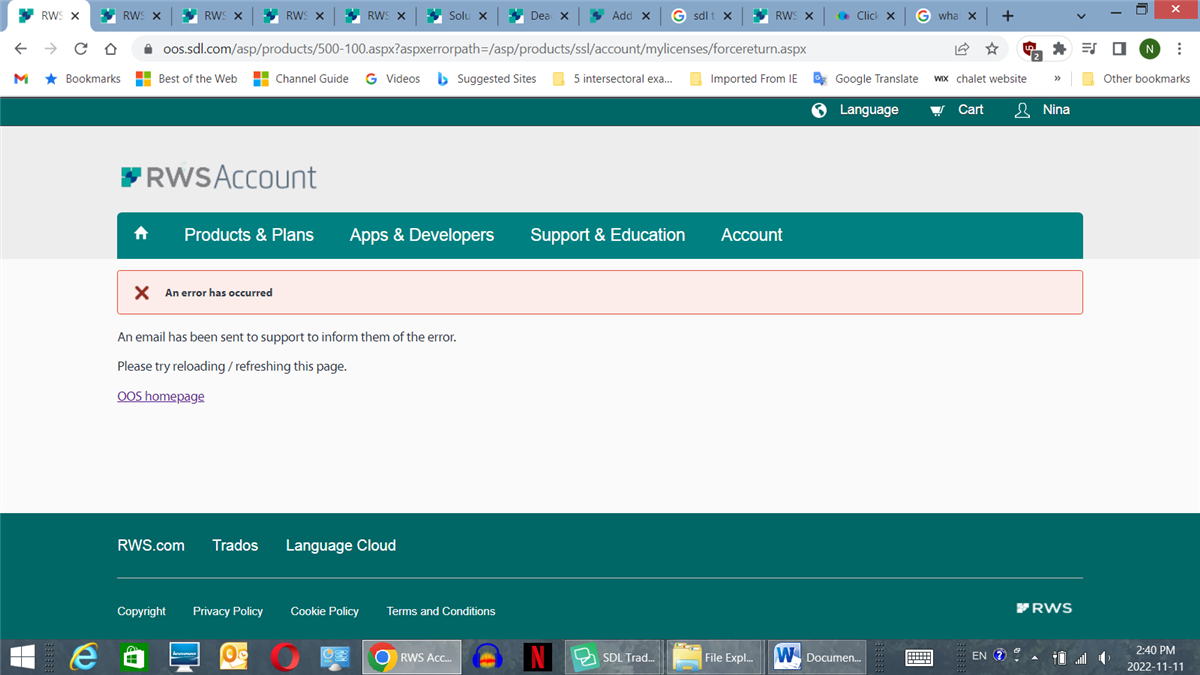
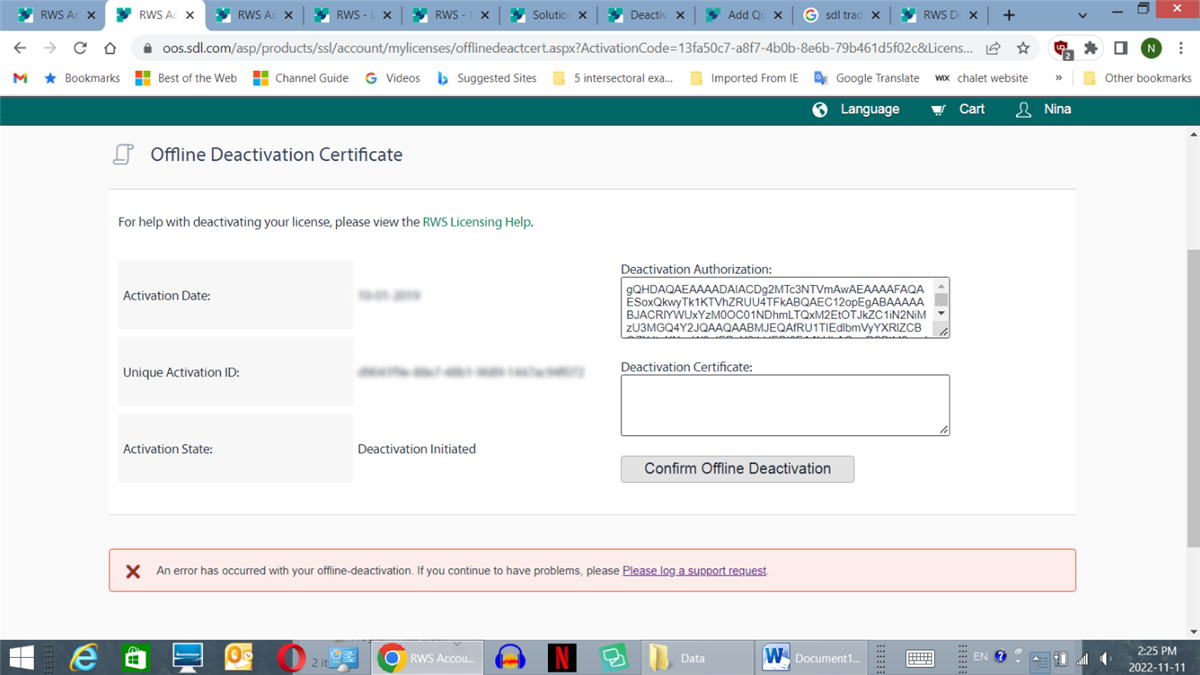
I tried offline deactivation certificate, but i get an error message: "An error has occurred with your offline-deactivation. If you continue to have problems, please Please log a support request."
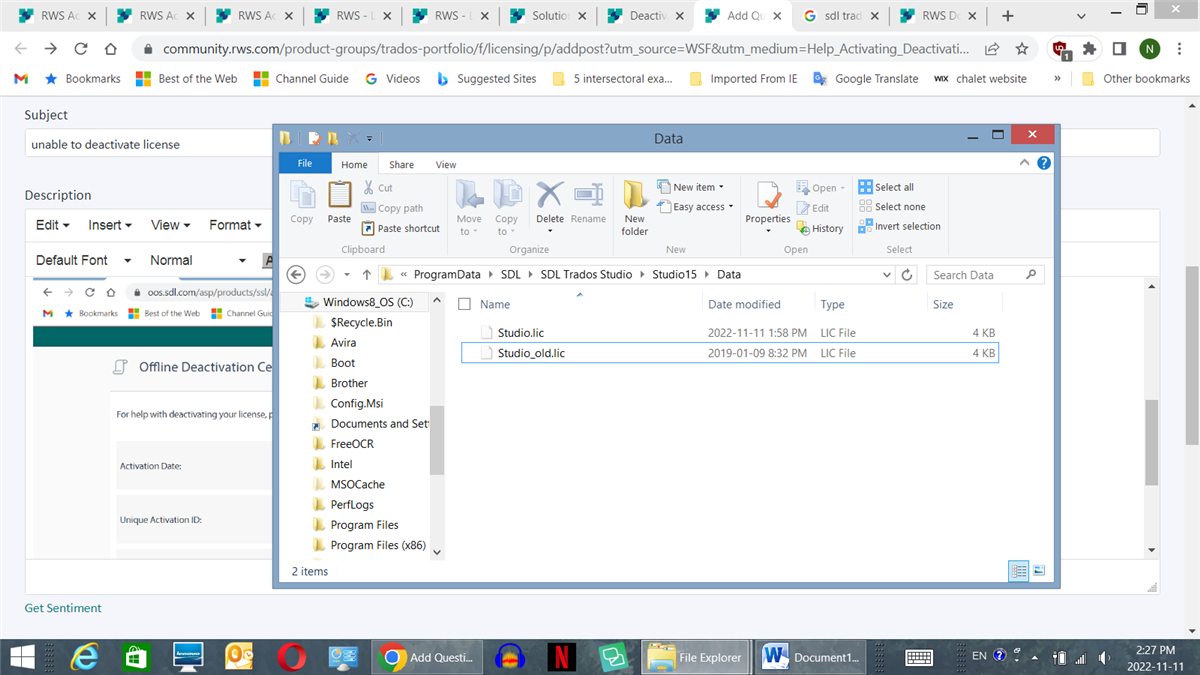
I tried Renaming the file Studio.lic to Studio_old.lic.
Still unable to activate, or deactivate.
Generated Image Alt-Text
[edited by: Trados AI at 1:40 PM (GMT 0) on 4 Mar 2024]




