
 Translate



I changed computers a month ago. For some strange reason, every time I logged into Trados, a "temporary license" screen (one month) showed up on top of my standard Trados screen, which I systematically closed since I worked on my permanent license. The "temporary" license expired today, and I cannot access Studio anymore. I reinstalled the whole thing, but my activation number is rejected. I tried the "reset" option, it gives me an error message. The weirdest thing is that when I click on "My Account", I sometimes get a page that tells me "No license available", and sometimes a page containing all my license info (that's where I tried the "reset" option. I can see the files I was working on, but have no means to access them.
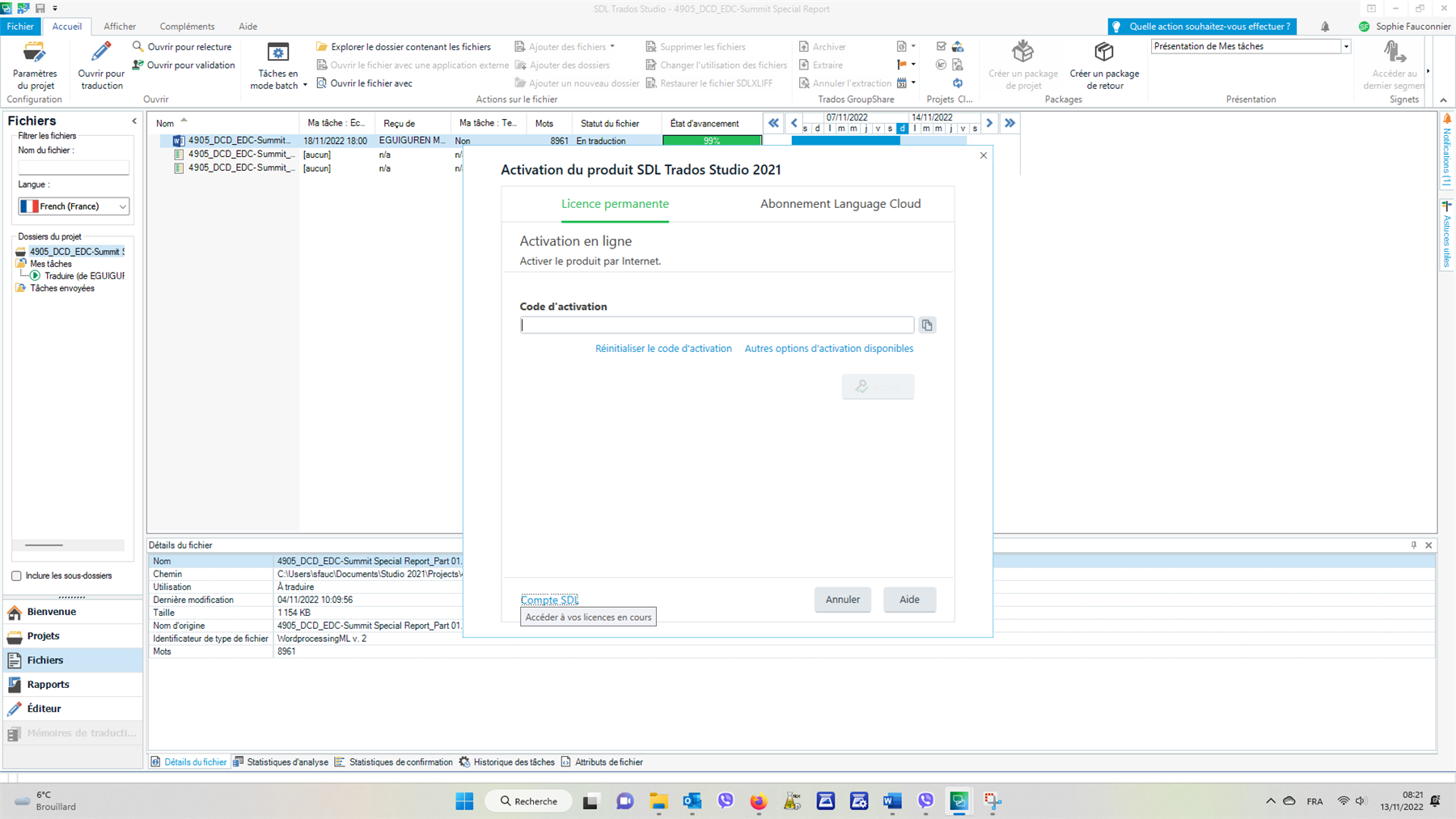
Could you please help me solve this problem? Thanks!
Best regards,
Sophie
Generated Image Alt-Text
[edited by: Trados AI at 1:40 PM (GMT 0) on 4 Mar 2024]

