Adding-termbase Window Shows No .sdltb File

Hi,

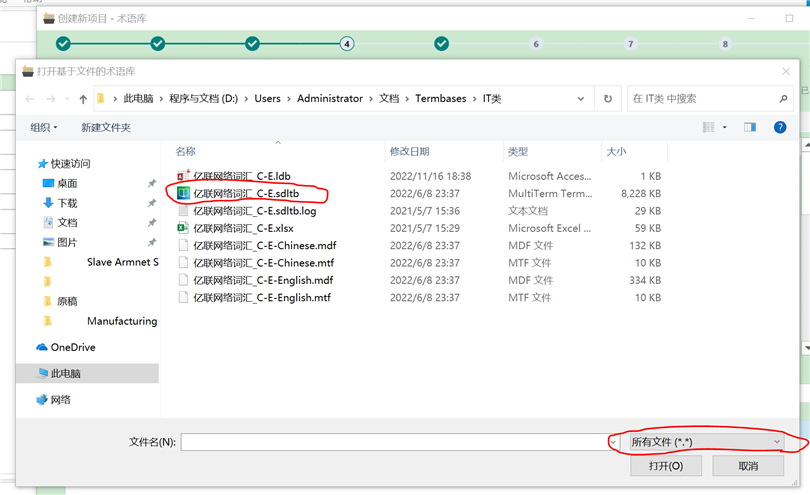
I have updated Studio 2021 to the latest version 9338. When I add a termbase file during creation of a new project, the window is blank showing nothing (please see Fig 1), but actually there is a .sdltb files in the folder. Now I change the extension to all files, this .sdltb file appears (please see Fig 2). This also happens to other file folds where there are many sdltb files. Therefore, I think there is a bug for the adding-termbase window showing .sdltb files. This is the first time I meet this issue since I started using Studio versions a few years ago.

Could anyone help?

Thanks.
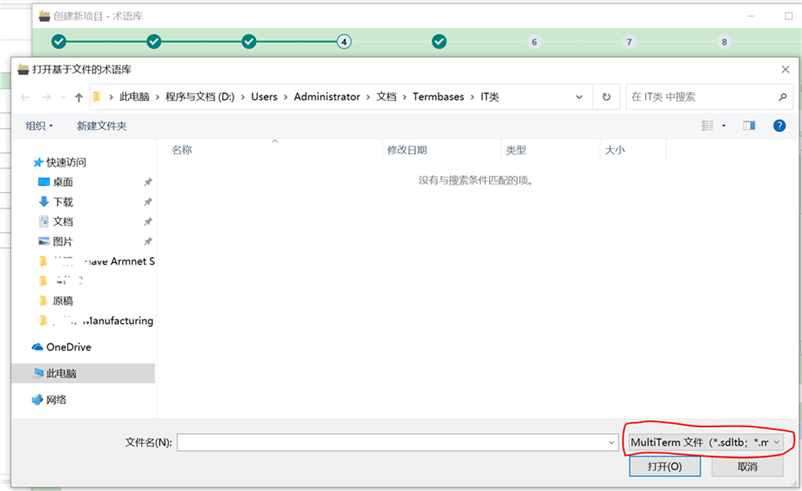
Trados Studio 2021 termbase file addition window is blank, despite .sdltb files being present in the folder.                         Trados Studio 2021 termbase file addition window displays .sdltb files after changing the file extension filter to all files.


Generated Image Alt-Text
[edited by: Trados AI at 1:44 PM (GMT 0) on 4 Mar 2024]

emoji
Parents Reply
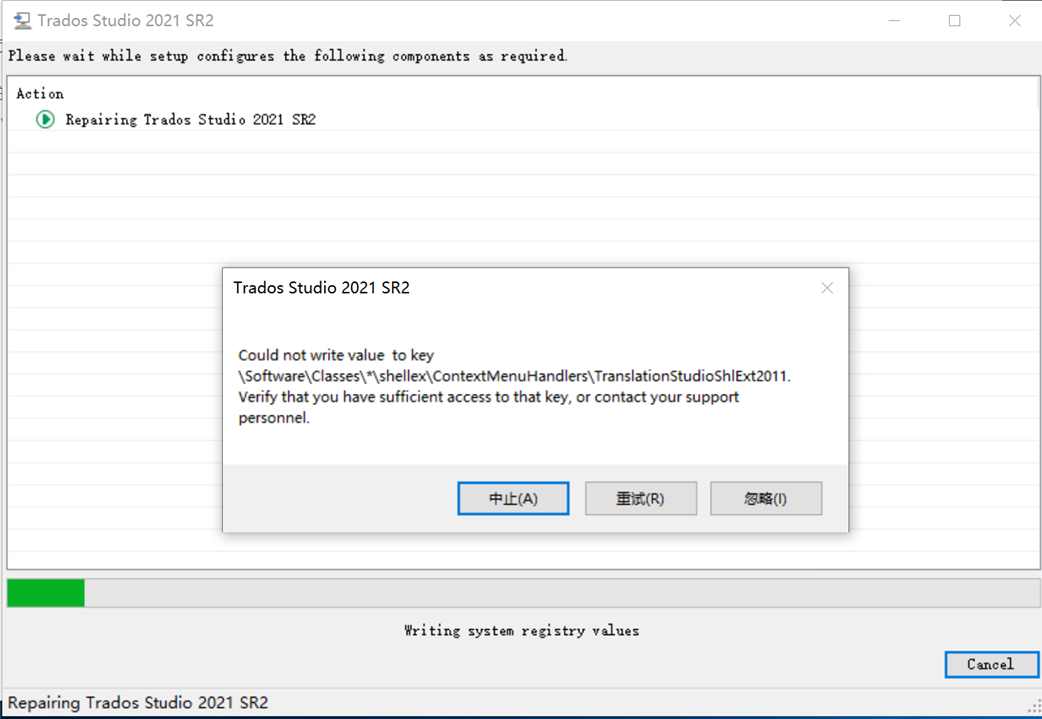
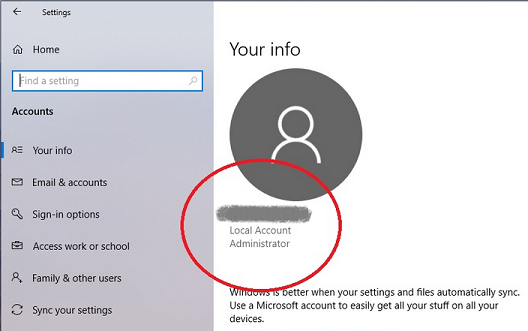
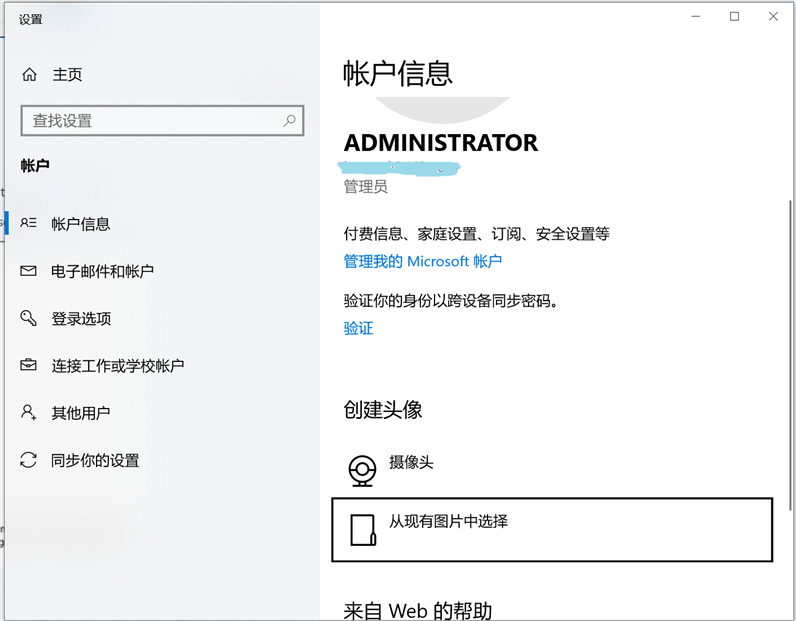
  • Thanks to Johnathan who gave me another suggestion to repair the Trados via "Control Panel > Programs and Features > Remove/Repair Trados > select Repair from the three listed options", this prblem remains though. During it was being repaired, an error occured as in the Fig below. At least a similar error had happened before with some other APP. I don't know what is going on as I am always "ADMINISTRATOR" who shall have the highest privilege from the beginning of Win10 installation.

    Thanks.

    Error message during Trados Studio 2021 SR2 repair process stating 'Could not write value to key SoftwareClasses*shellexContextMenuHandlersTranslationStudioShlExt2011. Verify that you have sufficient access to that key, or contact your support personnel.'

    emoji


    Generated Image Alt-Text
    [edited by: Trados AI at 1:44 PM (GMT 0) on 4 Mar 2024]
Children