


Licence Activation / Deactivation does not work (Studio 2017 Workgroup)

Hi, we currently cannot active / deactive our Studio 2017 licenses. In License Manager all Workgroup 2017 licenses appear to be in use, but they are actually not. This is the error message we receive:
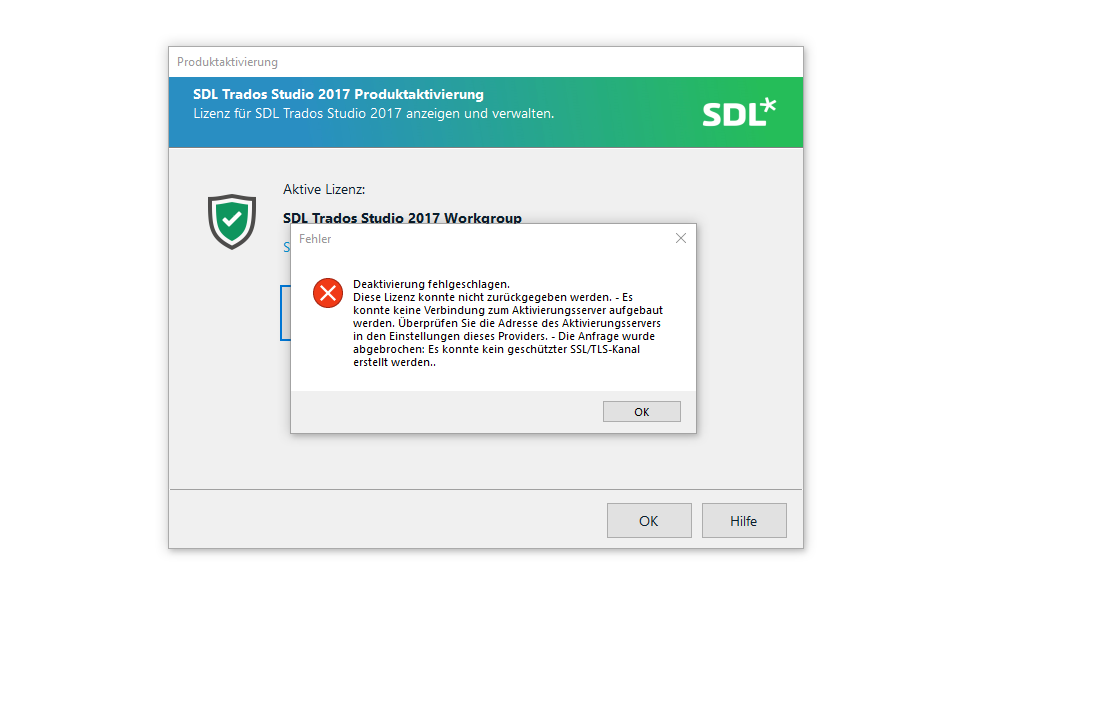
SDL Trados Studio 2017 Product Activation window showing an error message. The message states 'Deactivation failed. This license could not be returned. - No connection could be made to the activation server. Check the server address in the provider settings. - The request was aborted: Could not create a secure SSLTLS channel.' with an OK button. 


Generated Image Alt-Text
[edited by: Trados AI at 1:41 PM (GMT 0) on 4 Mar 2024]

emoji
Parents Reply Children
No Data
