
 Translate



Hello, everyone!
I tried to start Tradus Studio 2019 version and recieve a message asking for activate, picture below: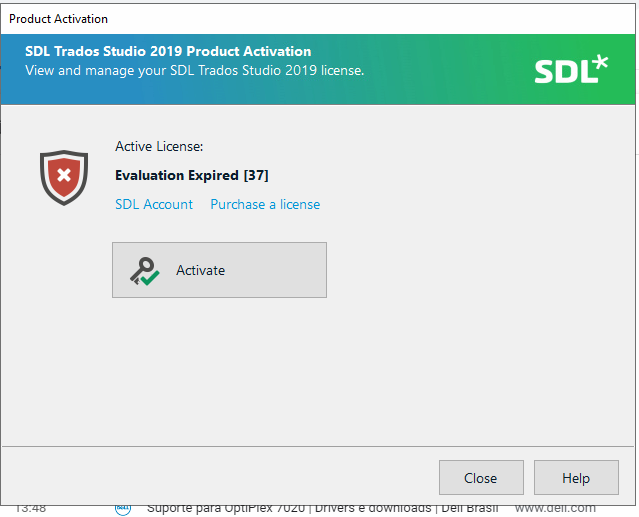
Check on knowledege base I found this article:
https://gateway.rws.com/csm?id=kb_article_view&sysparm_article=KB0039553
But can't solve the problem.
The next step I try to deactivate my license, but I don't have my Deactivation Certificate, also tried to reset the license, I recieve this message: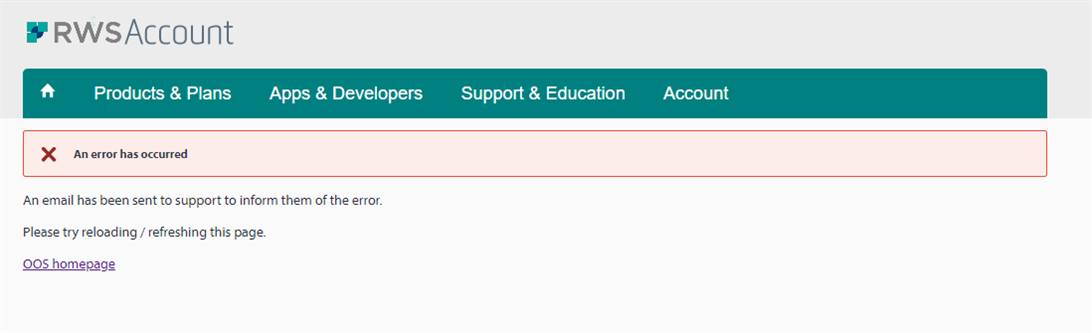
Could you please help us solving this problem?!
Generated Image Alt-Text
[edited by: Trados AI at 1:49 PM (GMT 0) on 4 Mar 2024]


