
 Translate



I exchanged some emails in November with the Senior Director Customer Enablement because I had Trados licensing problems that he temporarily solved for me (I downloaded a trial version of Studio 2022), because then we perhaps intuited that it all stemmed from my old PC which still used Windows7 as its operating system.
I've now bought a new PC, with Windows 11, and I've also bought the Trados update from 2021 to 2022, so I'm starting to load all the software I need.
I have already installed Trados Studio 2022, and at the moment I'm using a new trial version.
Then I saw from the site, in the Licenses section, that a license upgrade is reported to me. I imagine that once done, it will change my 2021 license and I will be able to use another code to permanently activate the new product (furthermore, a fundamental fact for me, being able to detach and reattach the license to alternate it between the PC in the office and the one at home, which I have never been able to do since November).
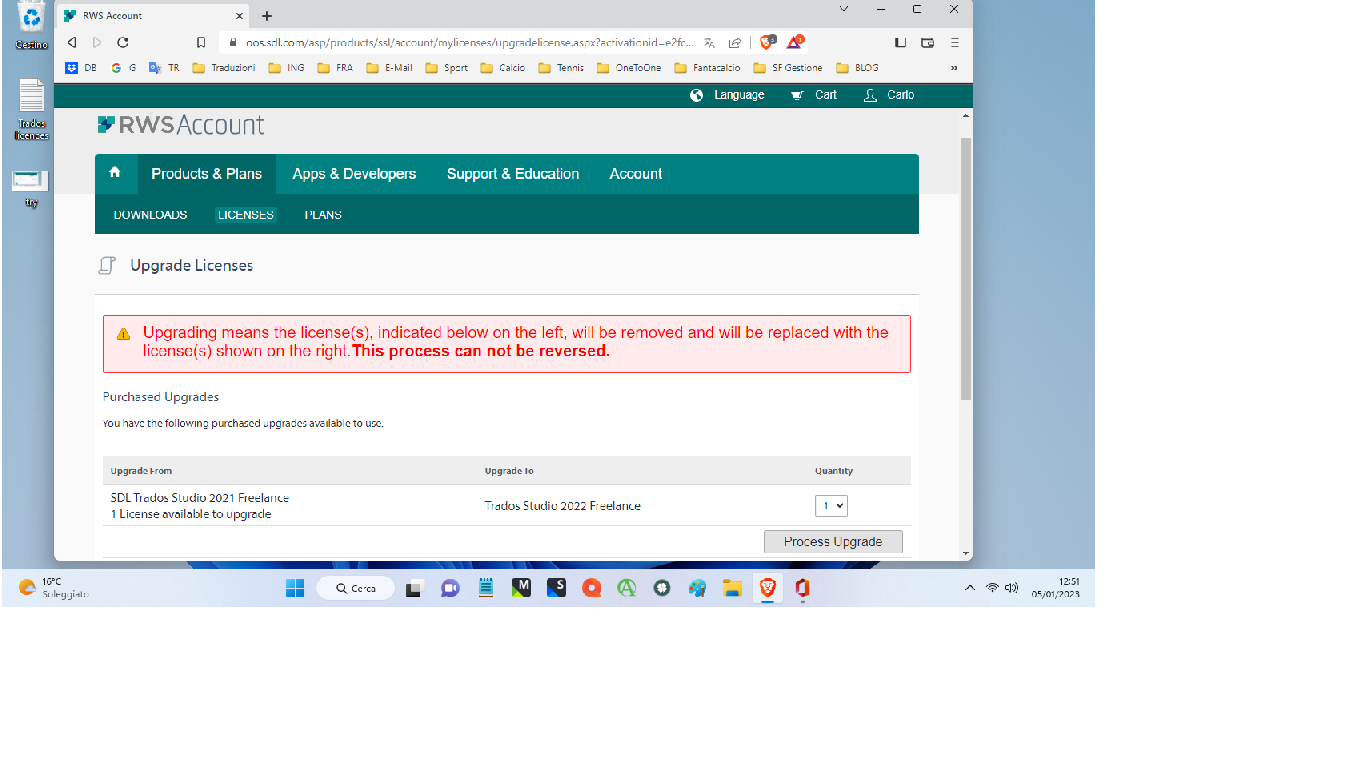
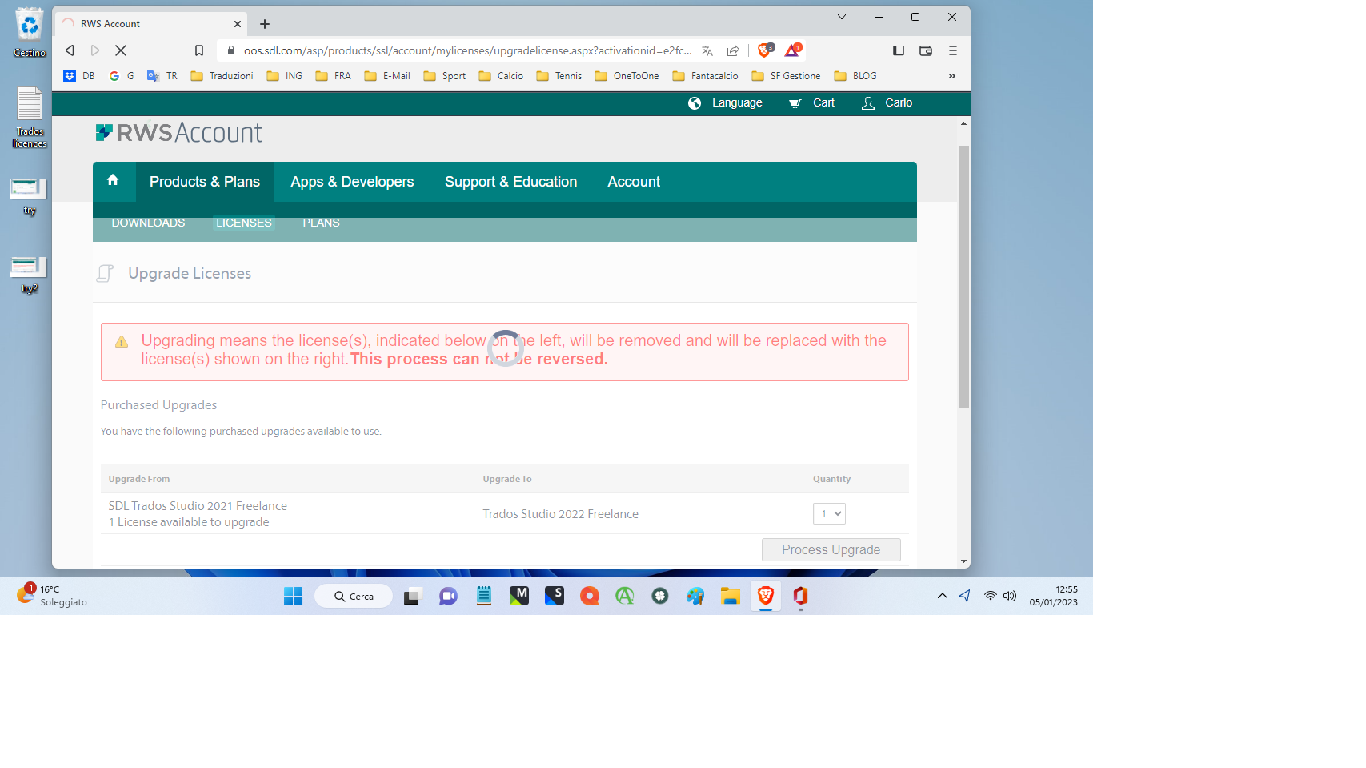
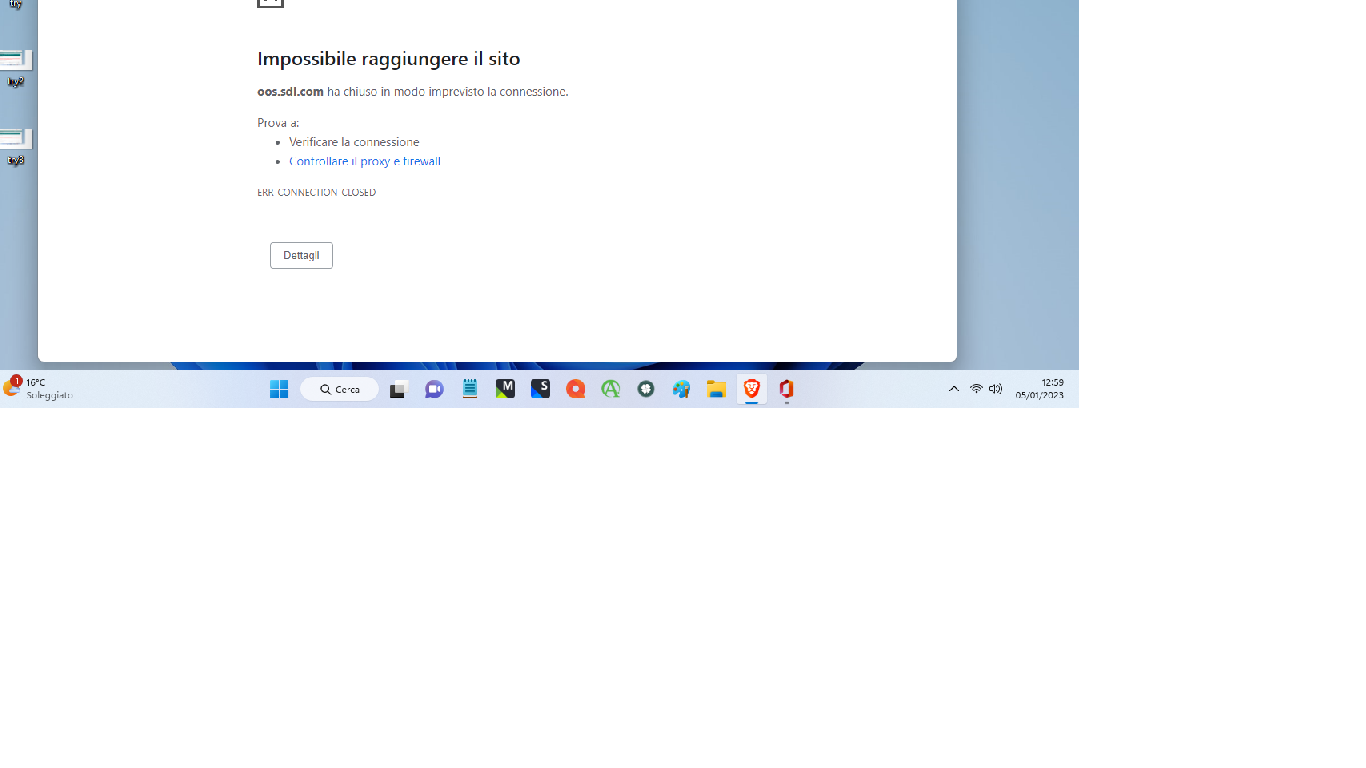
The problem now is that when I run the upgrade procedure, the RWS site crashes and nothing happens.
Possible?
Why can't I have a normal relationship with RWS like I always have in the past?
Please find attached four screenshots to clarify...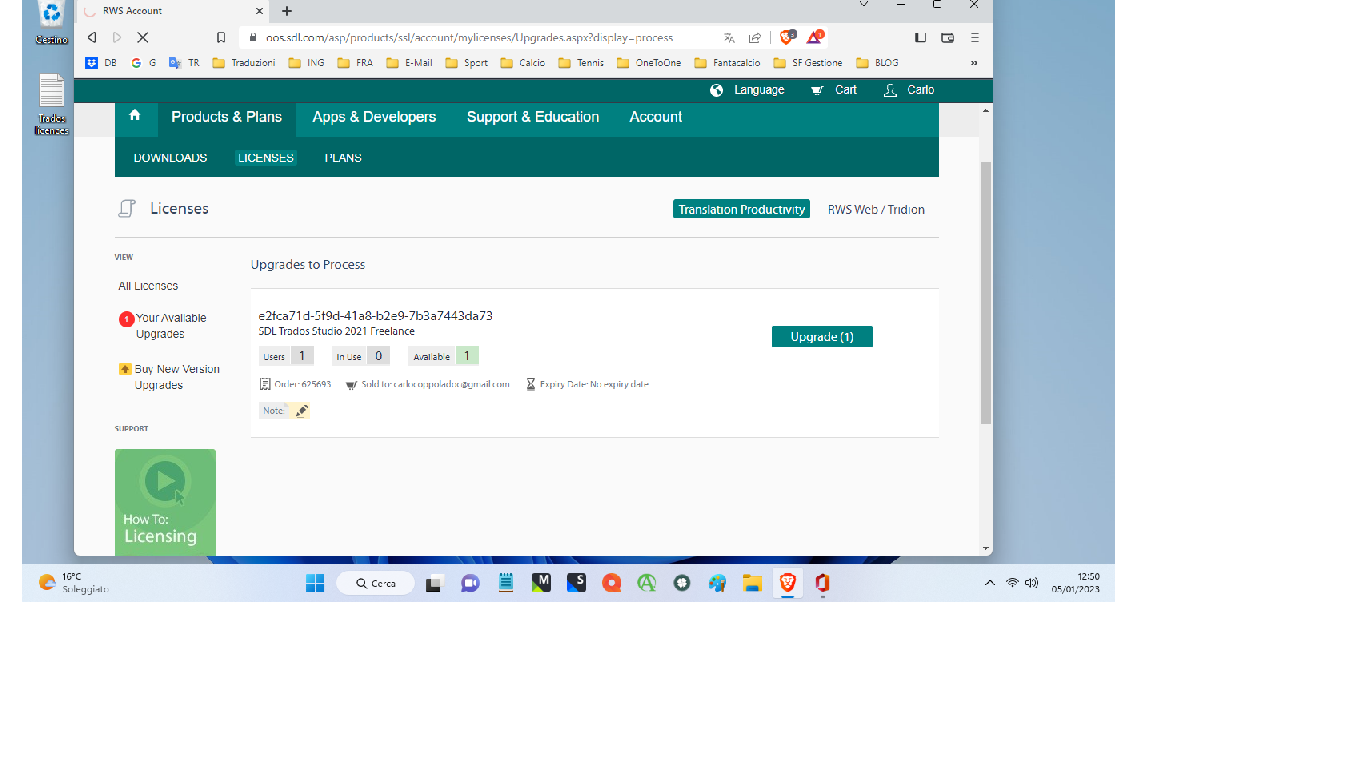
Generated Image Alt-Text
[edited by: Trados AI at 1:49 PM (GMT 0) on 4 Mar 2024]


