
 Translate



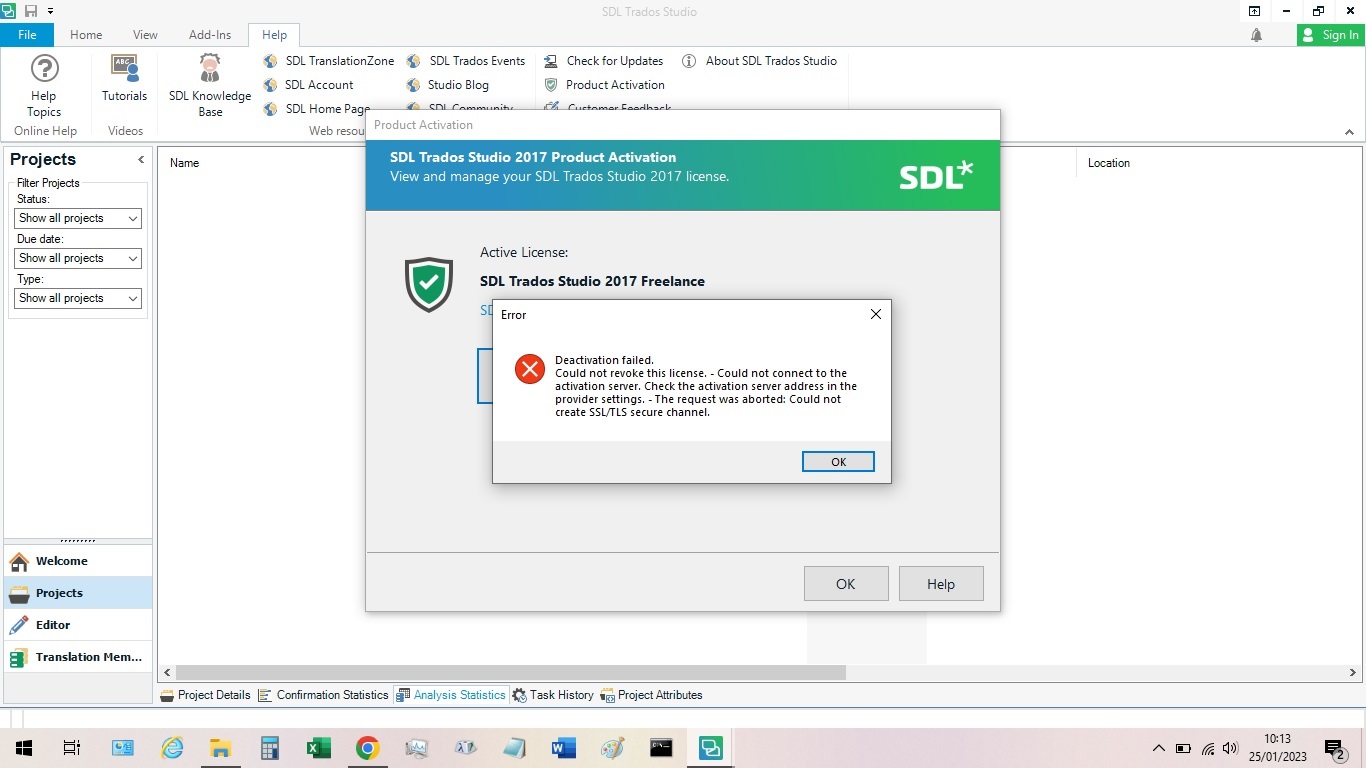
Hi Licensing Team! I have a new laptop and want to deactivate my Freelance license on my old laptop in order to activate it on the new one. When deactivating it I receive an Error message "Deactivation failed. - Could not connect to the activation server. Check the activation server address in the provider settings. - The request was aborted: Could not create SSL/TLS secure channel". Is there a solution for this? Many thanks. John
Generated Image Alt-Text
[edited by: Trados AI at 1:51 PM (GMT 0) on 4 Mar 2024]


