Translate



I want to use Language Weaver in Trados Studio 2022 - 17.0.5.14757.
When I open RWS App store in the Welcome view, it is listed as an installed App.
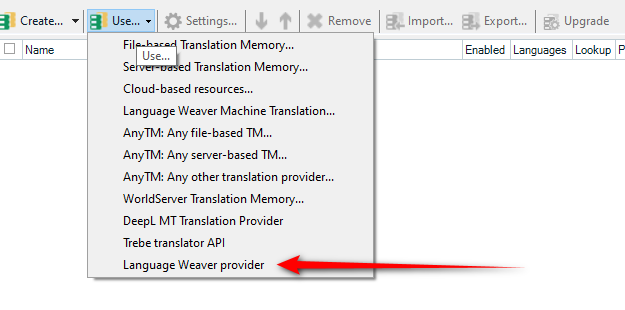
When I go to translation memory and open the use drop down menu and click on Language Weaver
a window opens asking me which App I want to install, Language Weaver or Language weaver Edge.
So, I click on Language Weaver, which takes me to the RWS AppStore and the download page for Language Weaver,
Click on download, select version 5.0.7.1 click continue, get the download, copy it onto my desktop, open and run,
get this window where I check "This computer for all users"
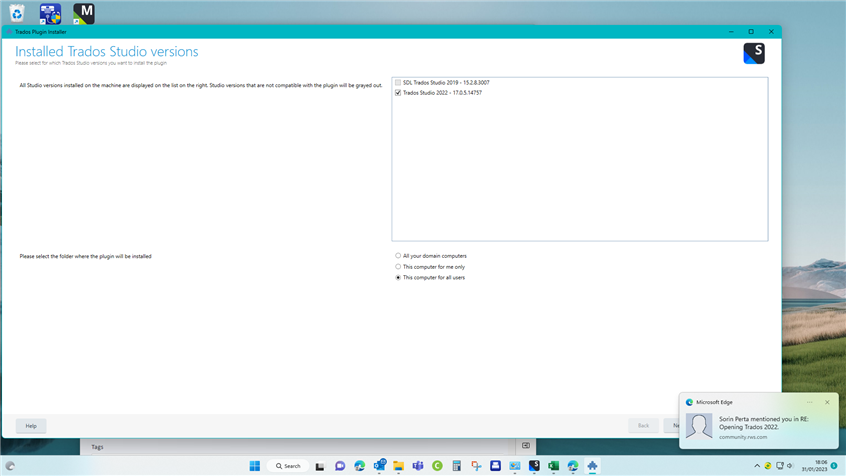
click on next, and get this window,
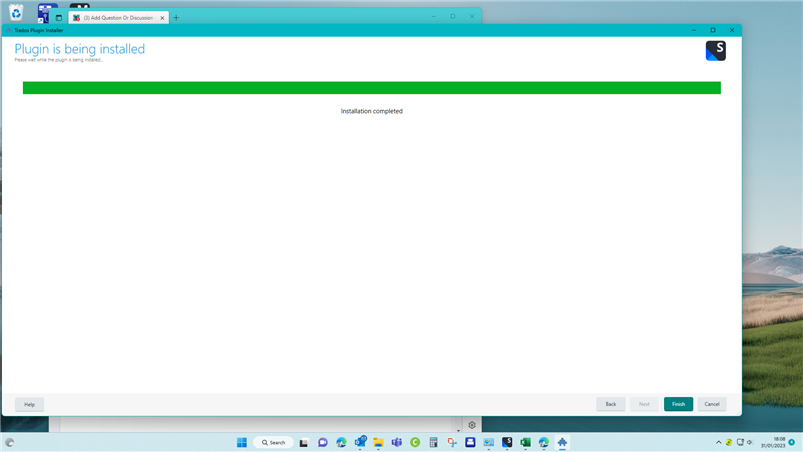
The green progress bar is finished as soon as this window opens. Which is not a good sign.
However, click on Finish.
Back into Trados TM, click on open Language Weaver and....
Right back to the beginning, the same window asking me which App I want to download.
So what am I doing wrong? How can I install Language Weaver on my system?
Generated Image Alt-Text
[edited by: Trados AI at 1:52 PM (GMT 0) on 4 Mar 2024]