
 Translate



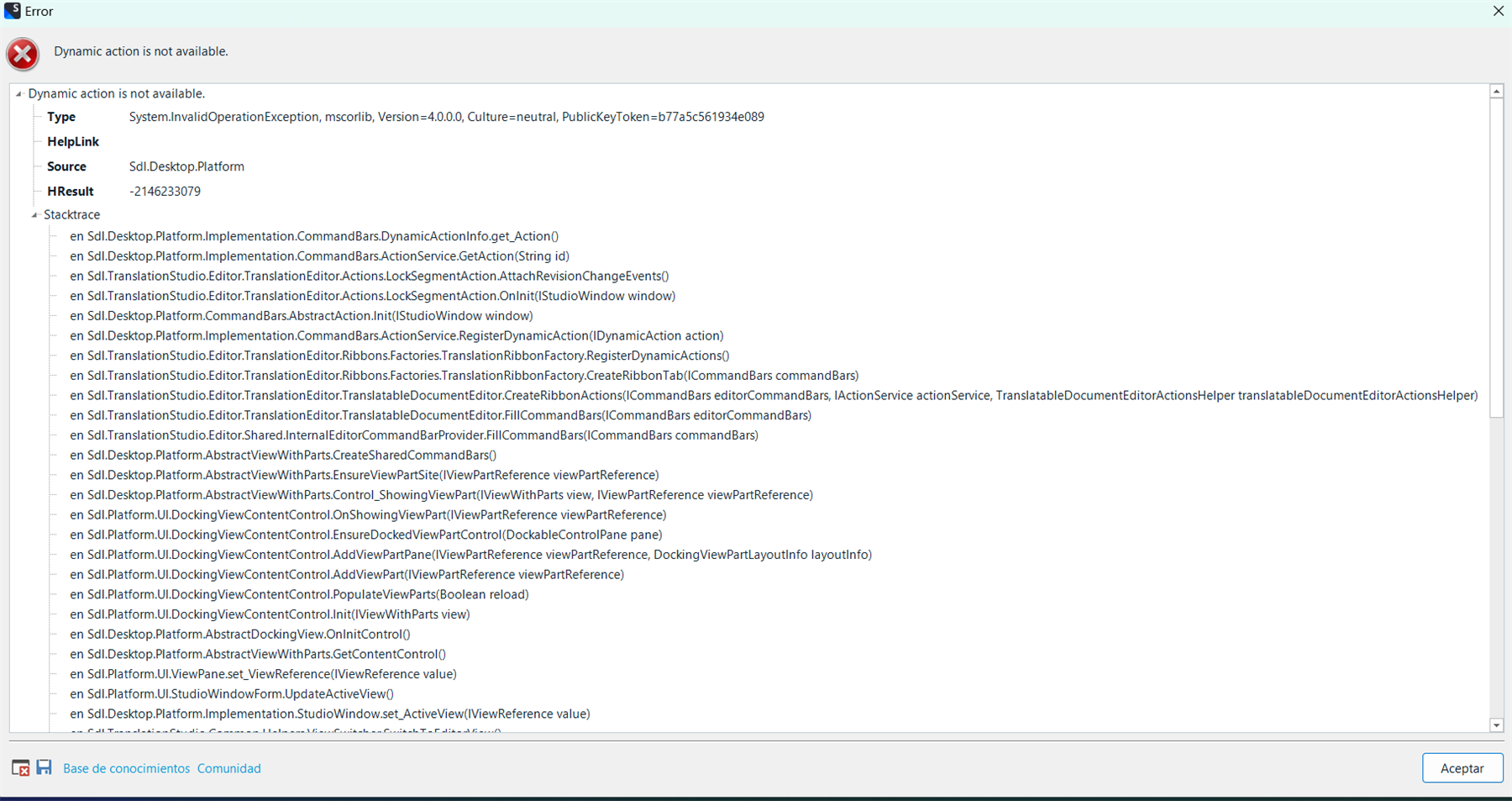
Studio 2022 crashes whenever I try to open SDLXLIFF files in editor, whether it is for translation, reviewing, etc. This error began to occur out of nothing while opening different files of the same project.
I tried the repair option and reinstalling Studio but that didn't fix the error. Also, I had installed some plug-ins some days ago and everything kept working as usual. Now I deleted them to see if they were causing the problem but it still occurs.
The rest of features are still working correctly, I can still perform QAs, manage projects and see reports.
Version is Trados Studio 2022 - 17.0.5.14757
Here is a screenshot of the expanded error message.
Generated Image Alt-Text
[edited by: RWS Community AI at 10:19 PM (GMT 0) on 14 Nov 2024]



