
 Translate



Hello,
I have just updated my SDL Trados Studio 2019 SR2 to the latest version yesterday.
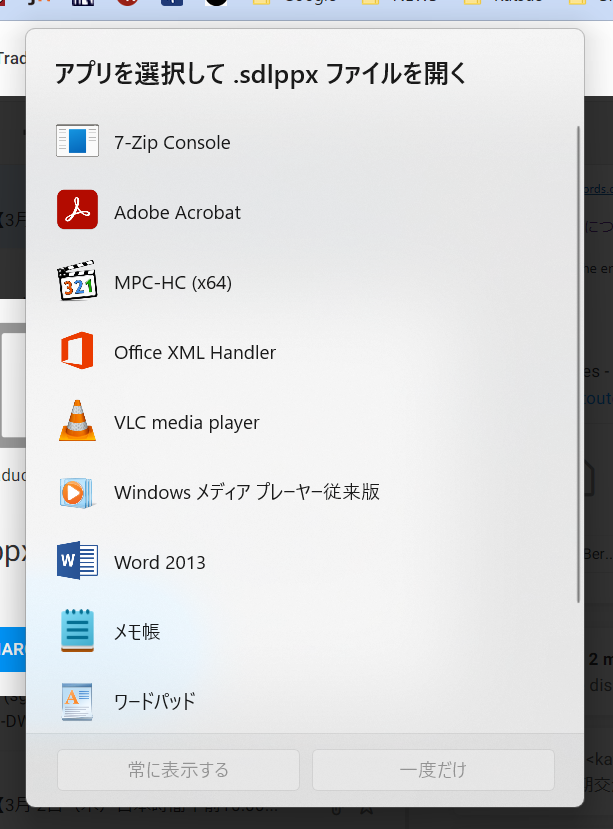
But today, I can not download a new file of sdlppx, PC does not propose SDL Trados and show me other APPs, like this.
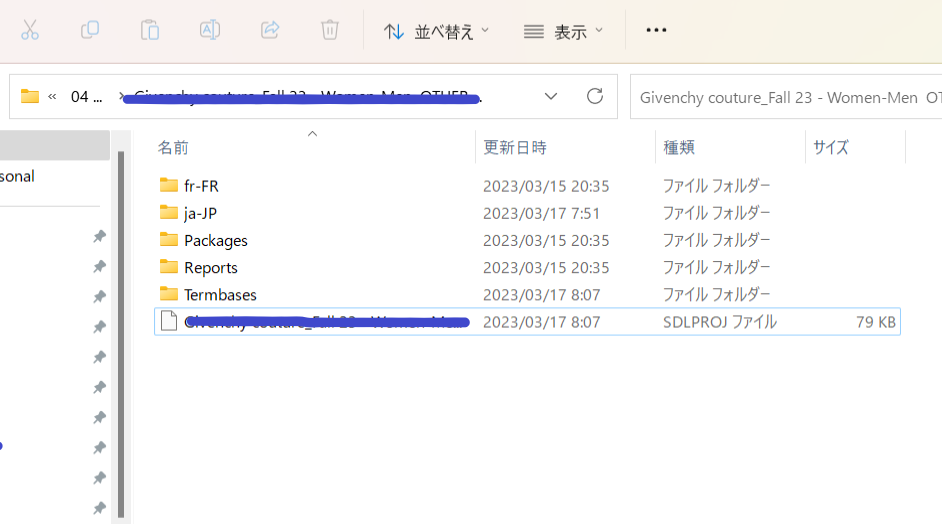
Also, my file (already downloaded, before updating Studio 2019 SR2) is showing itself with not-recognized icon.. and can not open from the folder.
Still, SDL Trados itself working. I can open from the Icon on the task bar.

Is there anybody can tell me a solution for this ?
Thank you in advance for your help,
KM
Generated Image Alt-Text
[edited by: Trados AI at 1:59 PM (GMT 0) on 4 Mar 2024]



