
 Translate



My teacher gave access to this, but after clicking "Activate", a window appears with the error "The license key is not valid for this device. Try again with a different license or contact your cloud account administrator.". After an error, I am thrown out of the program.
Previously, I did not download the foreign or hacked versions of the program. Reinstalling the program didn't help.
We have only been learning to work in Trados for only 2 weeks, so I'm sorry if the solution to the problem is very obvious.
Windows 10 x64
SDL Trados Studio 2021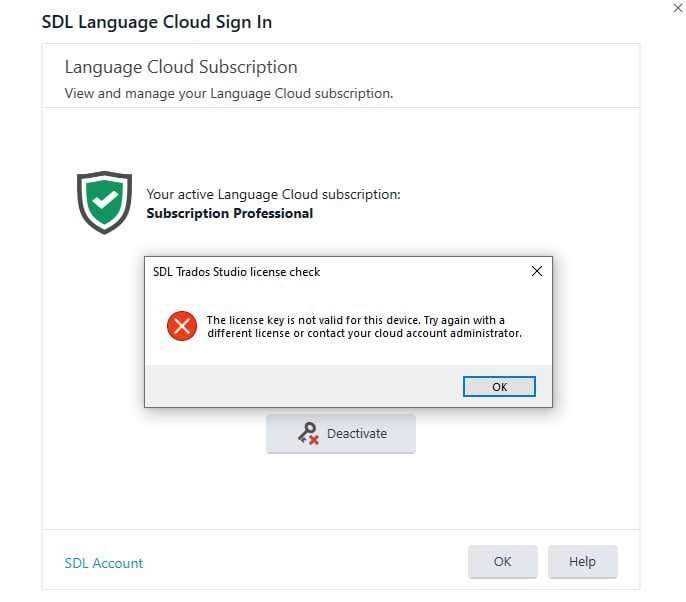
Generated Image Alt-Text
[edited by: RWS Community AI at 1:56 AM (GMT 0) on 15 Nov 2024]



