 Translate



Generated Image Alt-Text
[edited by: Trados AI at 2:03 PM (GMT 0) on 4 Mar 2024]


Thank you for your prompt response. The failure to describe the problem was an oversight on my part for which I apologize.
Before replying to you, I decided to try again. This time the upgrade worked, and Studio 2022 has now replaced Studio 2021 in my list of licenses. So the problem is fixed.
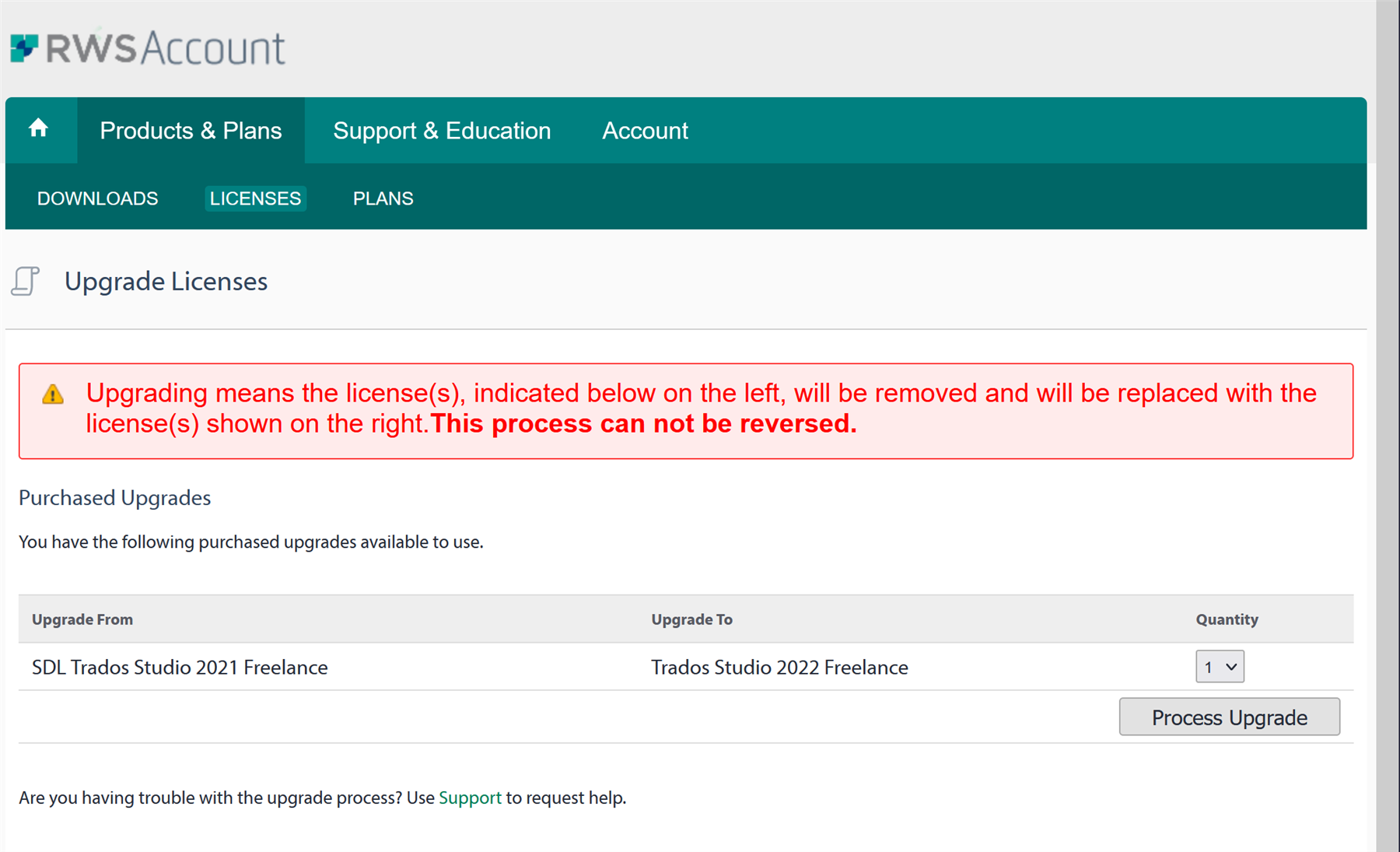
On April 22nd, when I clicked on the "Upgrade (1)" button, I was transferred to the screen of which I made a screenshot. When I clicked on the "Upgrade verarbeiten / Process upgrade" button on this screen, essentially nothing happened as far as I could tell. I tried this several times; sometimes I changed the "Menge / Quantity" entry, which was pre-set to "0", to "1", thinking this might be the problem. But each time, when I looked again at my list of active licenses, I saw Trados Studio 2021, not 2022. And and at the top there was still a notice that I had one upgrade pending.
You are getting this message a little late because I at first tried to send it via e-mail, but it went to a no-reply server, and I just got a rejection notice.
Thank you again.

Thank you for coming back and closing that off. I really appreciate that!
Paul Filkin | RWS
Design your own training!
You've done the courses and still need to go a little further, or still not clear?
Tell us what you need in our Community Solutions Hub

Thank you for coming back and closing that off. I really appreciate that!
Paul Filkin | RWS
Design your own training!
You've done the courses and still need to go a little further, or still not clear?
Tell us what you need in our Community Solutions Hub
