
 Translate



Hello everyone,
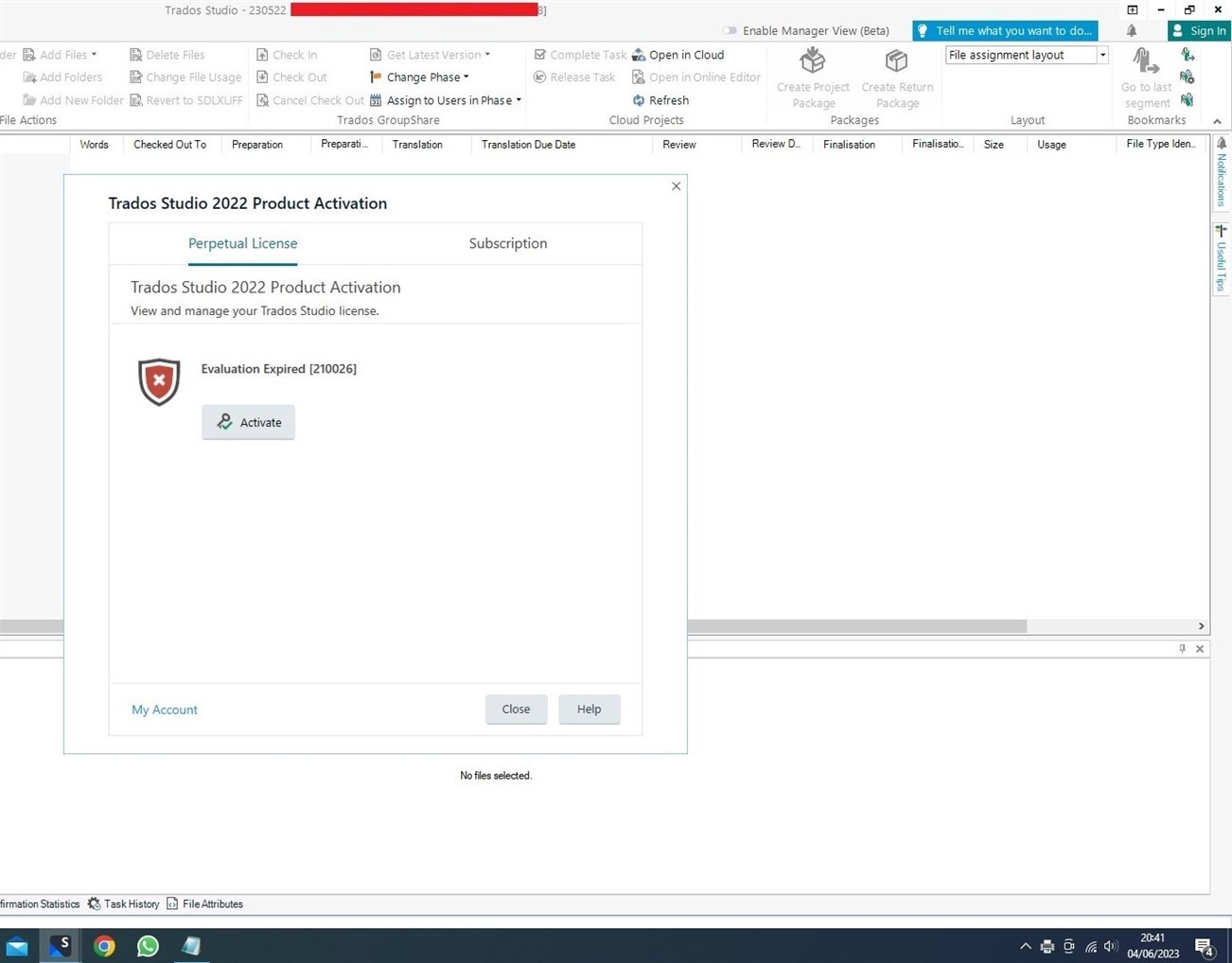
My Trados Studio unexpectedly shows "Evaluation Expired [210026]", where it should not be.
I have tried a workaround suggested in similar post i.e. deleting the license file in \ProgramData.
Any help would be much appreciated as I need my license back immediately to check-in GS project files.
- Version: TradosStudio2022_17.0.6.14902
- No support scheme
- No remaining Reset license
Kind regards,
Didik
Generated Image Alt-Text
[edited by: Trados AI at 2:06 PM (GMT 0) on 4 Mar 2024]



