
 Translate



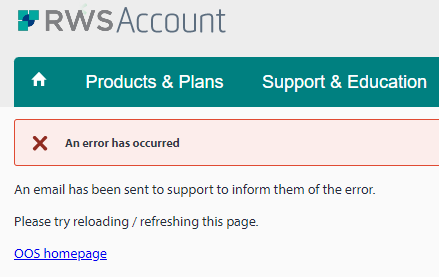
I moved Trados to a new pc, reset the licence and was able to activate Trados on the new pc. Then after a few days when clicking on the software it told me that I had a testversion but I do have my licence in my account. My account says that the new activation was on 25th May. Whay does it tell me that I have a testversion? I tried to reset the licence again but then this error message came up:
Please help! I have started a big translation job and need to work on this.
Generated Image Alt-Text
[edited by: Trados AI at 2:07 PM (GMT 0) on 4 Mar 2024]


