
 Translate



Hello,
I am trying to activate my Studio 2019 license, but after typing the license code, I don't have the possibility to press the "Activate" button, as it is grey and inactive (see screenshot).
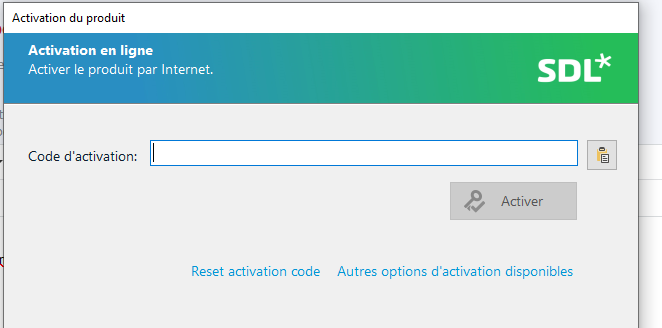
Any idea how it can be fixed?
Best regards,
Stéphane
Generated Image Alt-Text
[edited by: Trados AI at 2:12 PM (GMT 0) on 4 Mar 2024]




