
 Translate



Hello,
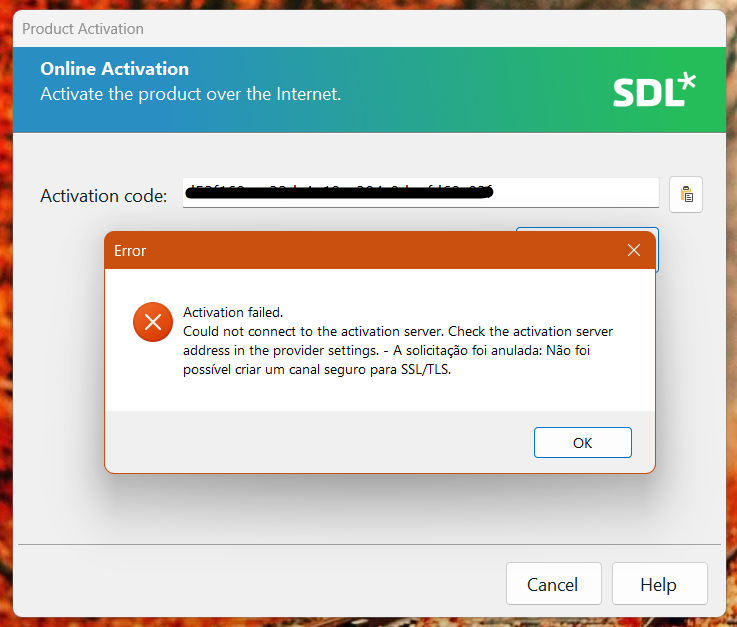
I tried to install Trados 2017 on my new computer, but Studio 2017 is unable to connect to the activation server. I received the message below. I read somewhere on the website that I need to reset my license, but I can't see this button on my account either. What can I do to resolve this?
Thank you.
Generated Image Alt-Text
[edited by: Trados AI at 2:21 PM (GMT 0) on 4 Mar 2024]


