
 Translate



Hello, I want to activate a new license of 2019, so I have deactivate the old 2019 license yesterday. And I have been confirmed that the old license disappeared from the list of our purchased products.
But, today, when I reinstalled 2019, it still works with the old license, and cannot be deactivated.
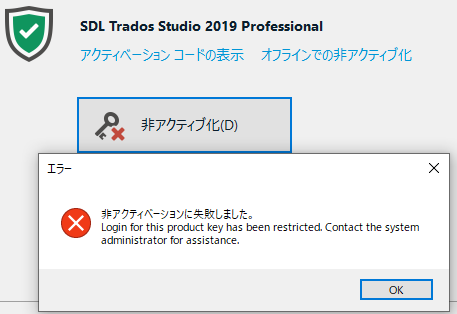
Generated Image Alt-Text
[edited by: Trados AI at 2:24 PM (GMT 0) on 4 Mar 2024]


