Translate



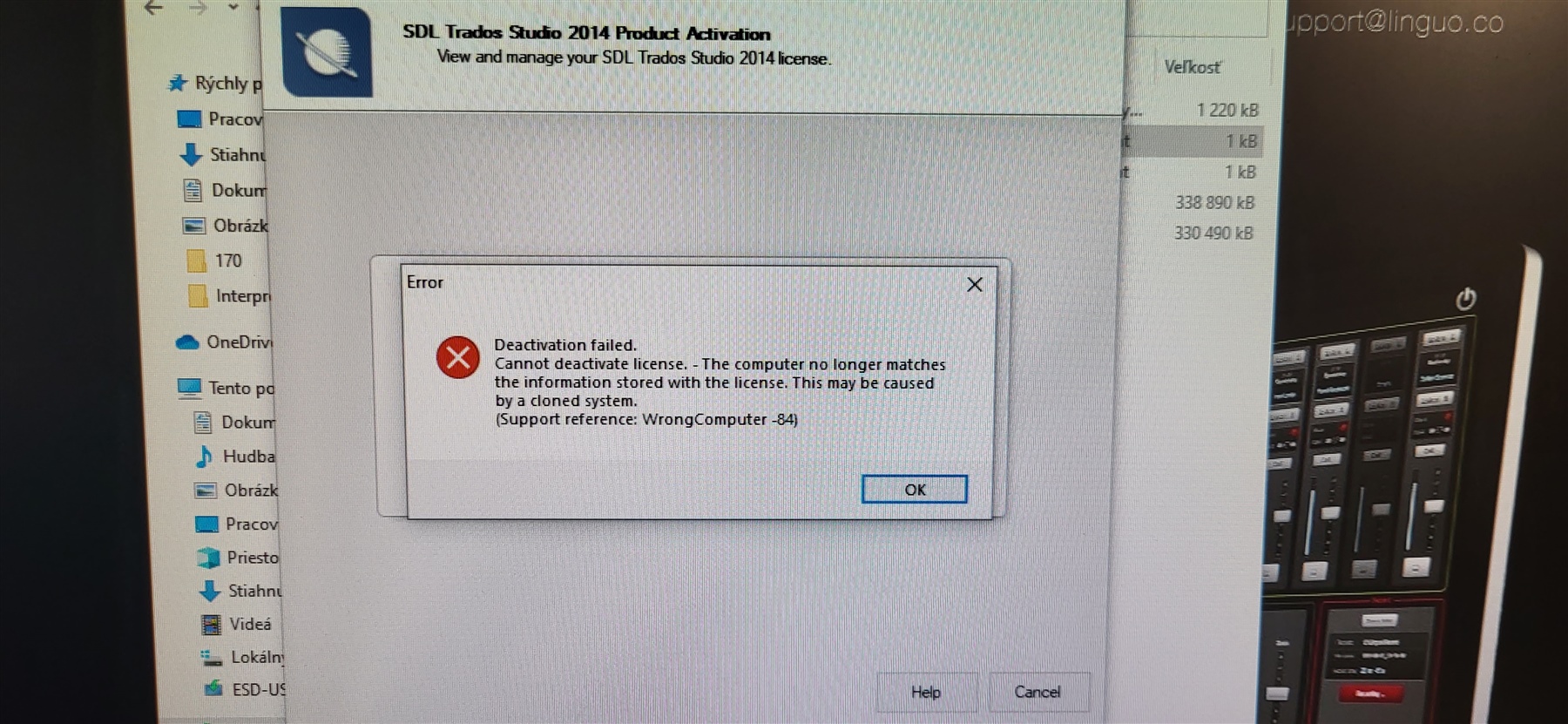
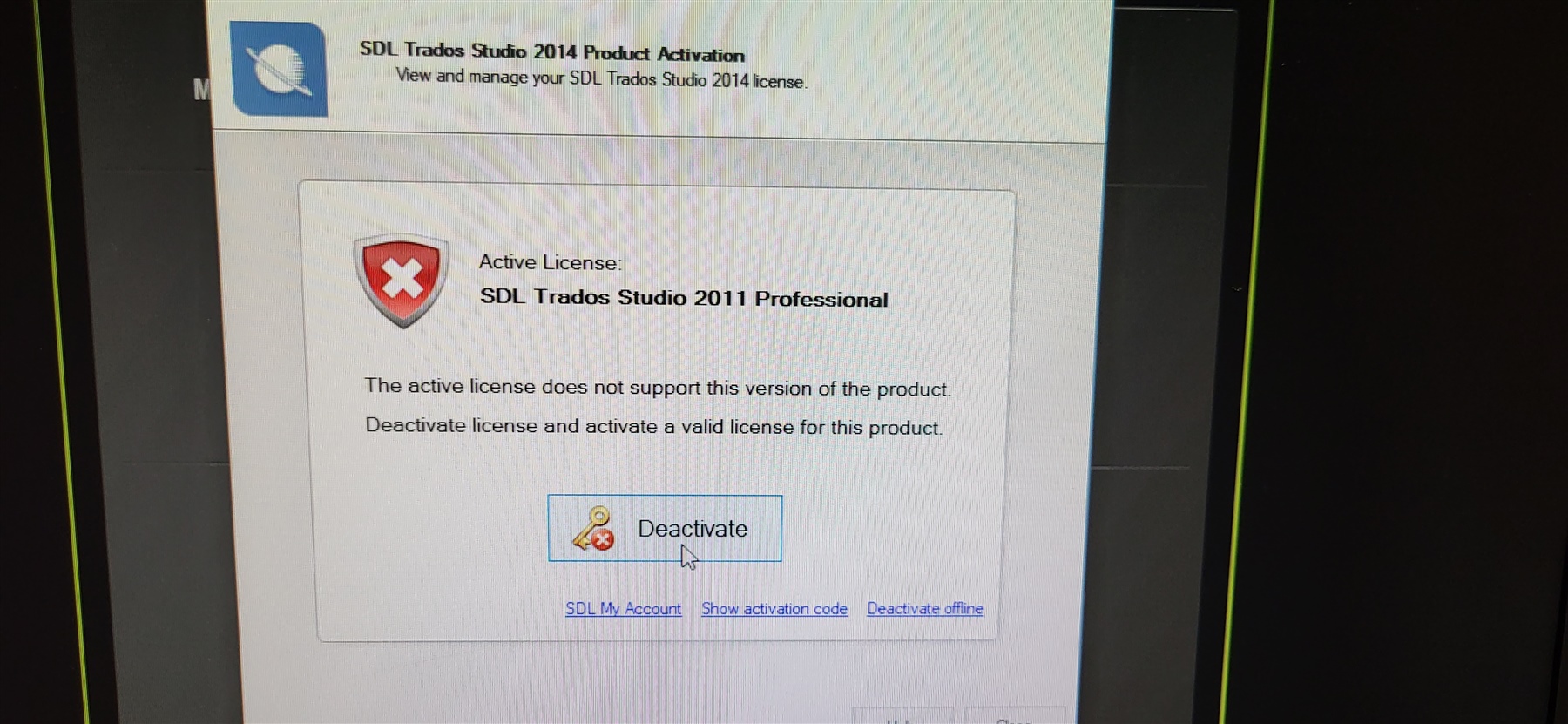
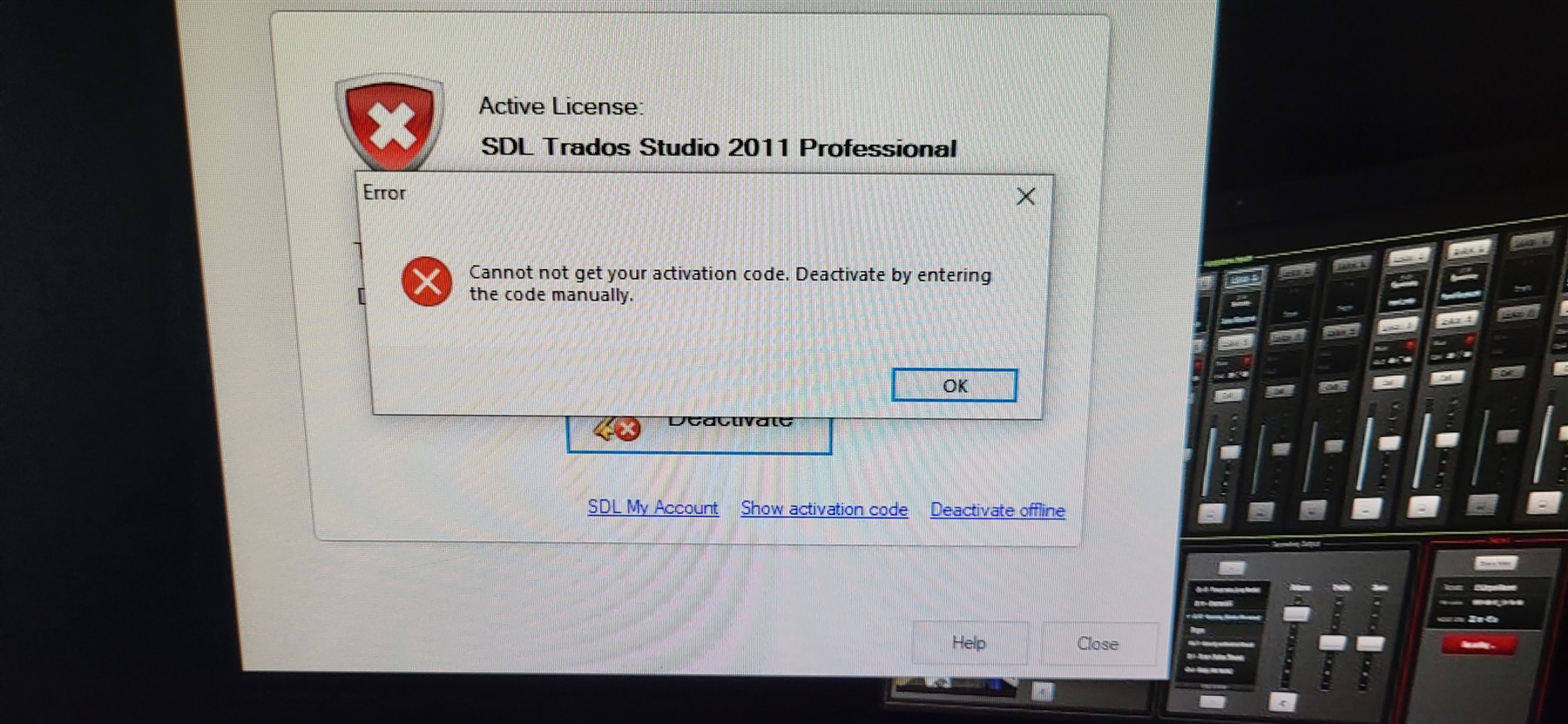
Hello, I want to ask you, How can I deactivated old user (PCs) with active licence for SDL Trados Studio 2011 Professional Network License (for 13 users). I activated SDL Trados 2014 and now I have problem with deactivation on old PCs, still wants to deactivate Licence TS 2011, but it not possible. I have instaled LicensingServerToolkit-v1.7 and on it license is activated for SDL Trados studio 2014. One new PC do not have problem with licence. Onother 12 not working 
Thank you for you support.
Best regards Ladislav.
Generated Image Alt-Text
[edited by: Trados AI at 10:46 AM (GMT 0) on 6 Mar 2024]