
 Translate



After successfully moving and activating my perpetual Studio 2017 Freelance Plus license to a new laptop a few months ago I've been getting "license expired" messages every few months. The activation code I have in my account has never once worked; I've needed to do the resetting workaround with the offline activation certificate each time.
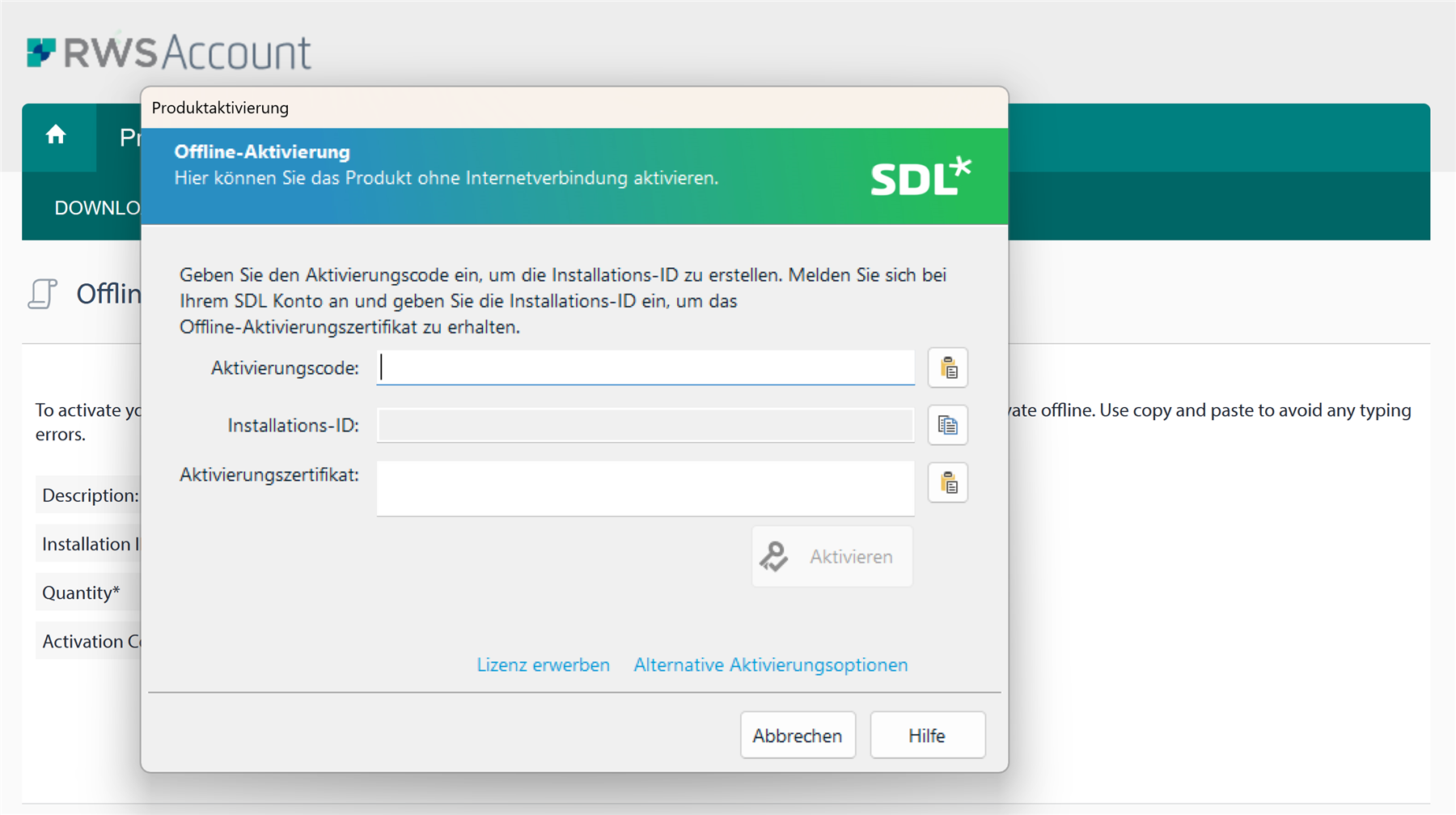
Today I was once again told that my license had expired, but this time there seems to be a bug which means that after resetting my license I cannot copy the installation ID from my software to paste it when I try to create the offline activation certificate. The dialogue in the software shows no installation ID, the field is empty and greyed out, and nothing happens when I click on "copy to clipboard". How can I create the activation certificate?
This is also the third time I've had to reset my license in just over six months. What happens the next time I I keep getting the "license expired" message every few months?
Generated Image Alt-Text
[edited by: Trados AI at 2:29 PM (GMT 0) on 4 Mar 2024]

