
 Translate



Hi,
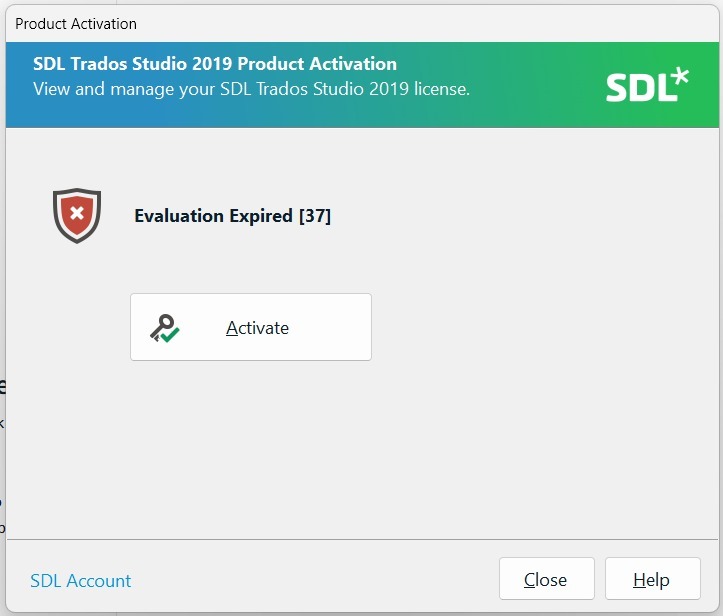
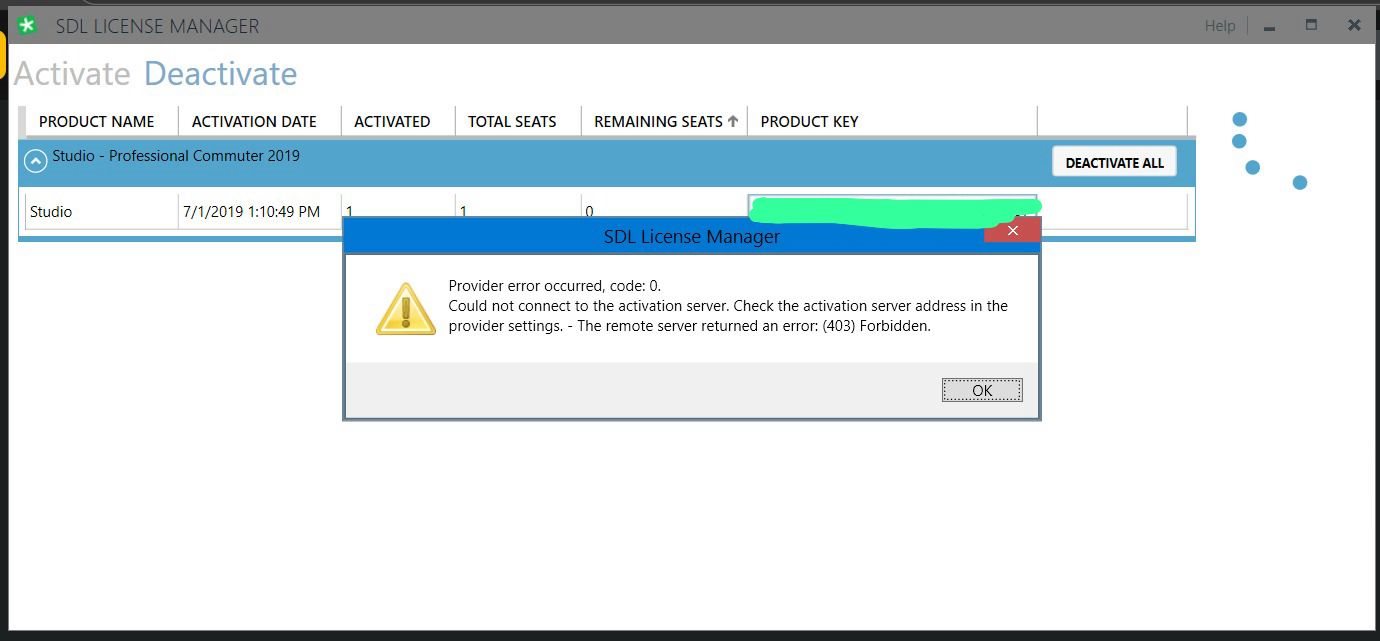
Our customer is unable to reset their Trados Studio 2019 Professional Network License. They have deactivated on the machine and since it is network license when tried to deactivate with License Manager error comes with could not connect to activation server.
Please find the below errors.
Thank you,
Savio
Generated Image Alt-Text
[edited by: RWS Community AI at 10:53 AM (GMT 0) on 2 Jan 2026]


