
 Translate



Hi there. As soon as I found out Trados Studio 2024 didn't really respond to my action when I held Ctrl and press key Z, I decided to update my software to SR1. After that, it just wouldn't run, so I performed the following troubleshooting attempts:
1) a clean re-installation from TradosStudio2024SR1_18.1.3.6657.exe downloaded from RWS.
2) a clean re-installation after un-installation of the existing Visual C++ v14 Redistributables, both x86 and x64.
3) deletion of old 18 folder and Studio18 folder.
All of above brought me no further than the message below. After that, nothing shows up, not even an error message.
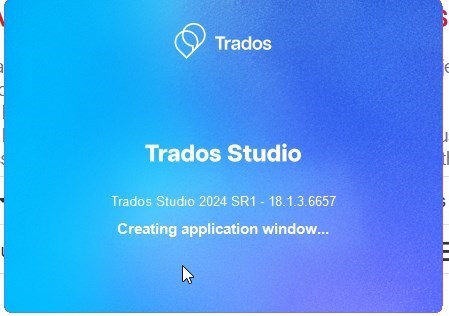
Someone please help me as I have tried every steps I can think of, thanks.
Chang
Generated Image Alt-Text
[edited by: RWS Community AI at 3:58 AM (GMT 0) on 24 Mar 2026]


