 Translate



Hi! My license for Trados Studio 2017 Freelance has just stopped working :( Can someone help me activate it again?


Hi! My license for Trados Studio 2017 Freelance has just stopped working :( Can someone help me activate it again?
Can you please be more specific?
In your RWS Account the license shows one activation fulfilment free.
Is there an error message? can you please provide more information?
Also what operating system are you on?
Best regards,
Anca
Anca Stoian | RWS Group

Can you please be more specific?
In your RWS Account the license shows one activation fulfilment free.
Is there an error message? can you please provide more information?
Also what operating system are you on?
Best regards,
Anca
Anca Stoian | RWS Group

I have sent you a private message with a screenshot!
Yes Anna, it's like I said, you have one activation fulfilment available - I tried to reply but you do not accept messages.

You can write here and if you share a screenshot please blur the personal details and your activation code.
And I don't see what the issue is. Can you please explain how is Trados not working?
Thank you.
Best regards,
Anca
Anca Stoian | RWS Group
When opening Trados it says my license has expired (It has not, it's a lifetime license). I have tried the activation deactivation offline thingie, I have received a code by email, tried it, but it does not work either. I am totally desperate here, is there anyway you can give me support by phone? I need to solve this now.
The license you have is a perpetual license, not a lifetime license, this mean it works as long as the environment it is installed on is still compatible with it.
I'm afraid I cannot give you support by phone. If needed, I can open a case with the technical team from the forum for issues related to licensing or installation.
And since Trados 2017 is no longer technically supported and by engineering, the case won't be solved immediately, as the priority in the queue is taken by the customers with the paid support contract.
Let's see first if we can solve it here.
So, please, what operating system are you on? Is it Windows 11?
Anca Stoian | RWS Group
Ok, so now that explains the issue.
Trados 2017 was not tested on Windows 11 and it will not be tested there, the technical support ended January 31, 2021 when there was no Windows 11.
We do have a workaround for Windows 11, please try the following steps:
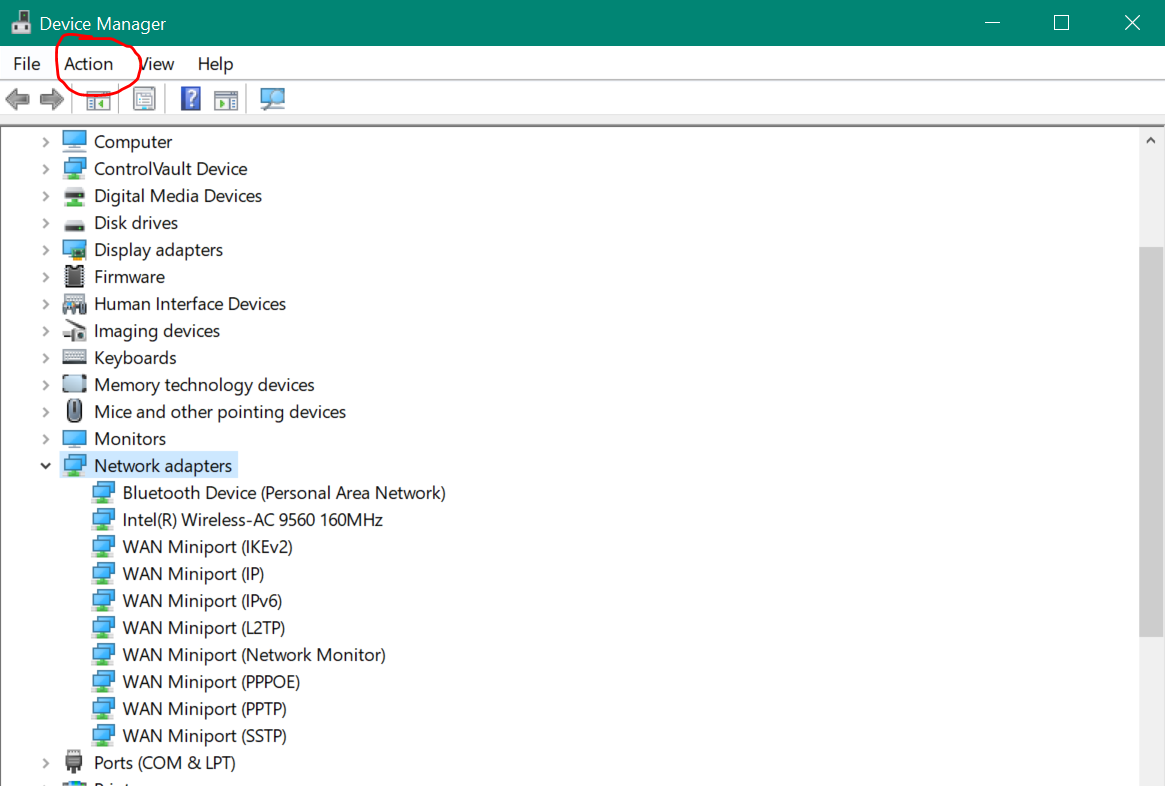
In Windows search bar type "Device Manager" and open it and then go to: Network Adapters - Action - Add Legacy Hardware - Install the hardware that I manually select from a list - Network adapters - Choose a network adapter (Microsoft > Microsoft KM -Test).
Then try again offline activation.https://www.youtube.com/watch?v=xVQZyX3tbsg&list=PLeCTib6EEYZHfZBaRI2ZsRm3r8bKGq-Qz&index=4
And please let me know how this works.
Best regards,
Anca
Anca Stoian | RWS Group

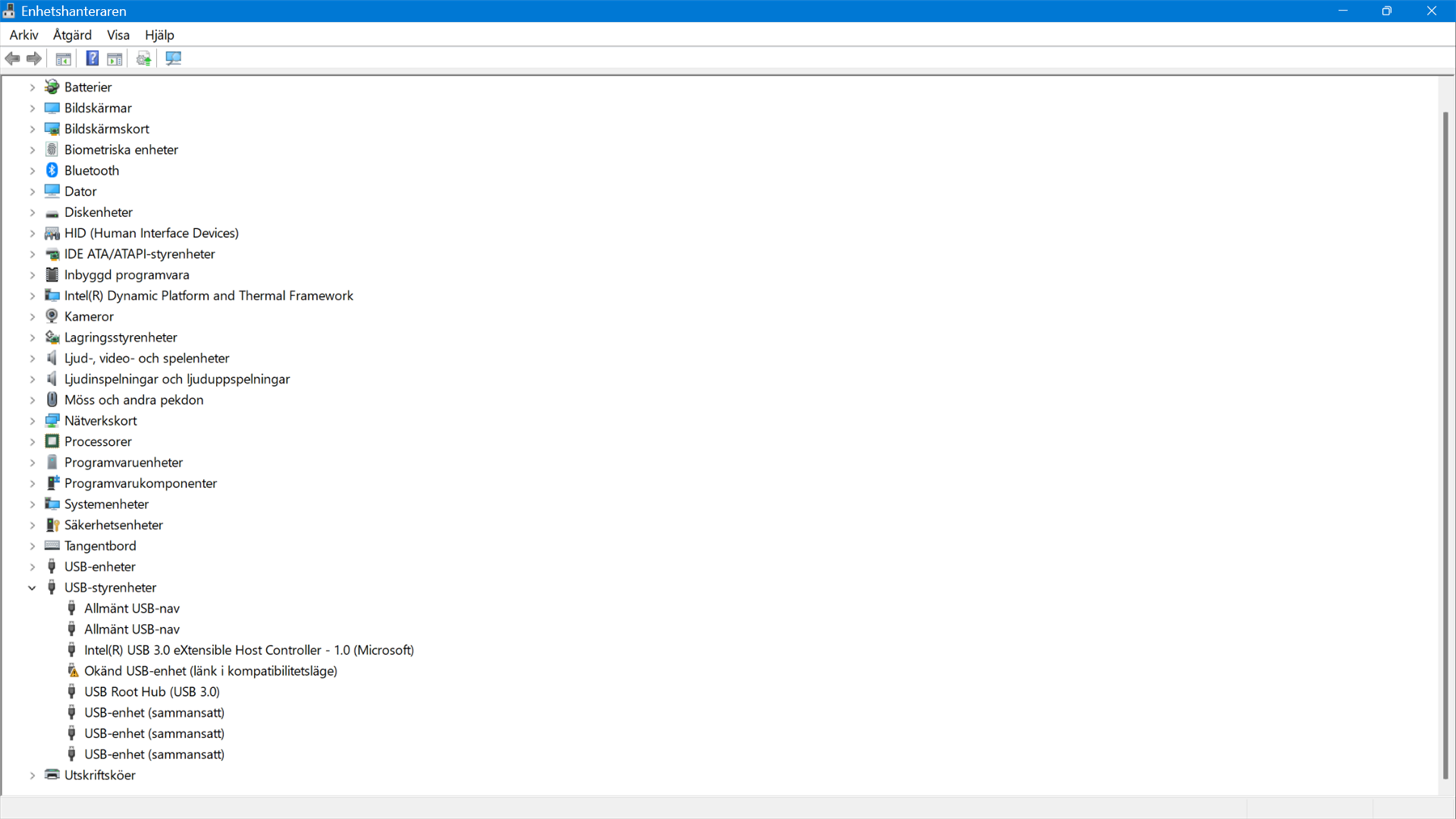 which one please
Click Action
Anca Stoian | RWS Group
So I managed to install it. Please can you go step by step for the offline activation please? Youtube videos makes me nervous. Sorry.