
 Translate



Since this morning, when trying to open Trados Studio (Network 2024 License), we have this message :
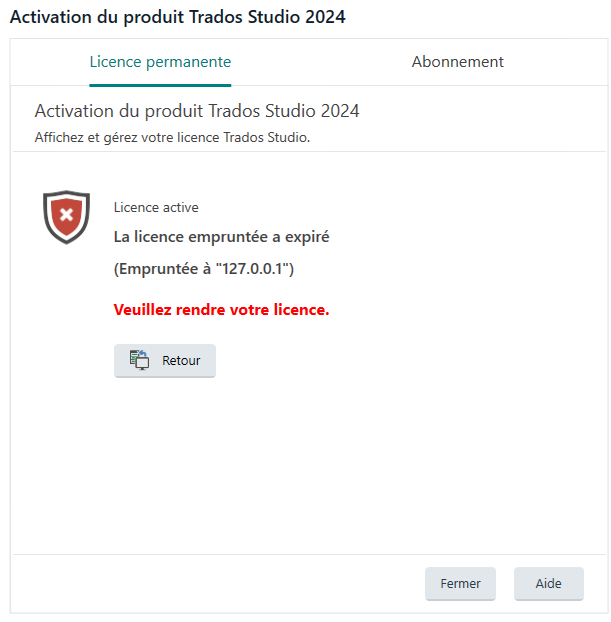
Studio 2024 was working normally until now.
We have 2 2024 network licenses that we use with LBS.
At no point between yesterday and today were these licenses deactivated.
When clicking "retour", we get the following messages :
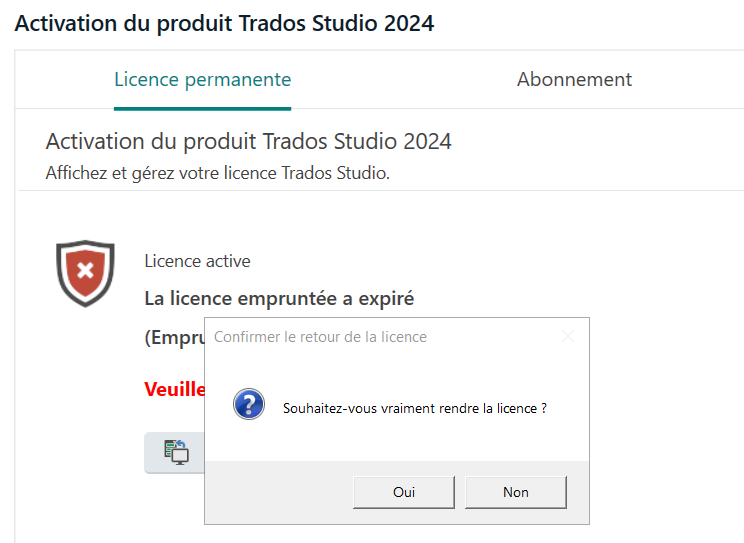
When clicking "Oui" (yes) here, we get an error message :
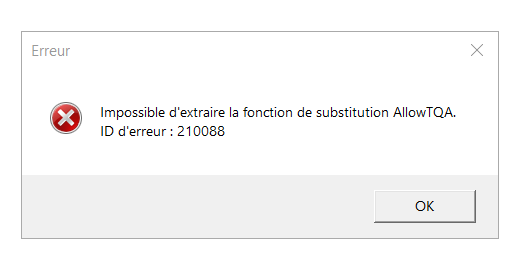
I've contacted LBS Support, but they said to reach out to you as well.
Please help, as this is slowing down our operations quite a bit.
Thanks,
Generated Image Alt-Text
[edited by: RWS Community AI at 12:27 PM (GMT 1) on 17 Apr 2026]


