
 Translate



I followed the instructions on this page to activate my license: sdl.service-now.com/csm
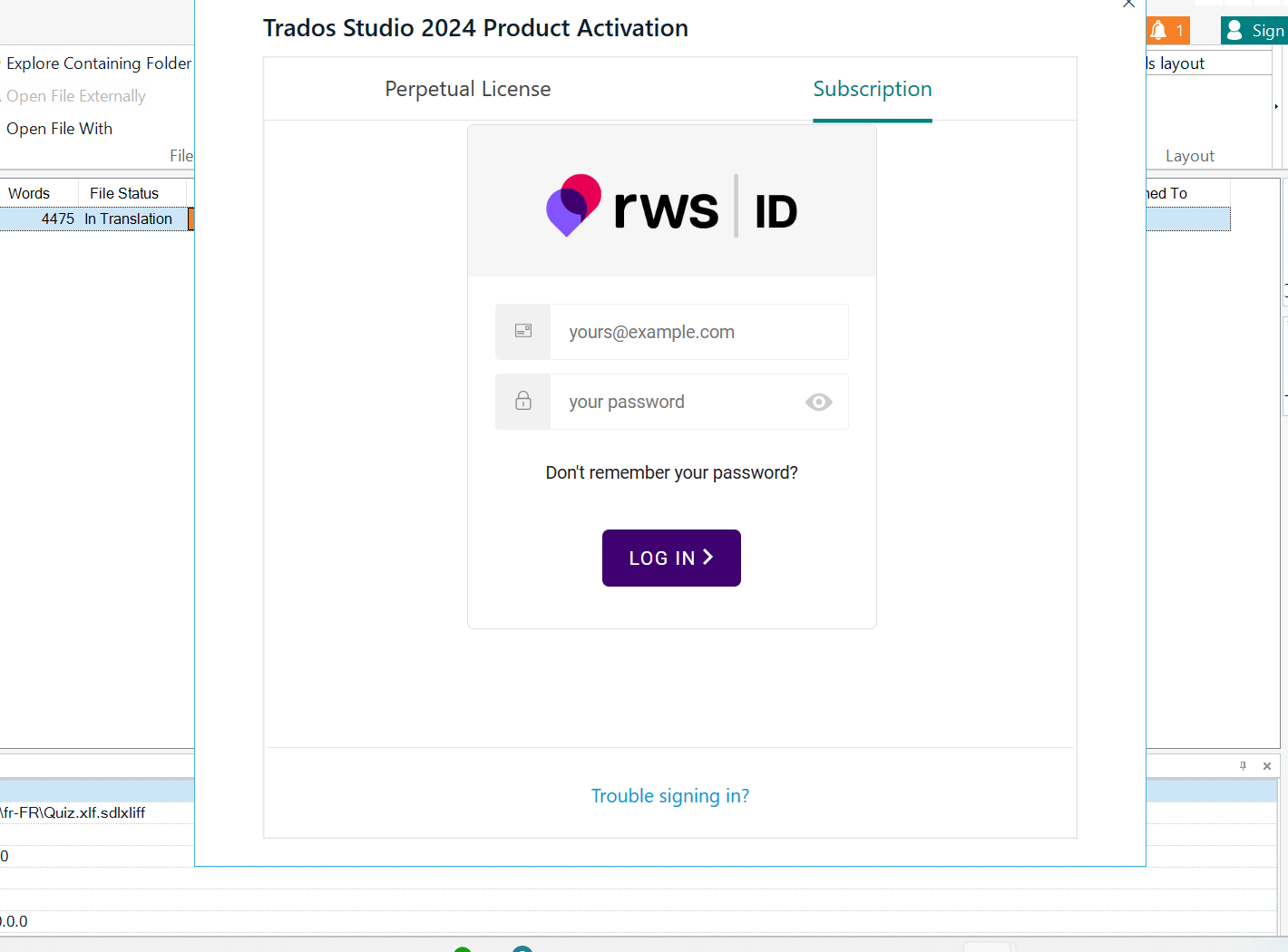
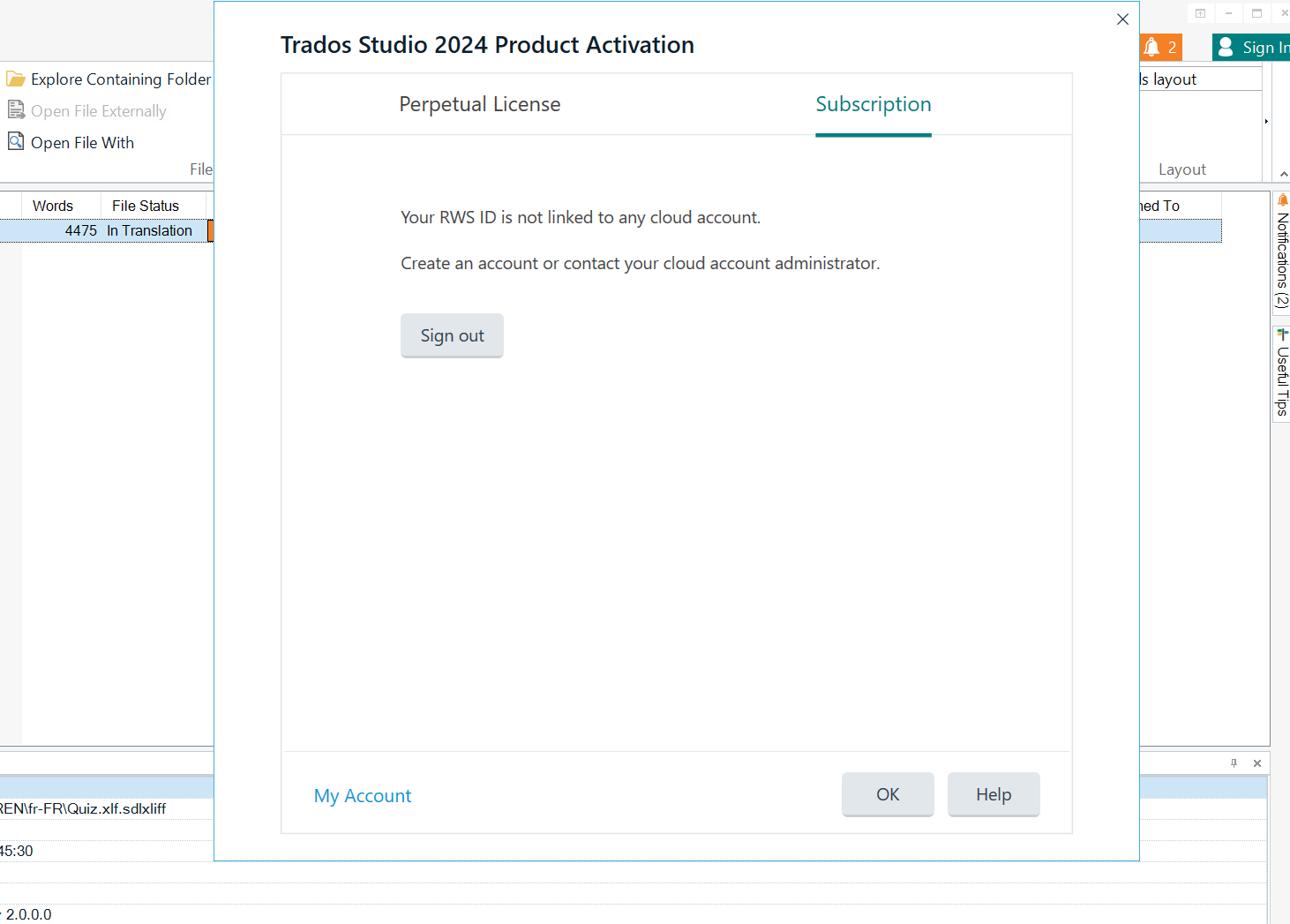
When I got to the account selection step, I had no choice but to enter my email address and password. Once I did that, a message told me that my account isn’t linked to a license, even though it’s already activated. Thank you in advance for your help.
Generated Image Alt-Text
[edited by: RWS Community AI at 11:51 AM (GMT 1) on 12 May 2026]


