
 Translate



We made re-installation of Trados Studio 2019, reset the licence and then tried to do offline activation with:
Installation ID: 1LQ CU9Z 2WLR YBFX
Activation Code: xxxxxxxx-xxxx-xxxx-xxxx-xxxxxxxxxxxx
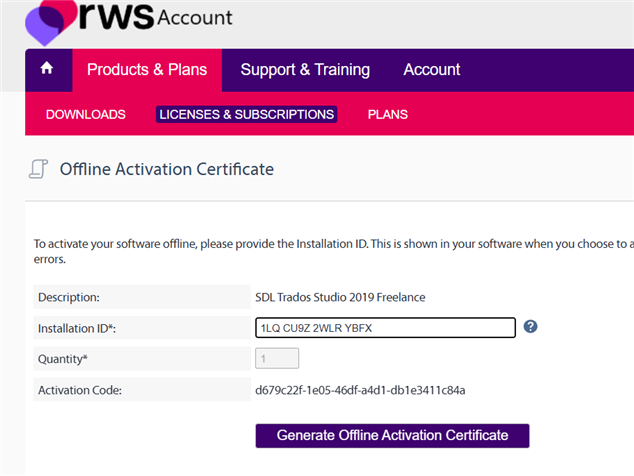
We get this:
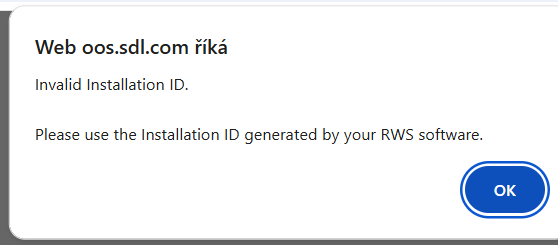
Could you please help us with the activation:
Many thanks and regards
Radka
miatranslate, s.r.o.
Generated Image Alt-Text
[edited by: RWS Community AI at 1:21 PM (GMT 1) on 20 May 2026]


