Translate



Hello
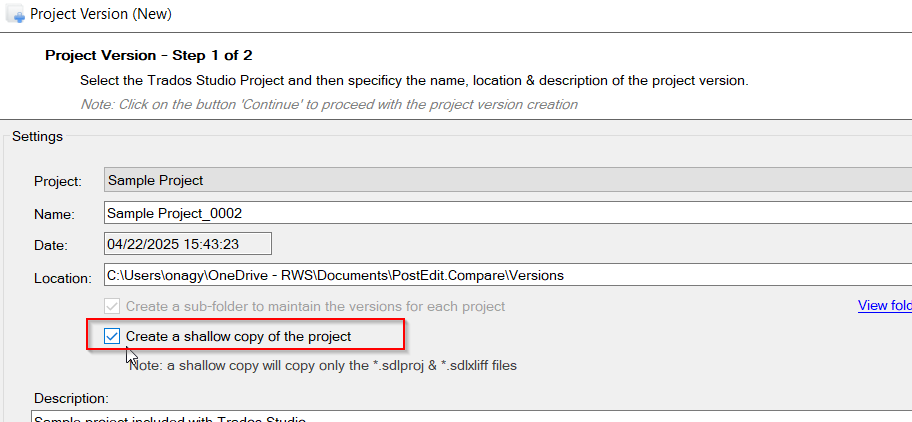
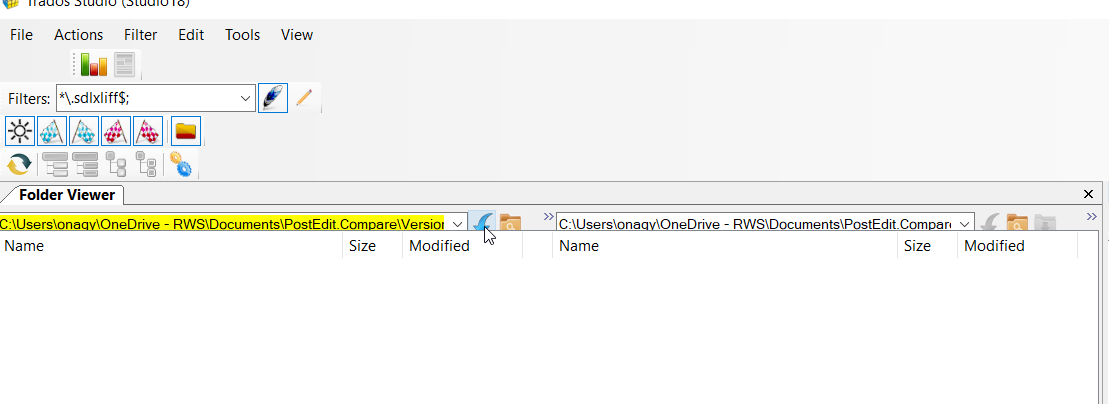
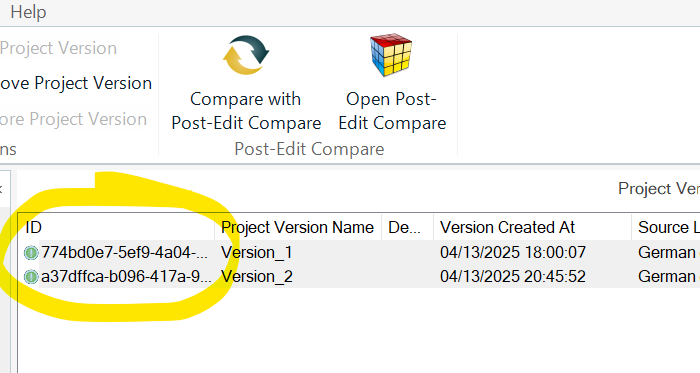
I installed the Post-Edit Compare plug-in to to my Trados Studio 2024 in order to be able to compare file versions before and after post-editing. Both files appear in the Post-Edit Versions view (see below) as I create new versions, but they have a green icon, not a blue one as in the Youtube tutorial I follow. Why is this so?
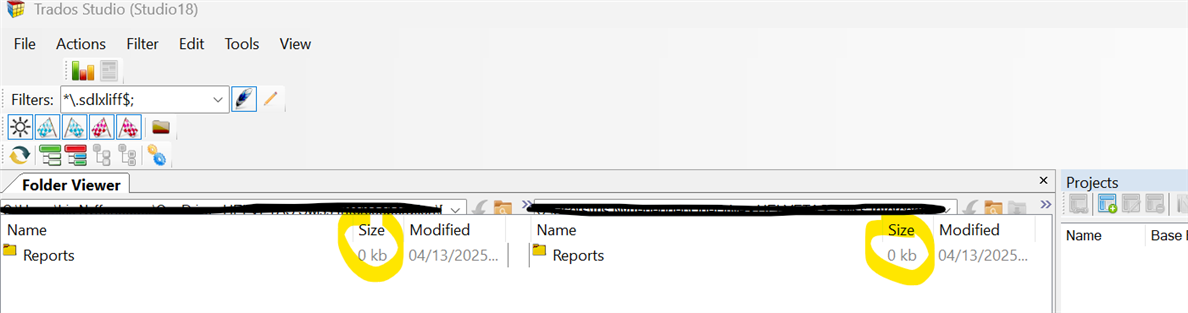
It also turns out that I am not able to complete the comparison in the Comparison wizard, where both files appear to be empty:
Is there something specific I need to do before thoses steps?
Thanks,
Best,
Iris