
 Translate



Hello all,
I am using Trados Studio 2021 (Version 16) with DeepL API Pro (valid API key).
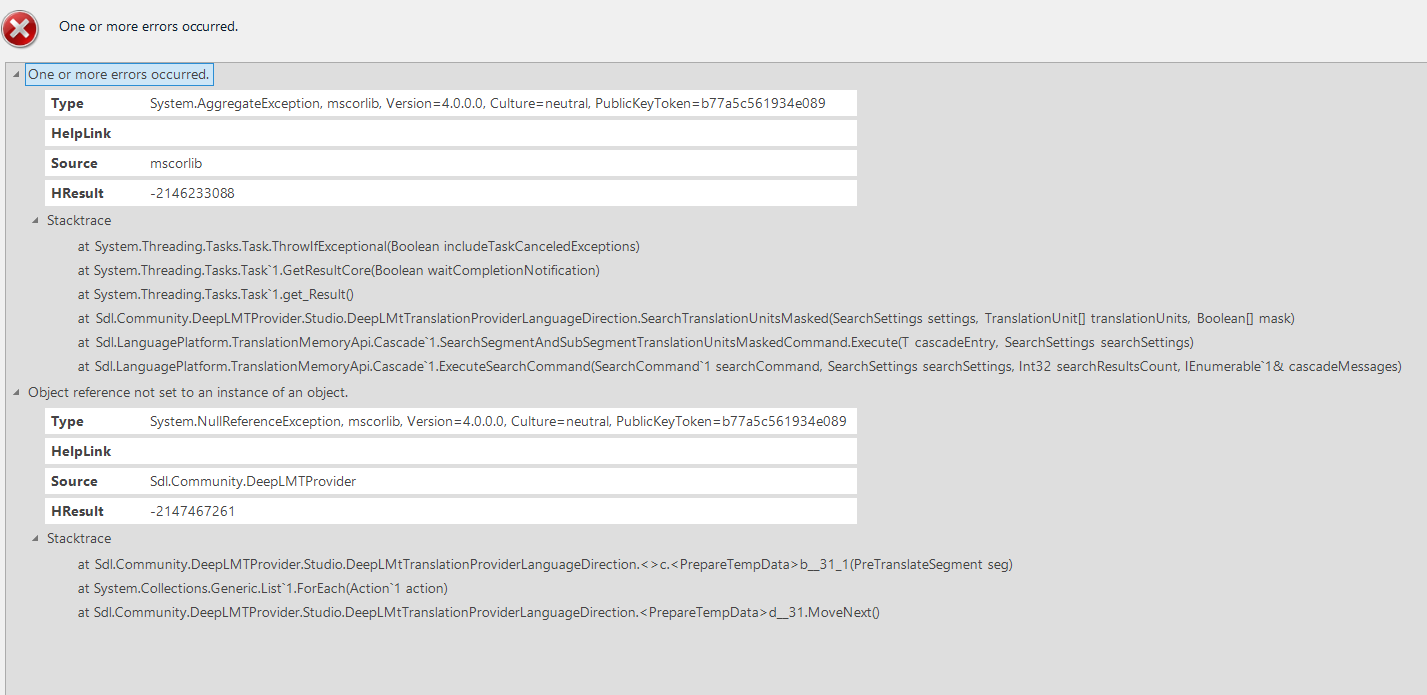
Studio pre-translation fails with DeepL running - results in image
I have already performed the following troubleshooting steps:
-
Confirmed DeepL API Pro key is valid and works with other files
-
Verified correct endpoint is used: https://api.deepl.com (not api-free).
-
Removed DeepL from Project Settings and re-added it.
-
Completely removed the plugin manually from:
-
%AppData%\SDL\SDL Trados Studio\16\Plugins
-
%AppData%\SDL\SDL Trados Studio\16\Plugins\Packages
-
%LocalAppData%\SDL\SDL Trados Studio\16\Plugins
-
-
Restarted the computer.
-
Reinstalled the latest available DeepL MT Provider for Studio 2021 from the RWS AppStore.
-
Re-entered the API key manually (no trailing spaces).
Generated Image Alt-Text
[edited by: RWS Community AI at 5:41 PM (GMT 0) on 1 Mar 2026]






