The Trados cloud platform will be undergoing maintenance on Saturday, 9th May 2026 between 05:00 to 17:00 UTC. During this time, you will not be able to log in to the Trados platform.

TBM 6.1.32 How to adjust list view column width?

Hi Eugene,

With this latest build, all columns have equal width in list views (all my customised column widths have gone missing). Result: rows with 3 lines each and a maximum 5 rows displayed per page (before scrolling).
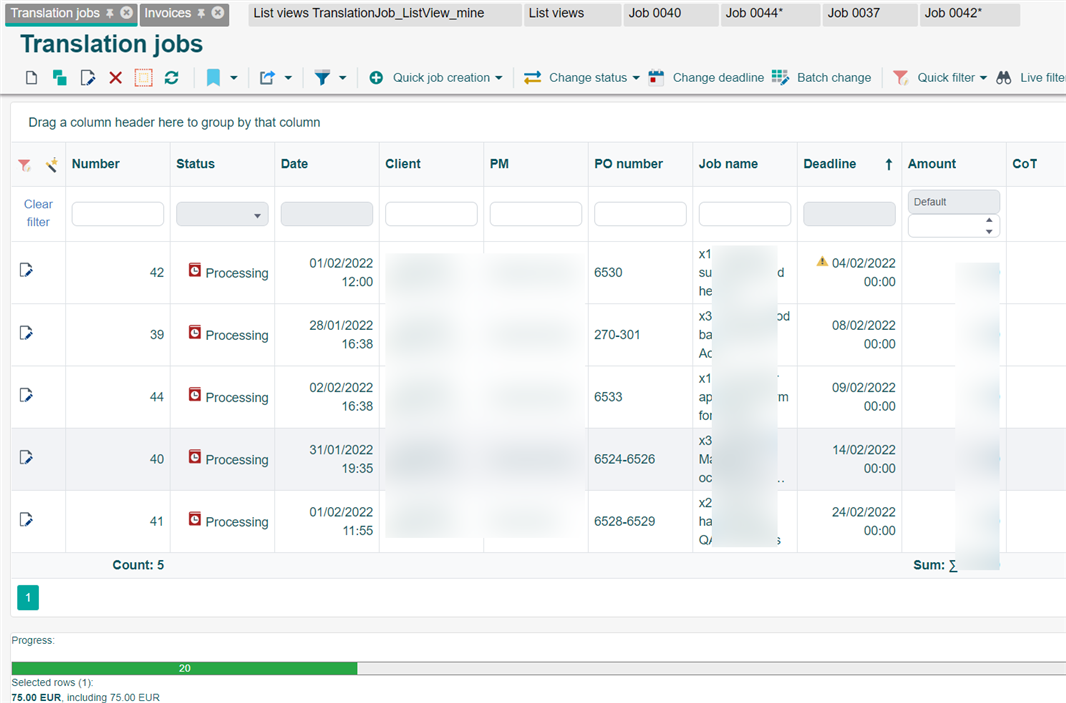
Screenshot of Trados Studio showing the Translation jobs list view with all columns having equal width, resulting in rows with 3 lines each and a maximum of 5 rows displayed per page before scrolling.

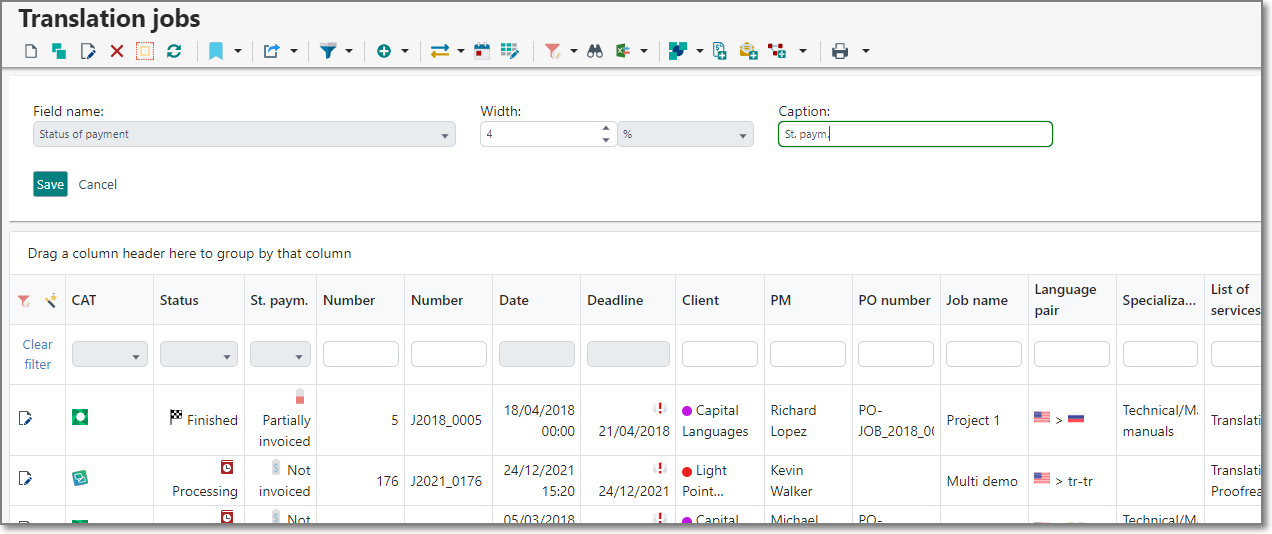
I've adjusted the width in the past. But now we have no double headed arrows to drag. And in list views>edit, I can't see the layout:

Screenshot of Trados Studio list views edit screen with a red question mark indicating confusion or an error, as the layout for adjusting column width is not visible.

Changing the font size doesn't help.

Please help!


Generated Image Alt-Text
[edited by: Trados AI at 5:55 AM (GMT 0) on 5 Mar 2024]

emoji