
 Translate



Mainly the problem started when RWS suspended the license. At that point I started receiving the following error messages:
I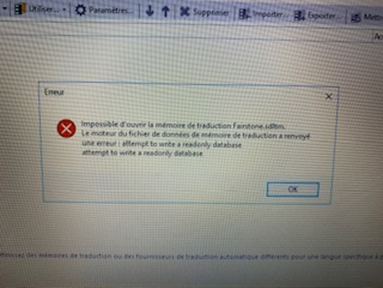
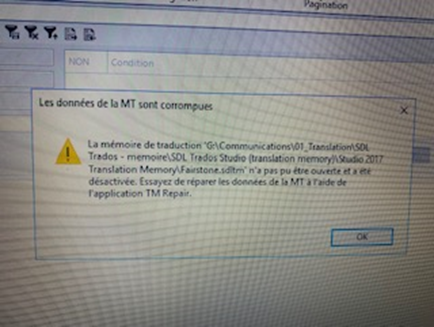
The payment issue was resolved last Friday. However, until now I still get the same error although RWS claimed that they had reactivated the license.
I have been trying to activate the license following the actions that were suggested in RWS help but didn’t get anywhere. Here are the steps that are followed.
- In the product help tab, I selected the “product Activation” menu.
- The following popup is displayed:
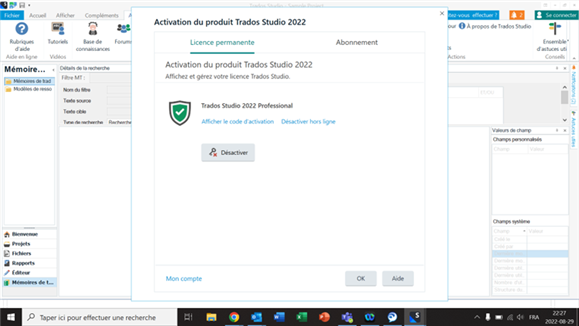
There is no place to paste the license code
- Moreover, when I select the link to display the activation code, the following popup is displayed:
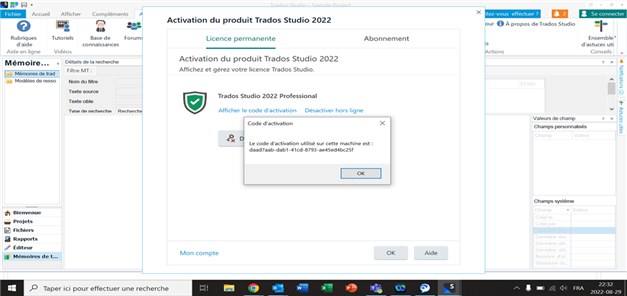
In summary, I followed the instructions listed in Trados help but the problem is still not resolved.
I kindly ask your help and support to get this issue resolved.
Generated Image Alt-Text
[edited by: RWS Community AI at 11:59 PM (GMT 0) on 14 Nov 2024]

