 Translate



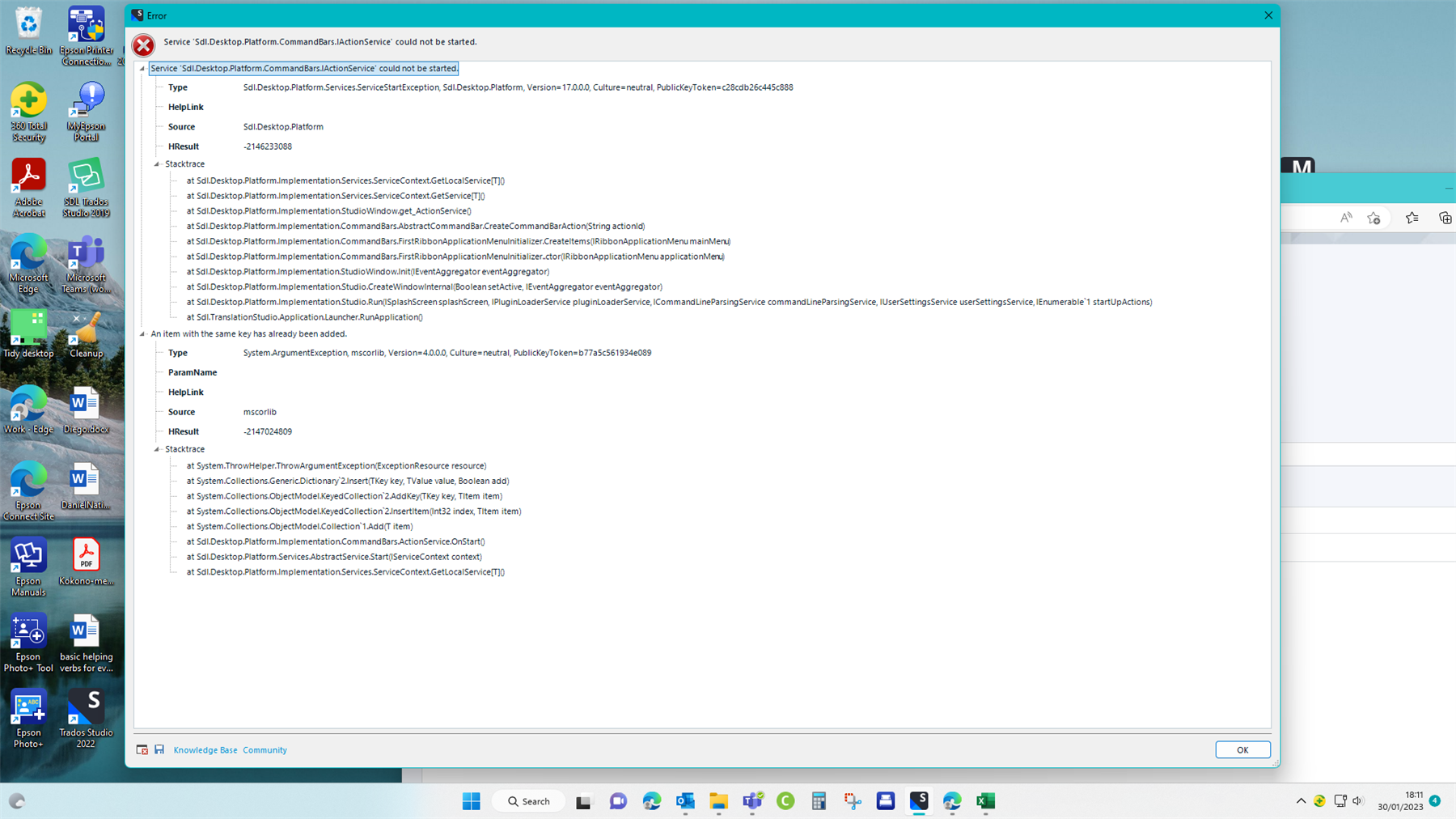
I can't open the programme at all. I've deleted and reloaded the app, repaired it etc,. but still get this error message. Suggestions?
Generated Image Alt-Text
[edited by: Trados AI at 1:53 PM (GMT 0) on 4 Mar 2024]


I can't open the programme at all. I've deleted and reloaded the app, repaired it etc,. but still get this error message. Suggestions?
Hello Brent Ellis-Simpson
Please try the solution from this article: https://gateway.rws.com/csm?id=kb_article_view&sysparm_article=KB0032269
If it still doesn`t work try the from this one: https://gateway.rws.com/csm?id=kb_article_view&sysparm_article=KB0033669
Thank you,
Sorin

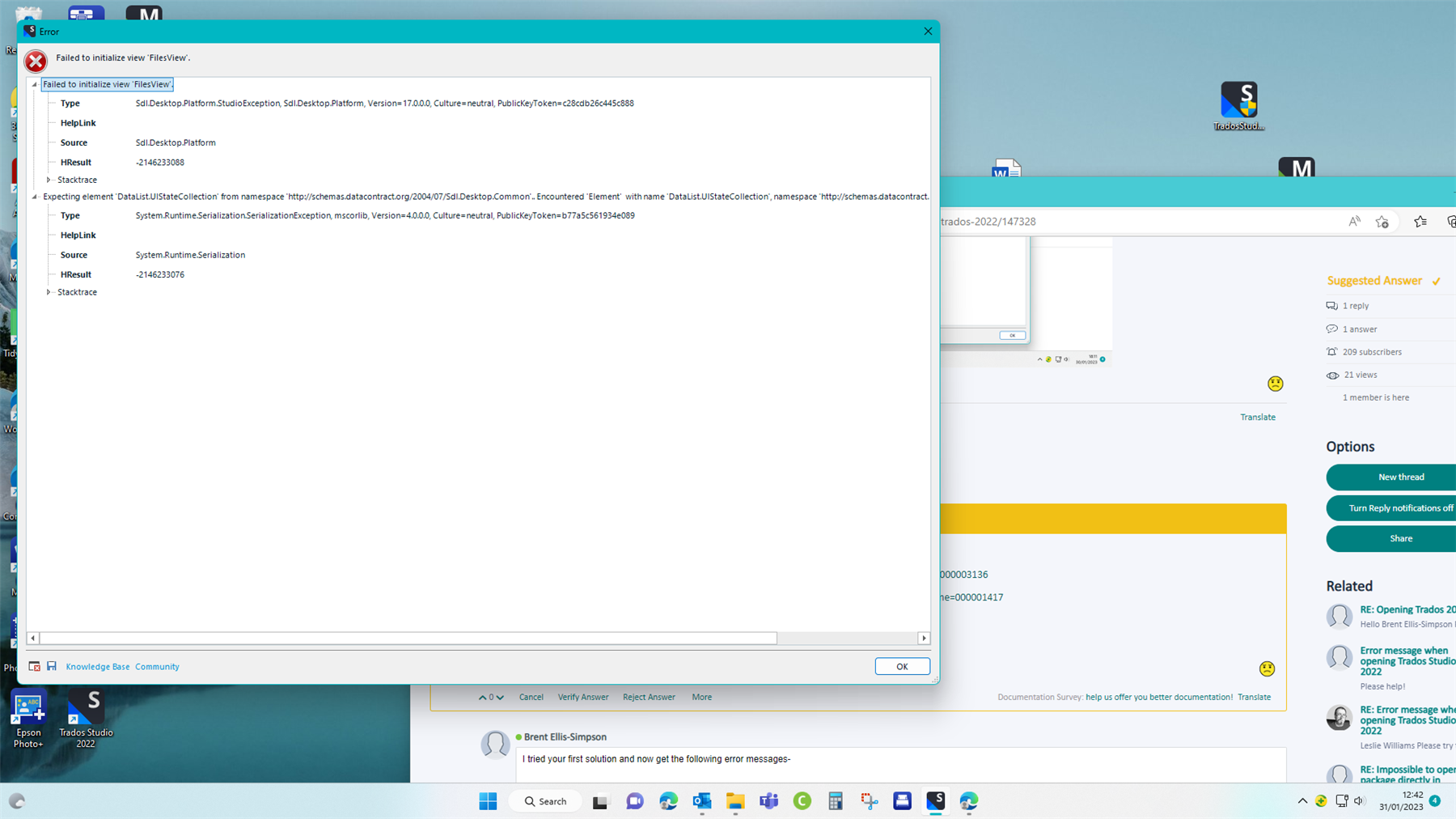
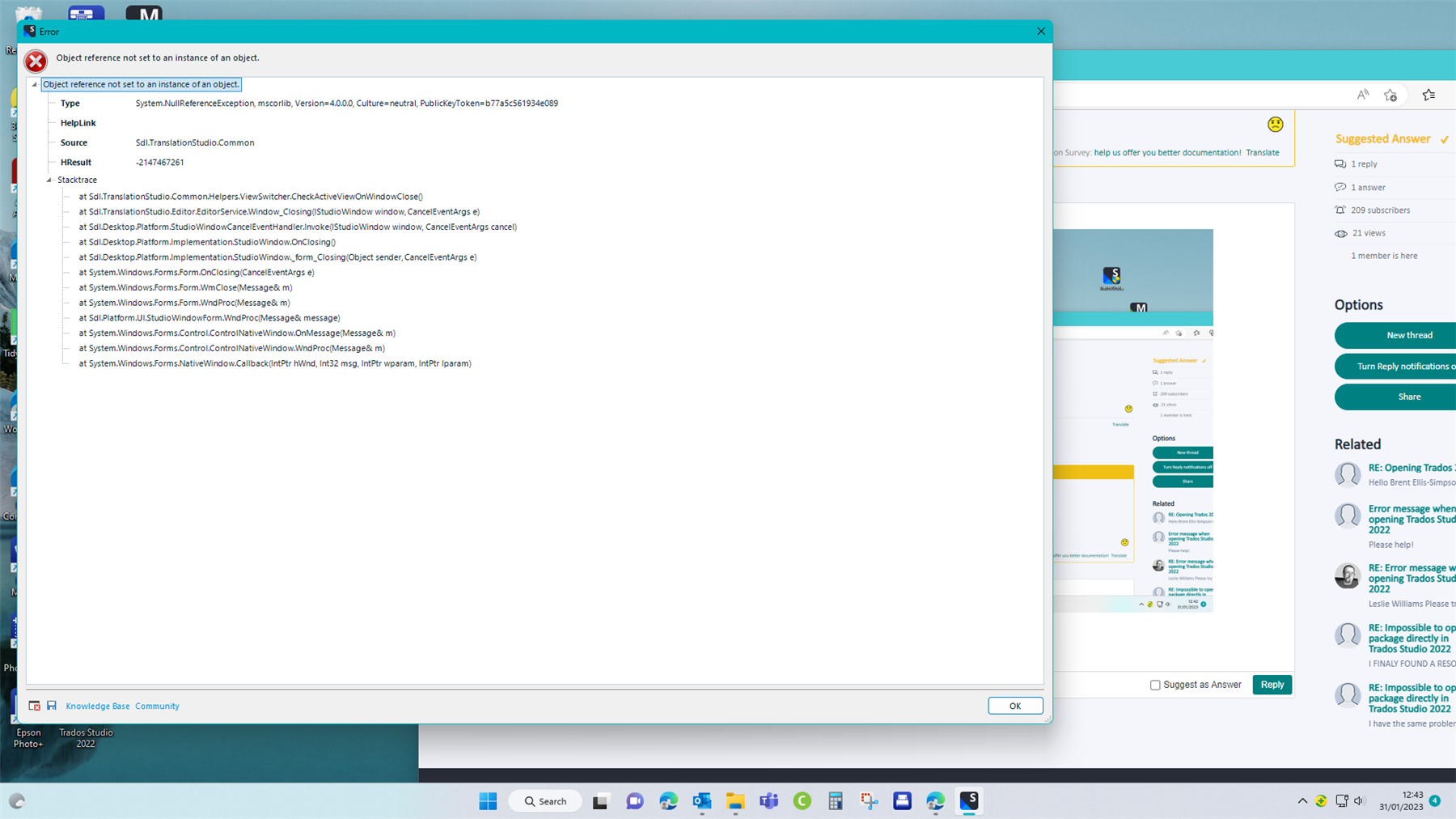
I tried your first solution and now get the following two error messages-
The paths suggested in the article don't exist in my files, this is the path where I found 17 - C:\ProgramData\Trados\Trados Studio
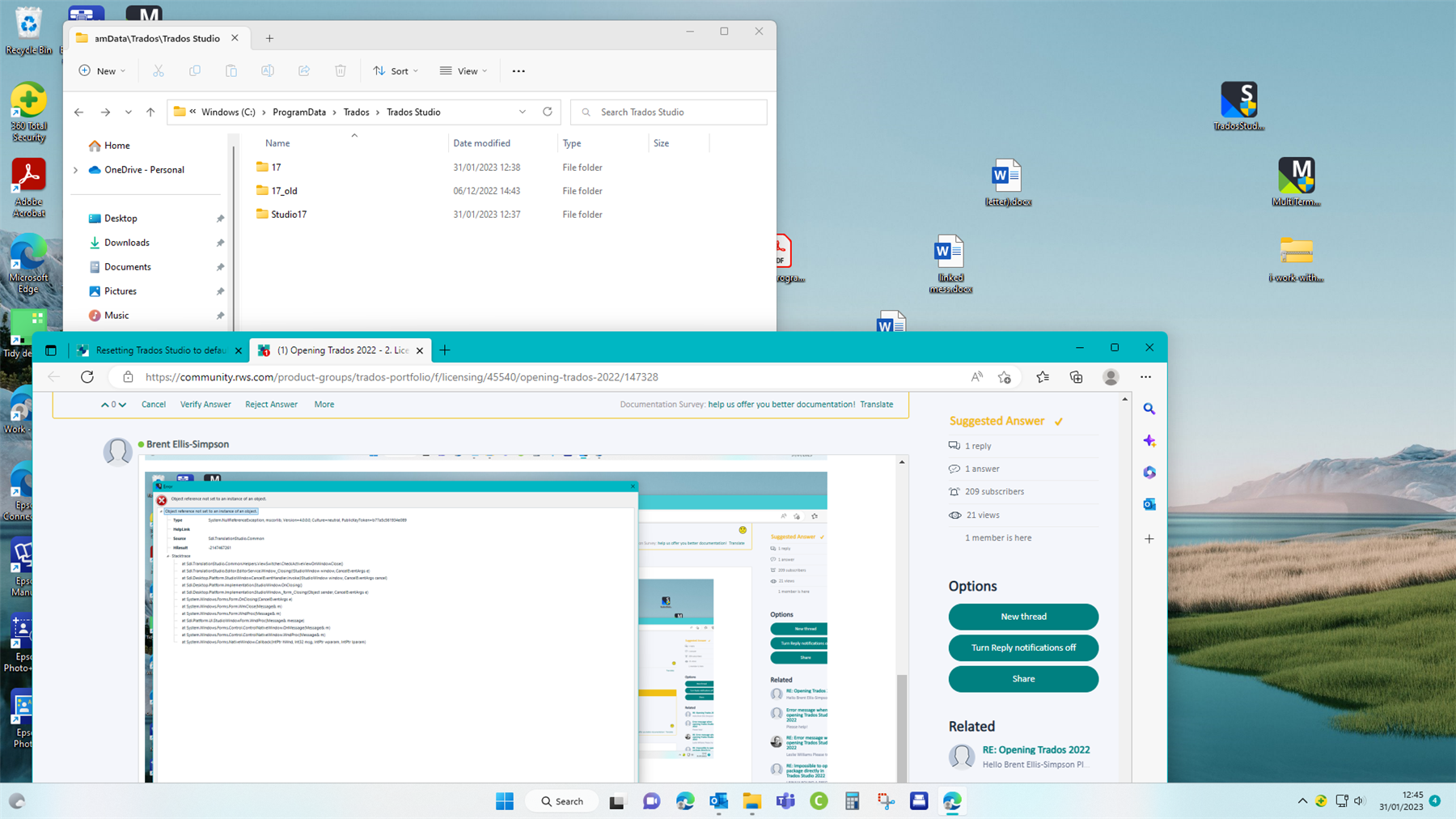
I tried opening after renaming the 17 folder "old" , got the new error messages. Uninstalled and reinstalled Studio 22, still get the same error messages and now have a new
"17" folder
What now?
I tried your first solution and now get the following two error messages-
The paths suggested in the article don't exist in my files, this is the path where I found 17 - C:\ProgramData\Trados\Trados Studio
I tried opening after renaming the 17 folder "old" , got the new error messages. Uninstalled and reinstalled Studio 22, still get the same error messages and now have a new
"17" folder
What now?
Hello Brent Ellis-Simpson
Try to rename these folders while Studio is closed. If you can`t find the paths just Copy / Paste them in File Explorer and hit Enter and it will take you there.
C:\Users\%USERNAME%\AppData\Roaming\Trados - rename the Trados Studio folder
C:\Users\%USERNAME%\AppData\Local\Trados - rename the Trados Studio folder
C:\Users\%USERNAME%\Documents - rename the Studio [version] folder to Studio [version]_old
Thank you,
Sorin
Hi Sorin, copying these paths does not take me to these folders. The wild card does not work. I have found the correct files in Users\username\AppData\Roaming\Trados Studio\17
after uninstalling and reinstalling Trados. Now the fix with Plugins_old works.
Which brings me back to my original problem, I cannot download and open Language Weaver on Trados 2022.
Hello Brent Ellis-Simpson
Check your version of Studio in Help menu > About Trados Studio and then download and install the correct version of the Language Weaver plugin from here: https://appstore.rws.com/plugin/9/
Thank you,
Sorin

Did that a long time ago. See my latest post.
My version is Trados Studio 2022 - 17.0.5.14757 and I'm downloading the recommended 5.0.7.1 App.
Have I got that wrong?
All the best

Presumably this one?
RE: Language Weaver won't install on Trados 2022
It helps to provide a link. I think this thread is solved already and your other (original?) problem is in the one I linked.
Paul Filkin | RWS
Design your own training!
You've done the courses and still need to go a little further, or still not clear?
Tell us what you need in our Community Solutions Hub


These are slightly easier paths...
%APPDATA%\Trados
%LOCALAPPDATA%\Trados
%USERPROFILE%\Documents
David Watson
Trados Development Team