
 Translate



This morning, I tried opening Trados Studio 2019 on my computer, but found the message "Evaluation expired [37]". But I do have an active licence with no expiry date. And in my SDL account, I can see that my licence is "active"... Can someone help me with that? Thank you.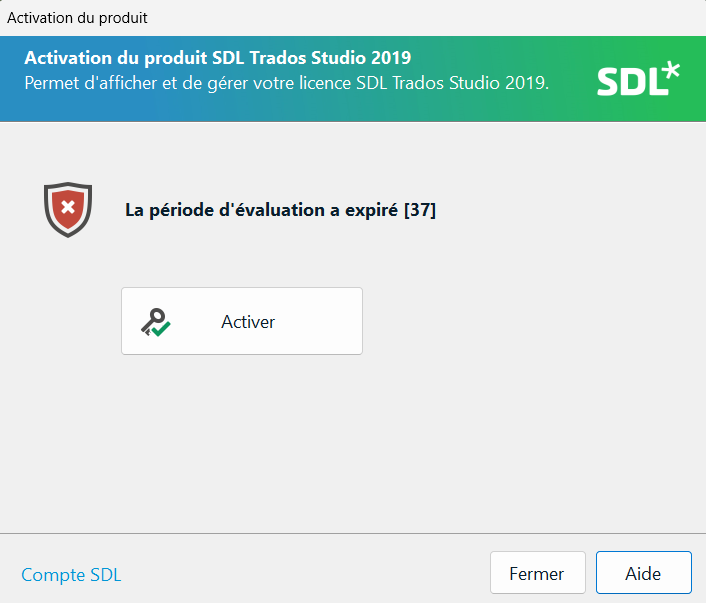
Generated Image Alt-Text
[edited by: RWS Community AI at 11:36 PM (GMT 0) on 14 Nov 2024]





