


Cannot deactivate licence

I am attempting to download Trados on a new laptop, so I need to deactivate the licence on my old laptop. What I have tried so far:

  • Deactivating online via Help > Product activation. Here I get the following error message:
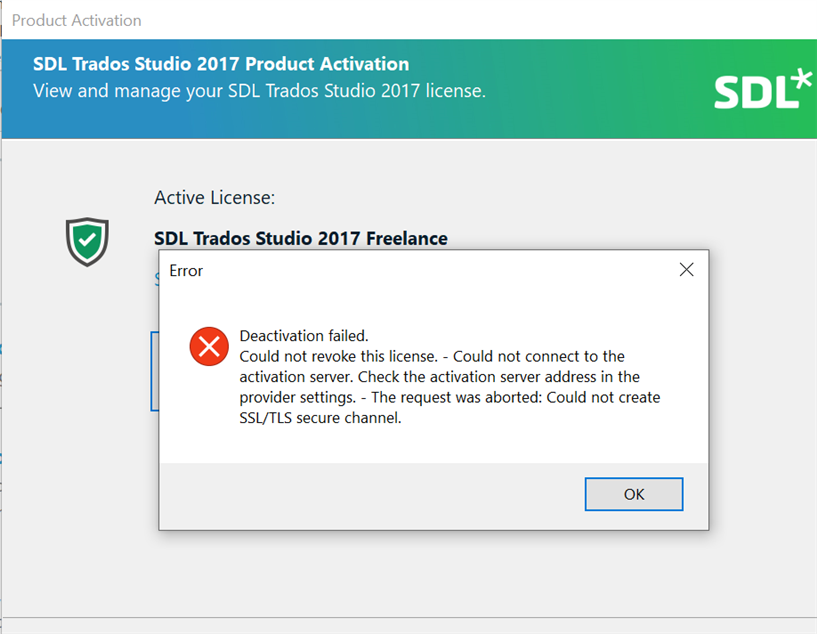
Error message in Trados Studio 2017 Product Activation window saying 'Deactivation failed. Could not revoke this license. - Could not connect to the activation server. Check the activation server address in the provider settings. - The request was aborted: Could not create SSLTLS secure channel.'

  • Deactivating offline via my RWS account. I then get the following error message:
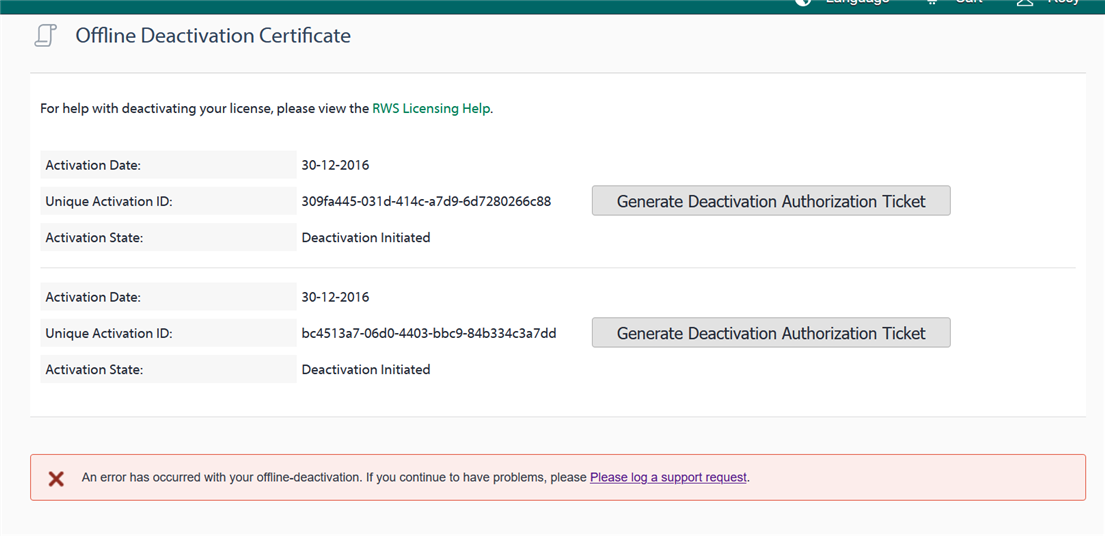
Offline Deactivation Certificate page with a red error message at the bottom stating 'An error has occurred with your offline-deactivation. If you continue to have problems, please log a support request.'

Thank you in advance for your advice!


Generated Image Alt-Text
[edited by: Trados AI at 2:06 PM (GMT 0) on 4 Mar 2024]

emoji
